Email automation
A Shopify product quiz where the AI writes the follow-up emails, too
Other apps just pass emails to separate platforms. AI SalesQ's AI writes the complete subject line and body from a few product prompts, then sends it for you.
Free plan available · No credit card · 14-day trial on paid plans
What's actually different
Answer a few questions. Get a finished email.
No Blank Pages
Tell AI SalesQ about your product, your desired tone, and your goal. The AI instantly writes a complete, launch-ready follow-up email—including the subject line and full body copy.

No Second Subscription
Full email automation is built right in. There is no separate platform to connect, no extra software fee, and no scaling per-contact billing that spikes as your subscriber list grows.
Design It Your Way
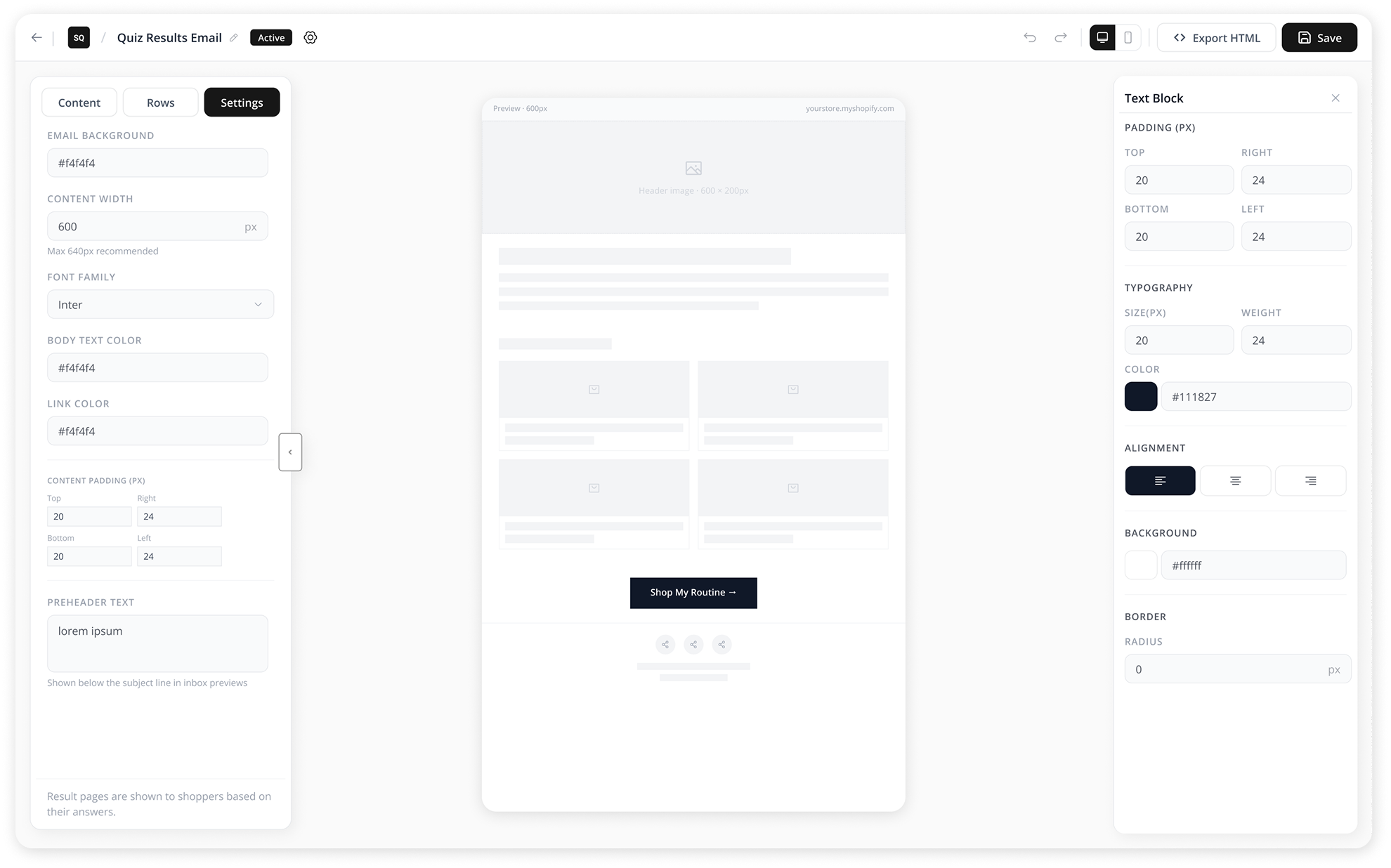
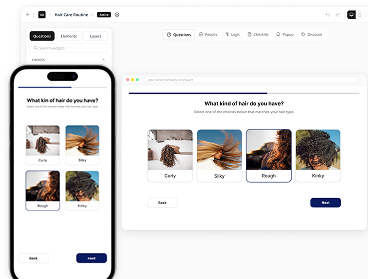
Customize your AI copy using our drag-and-drop editor. Easily add live Shopify product blocks, custom imagery, and personalized product recommendations, all with built-in mobile previews.
Edit or Send As-Is
The AI's generation is a launchpad, not an obligation. Tweak every sentence to perfection inside the builder before it goes live, or publish it exactly as written. Your call, every single time.
See it generate an email
Watch it write one.
Product
Tone
The real numbers
The honest math on quiz email costs.
Quiz app/mo
Email platform/mo*
Subscribers
Combined cost/mo
AI SalesQ/mo
$39+
$20
500 subscribers
$59+
$19
$39+
$30
1,000 subscribers
$69+
$19
$39+
$100
5,000 subscribers
$139+
$49
$39+
$150
10,000 subscribers
$189+
$49
$39+
$400
25,000 subscribers
$439+
$99
*Email platform pricing varies by provider and subscriber count. Figures shown are representative estimates*
What the automation actually does
What happens after someone finishes your quiz.
A shopper answers your quiz and gets matched to a recommended product or bundle. Here's the sequence that runs from there, without you touching anything after you set it up once:
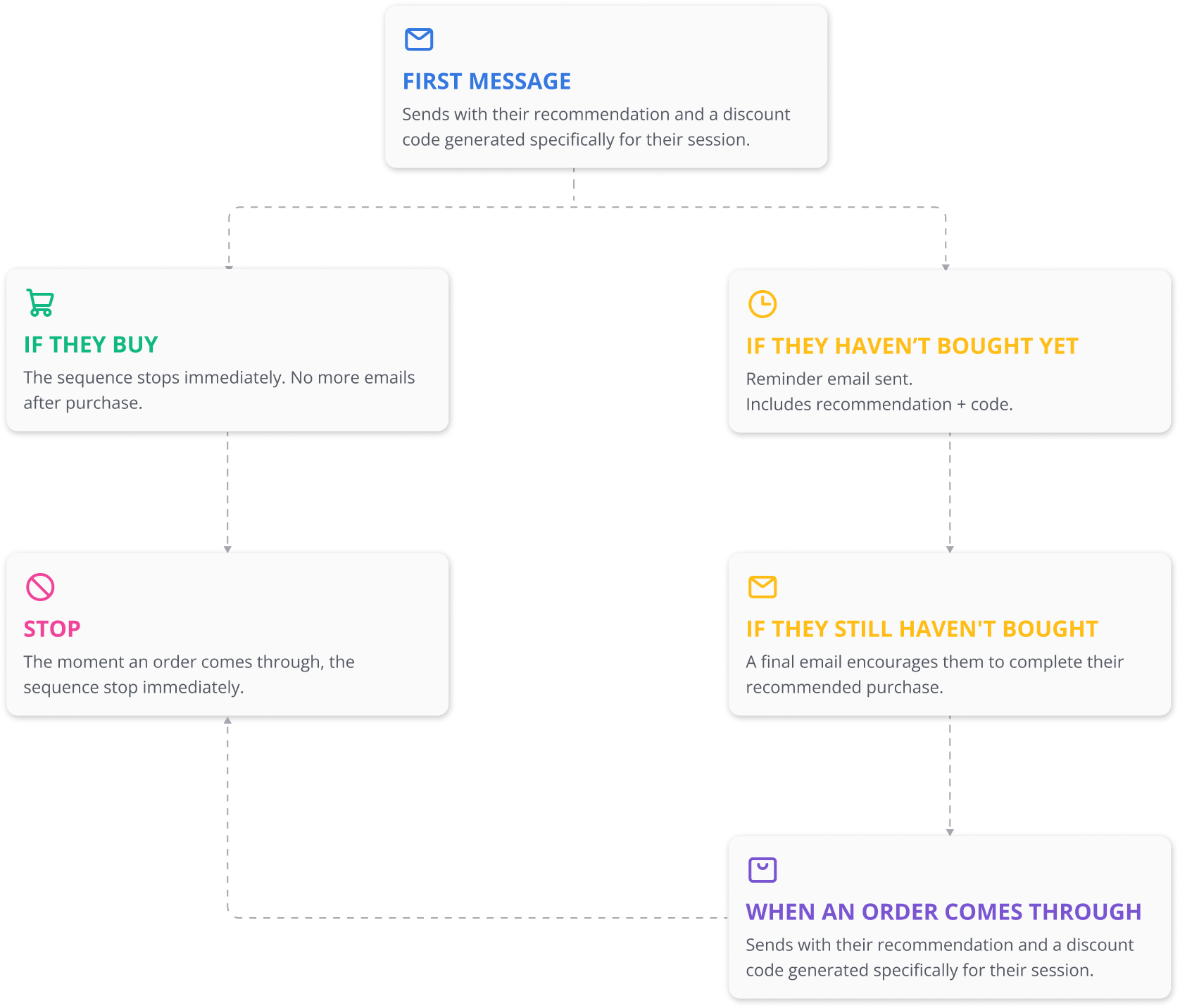
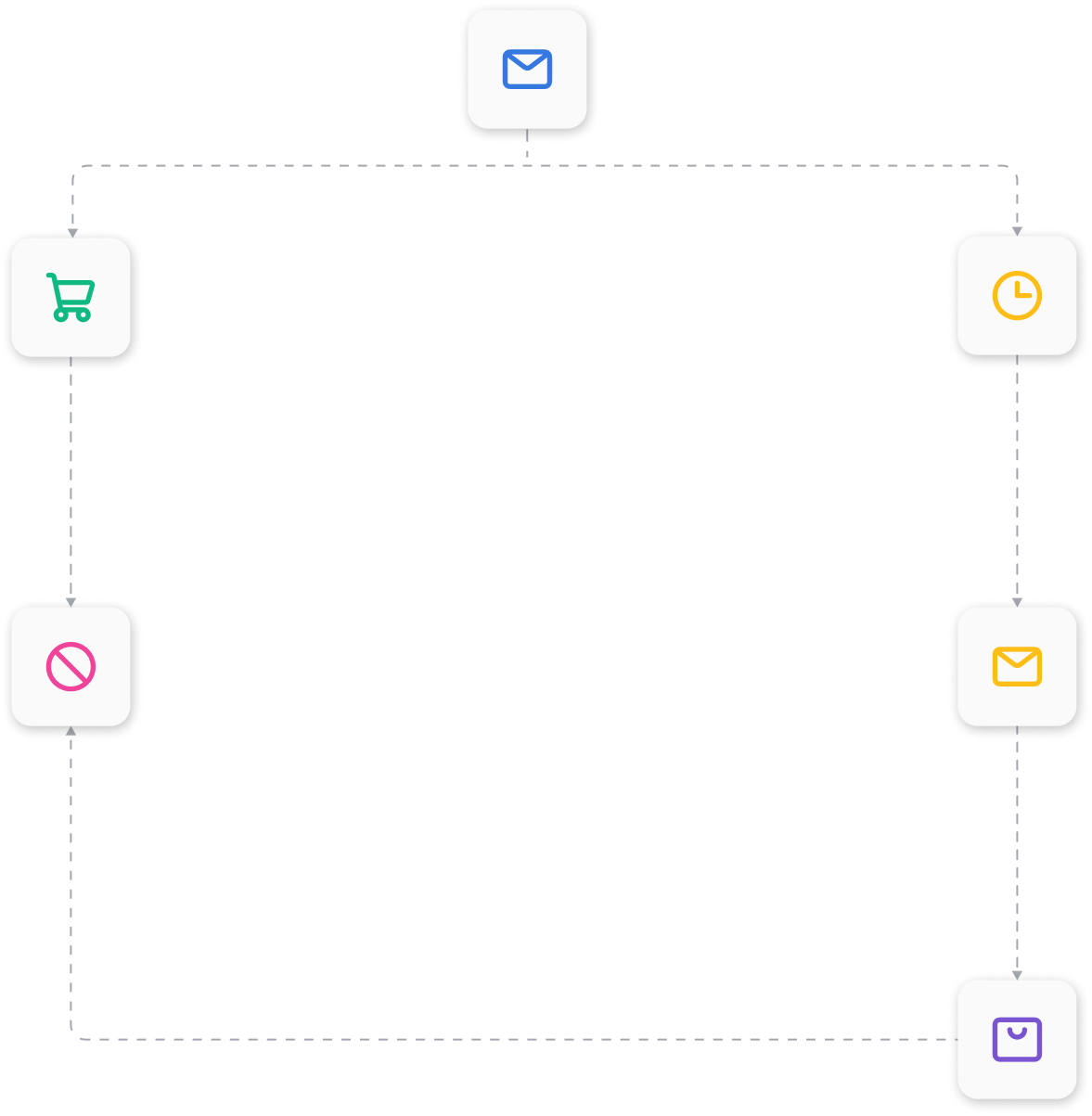
Every email in that sequence pulls from the same subscriber record as the quiz answer and the order data. There's nothing to sync because nothing was ever separate.
Set up automation
How to set up quiz email automation.
BUILD
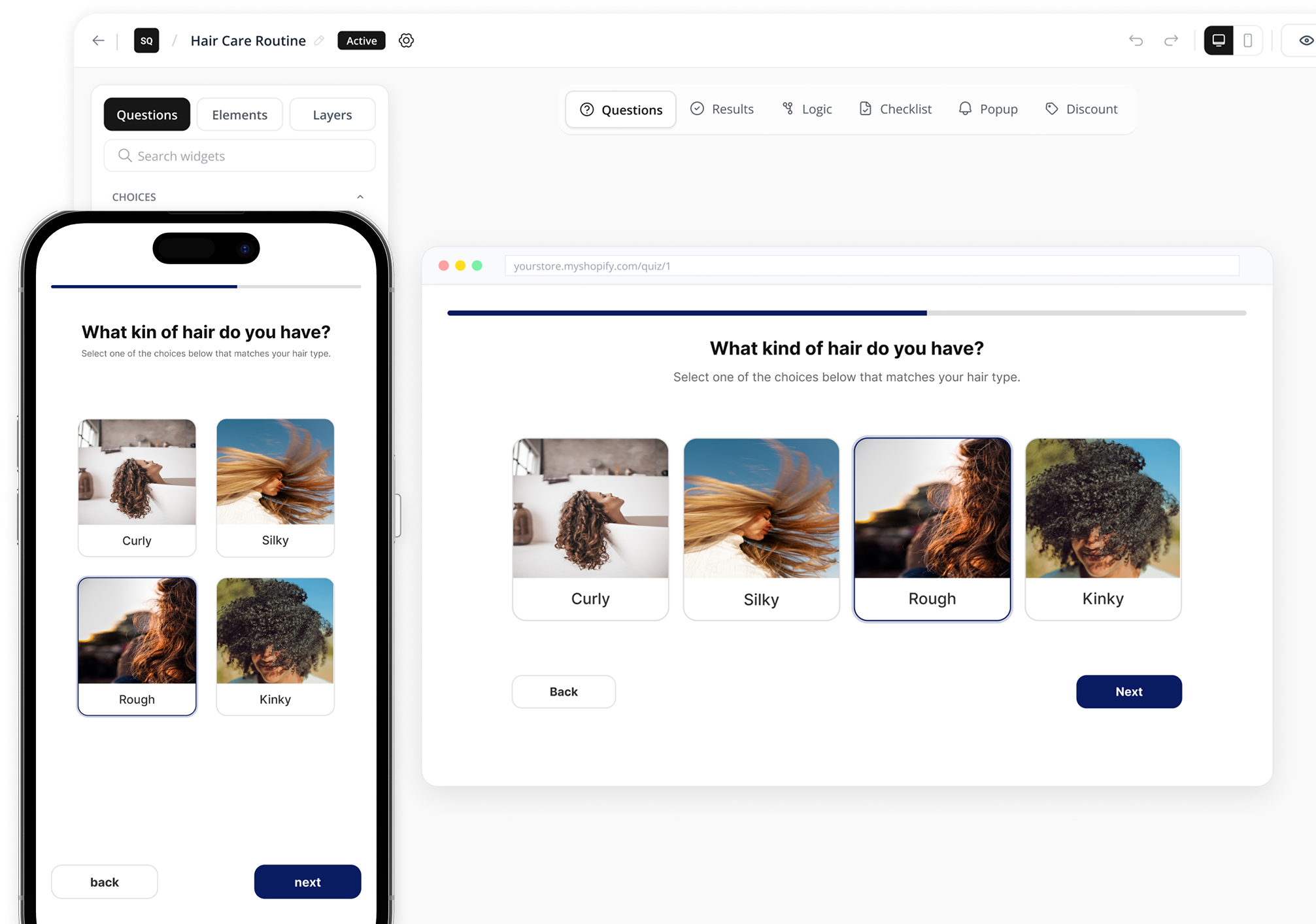
Build your quiz and result pages
Your quiz needs result categories before automation can begin. Create the quiz, define each outcome, and make sure every shopper is matched to the right recommendation.
How quiz answers become personalized product recommendations →
Set up automation
How to set up quiz email automation.
CONFIGURE
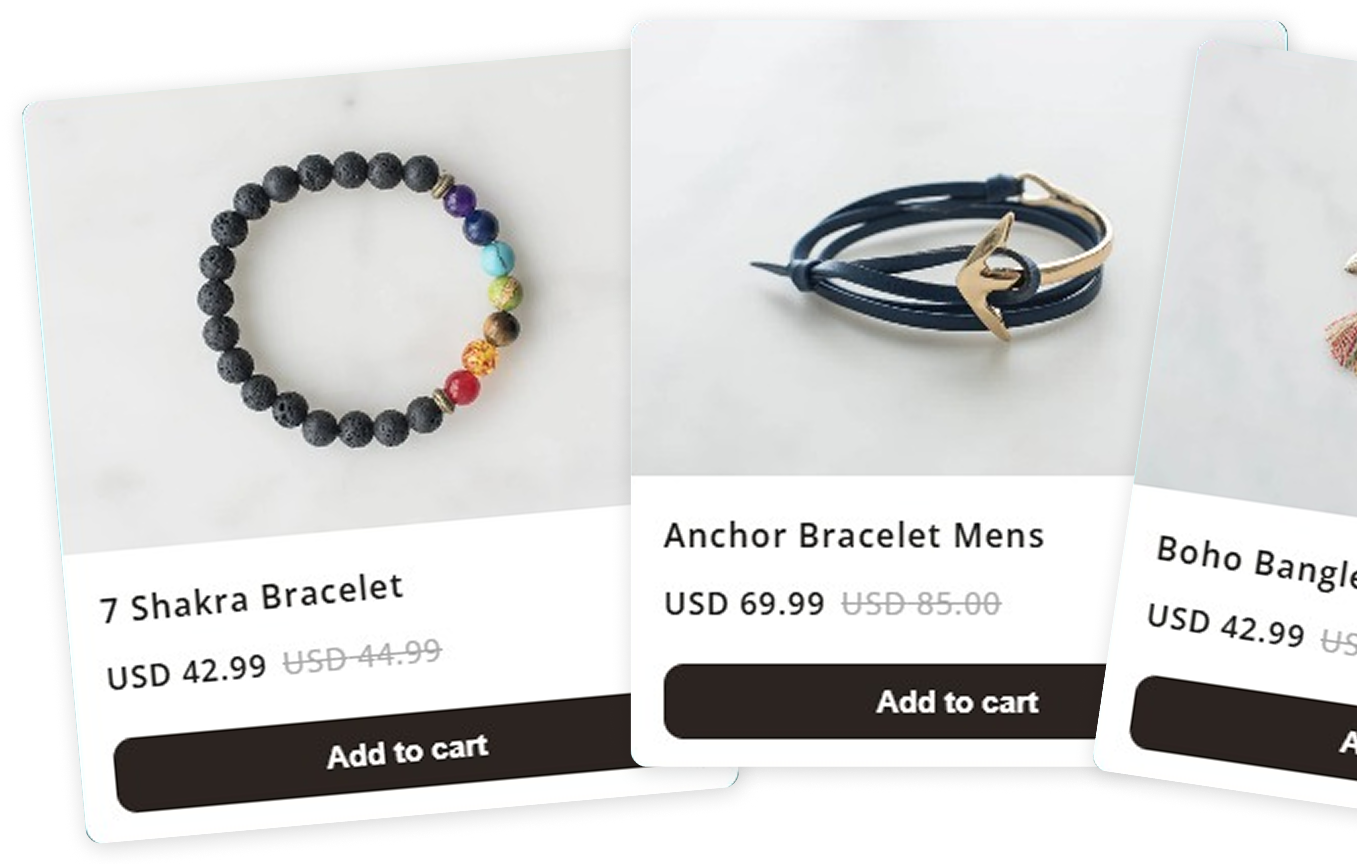
Answer a few questions about your product and tone
Tell AI SalesQ about your product and brand voice. The AI generates a complete email—including the subject line and body—for every quiz result.
How AI writes targeted follow-up emails based on each quiz result →
Set up automation
How to set up quiz email automation.
CUSTOMIZE
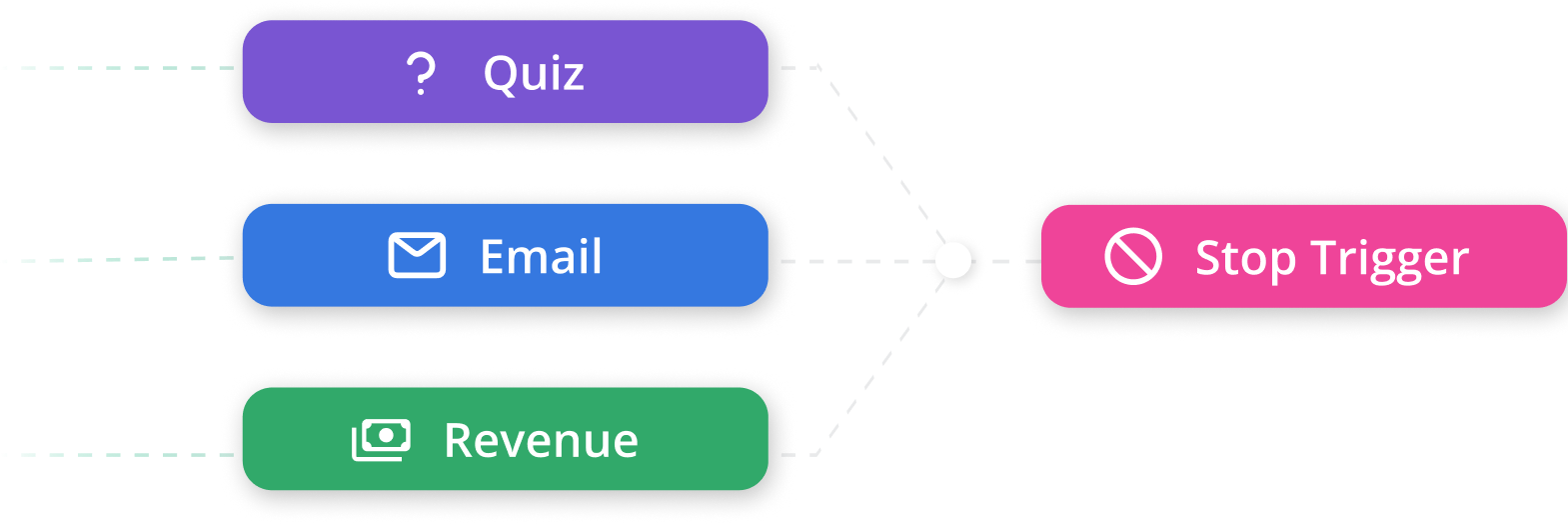
Edit if you want, then set a stop trigger
Review and adjust the email copy if needed. Then choose what ends the automation early, usually when the recommended product is purchased.
How you control the message and stop emails at the right moment →
Set up automation
How to set up quiz email automation.
PUBLISH
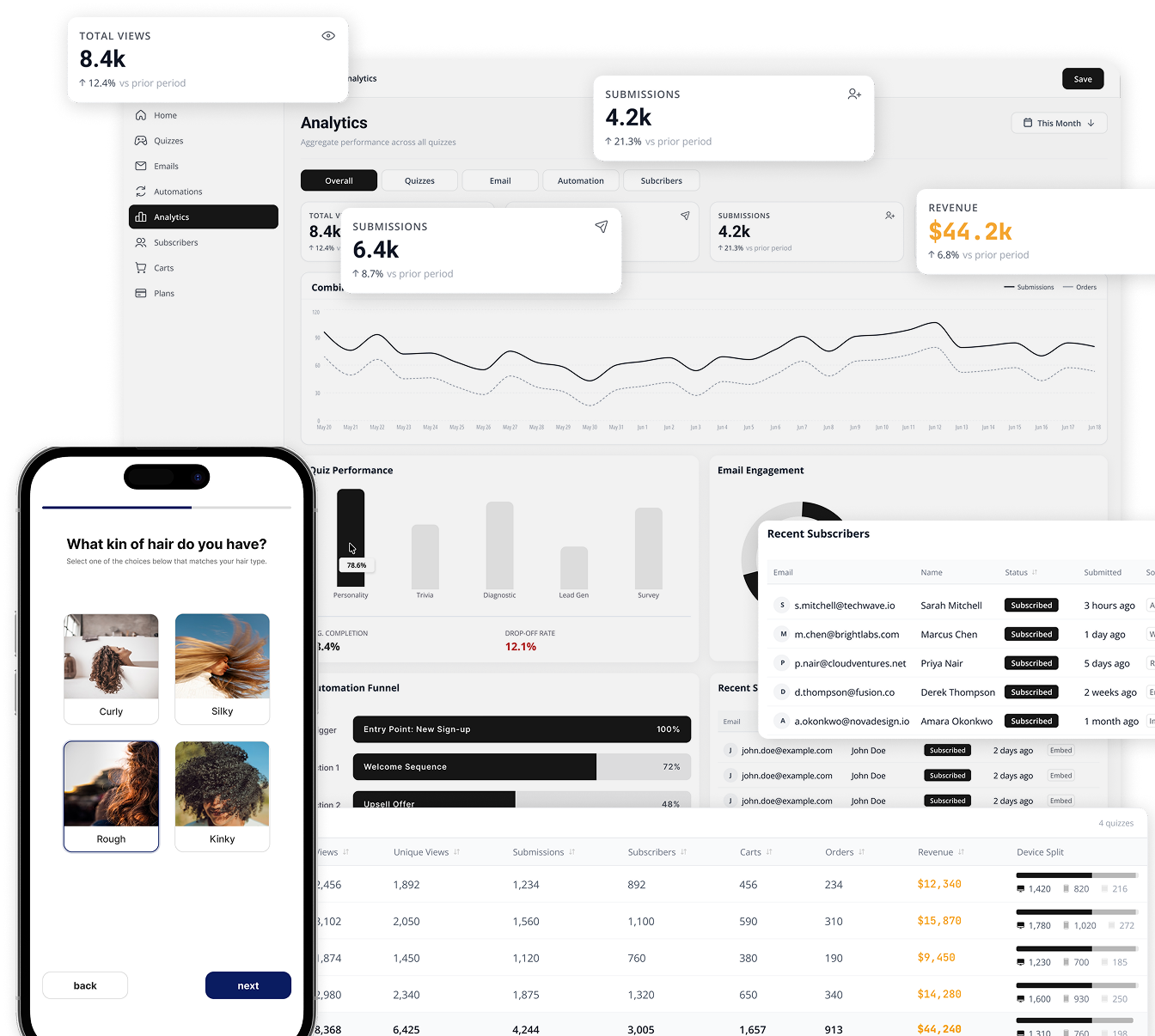
Publish and monitor
Launch your automation and monitor every run from one dashboard. No external email platform, no syncing, and no per-contact billing.
Watch each and every automation's data and triggers in a single place without the hassle to move between pages.
How your automation runs, tracks results, and improves from one dashboard →
Comparison
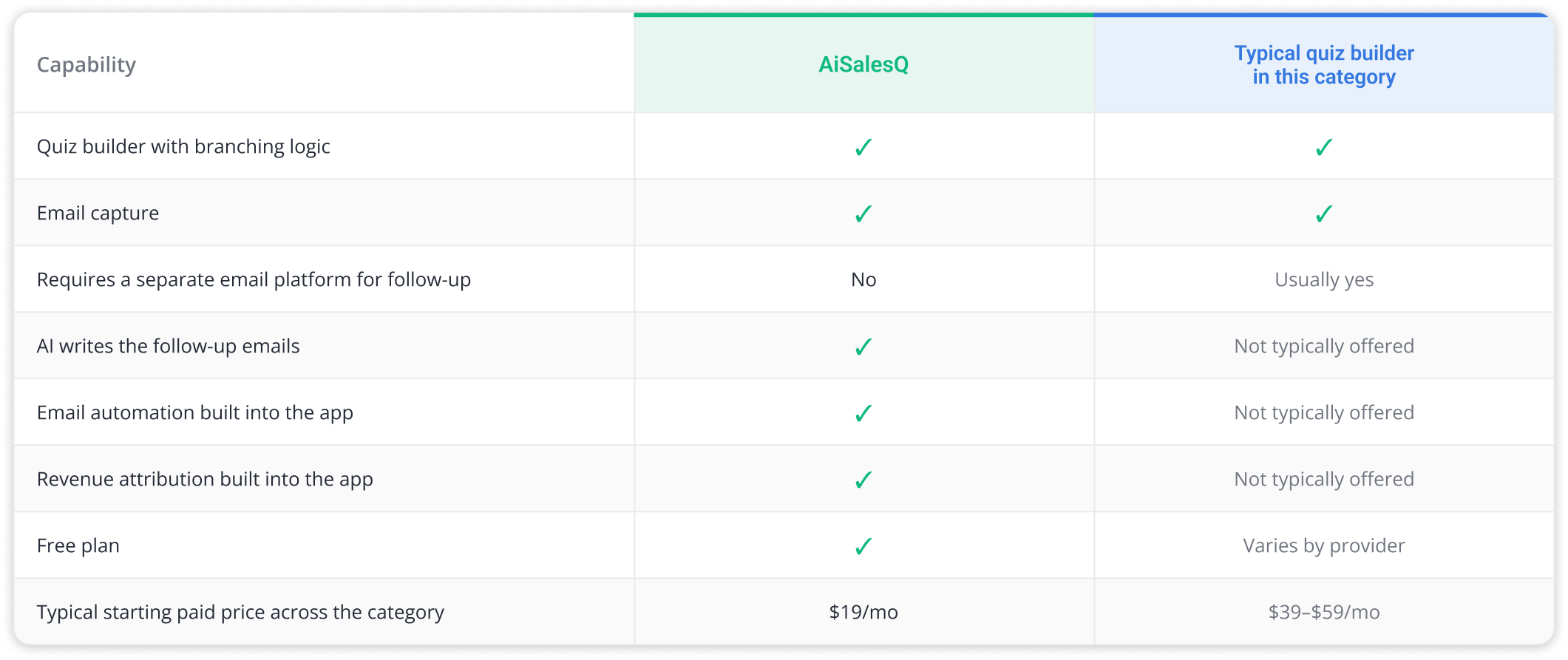
How AI SalesQ compares to other Shopify quiz builders.
Shopify quiz builders handle quizzes well. The difference is what happens after — separate tools or built-in automation.