HOW SALESQ WORKS · THE SHOPIFY QUIZ & EMAIL APP
Here's what actually happens. From first quiz question to attributed sale.
Five steps connect a shopper's quiz answer to a sale in your Shopify dashboard. Here's what happens inside each one, in the order it actually happens.
No vague diagrams. No feature lists. Just the real flow, explained step by step.
Free plan included · No credit card needed · Live in 15 minutes



THE COMPLETE FLOW
Your quiz. Their journey. Your revenue .
.
Here's what's happening at every step, from your side, your shopper's side, and inside SalesQ.
Setup
Setup
once
Quiz live
real-time
Quiz done
instant
Emails fire
hrs later
Revenue
ongoing
You (merchant)
Your action
Set up quiz logic, add email, publish.
–
–
–
Sees revenue from quiz-attributed orders.
Your shopper
Shopper experience
–
Finds quiz. Starts answering.
Sees results. Gives email.
Gets personalised follow-up emails.
Clicks through and purchases.
SalesQ automatic
Handled for you
–
Tracks views and device.
Captures answers. Creates subscriber.
Sends sequences. Stops on purchase.
Attributes revenue. Updates analytics.
STEP 1 OF 5 · YOUR ACTION · YOU ARE HERE
The 45 minutes that runs forever .
.
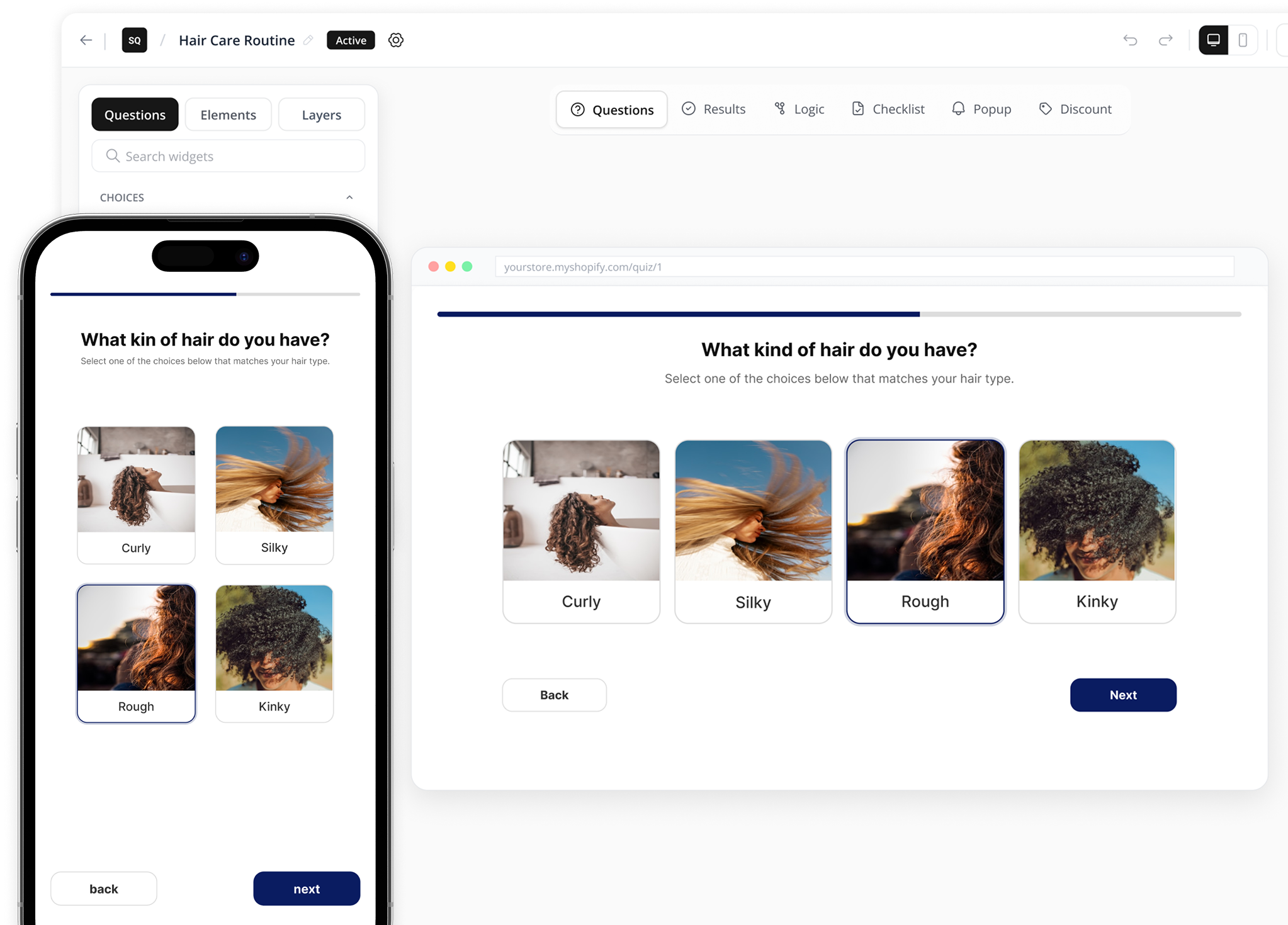
The moment you install SalesQ, your Shopify product catalogue is already connected. Your products are already there. What you're building is the path that gets each shopper to the right one.
ASK THE RIGHT QUESTIONS
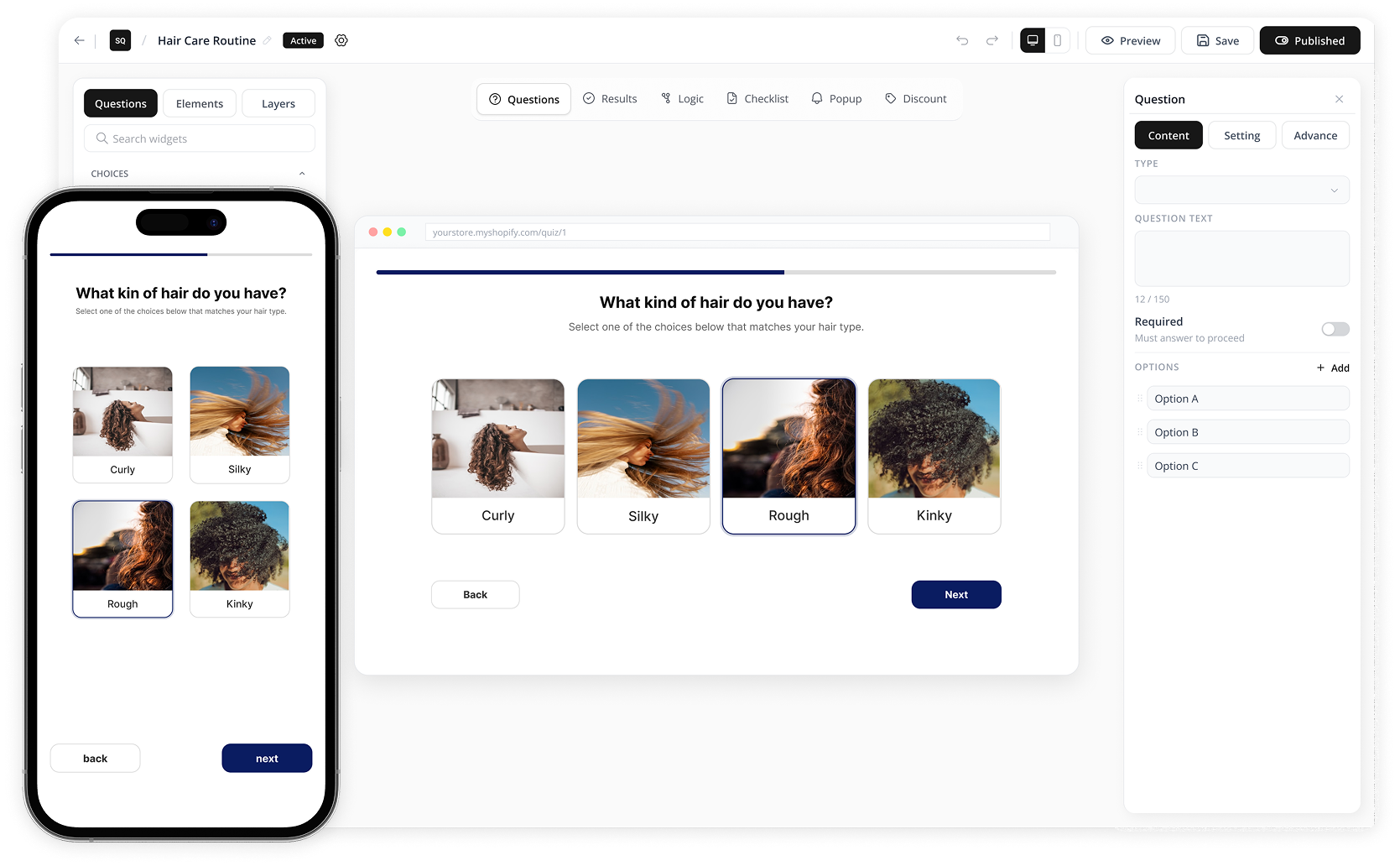
Open the builder. Choose your question types, multiple choice, picture choice, dropdown, yes/no, slider, rating scale, and more. The questions that convert ask about situation, need, and goal. Not about which product the The shopper is interested in they don't know yet. That's why they're taking the quiz. After each question, set a logic rule. If the The shopper answered X, show them Y next. Branching logic means every shopper gets a path matched to their situation, not a single sequence that fits nobody perfectly.
Building a high-converting quiz: question types, logic rules, and what actually converts →
STEP 1 OF 5 · YOUR ACTION · YOU ARE HERE
The 45 minutes that runs forever.
The moment you install SalesQ, your Shopify product catalogue is already connected. Your products are already there. What you're building is the path that gets each shopper to the right one.
CONNECT TO YOUR PRODUCTS
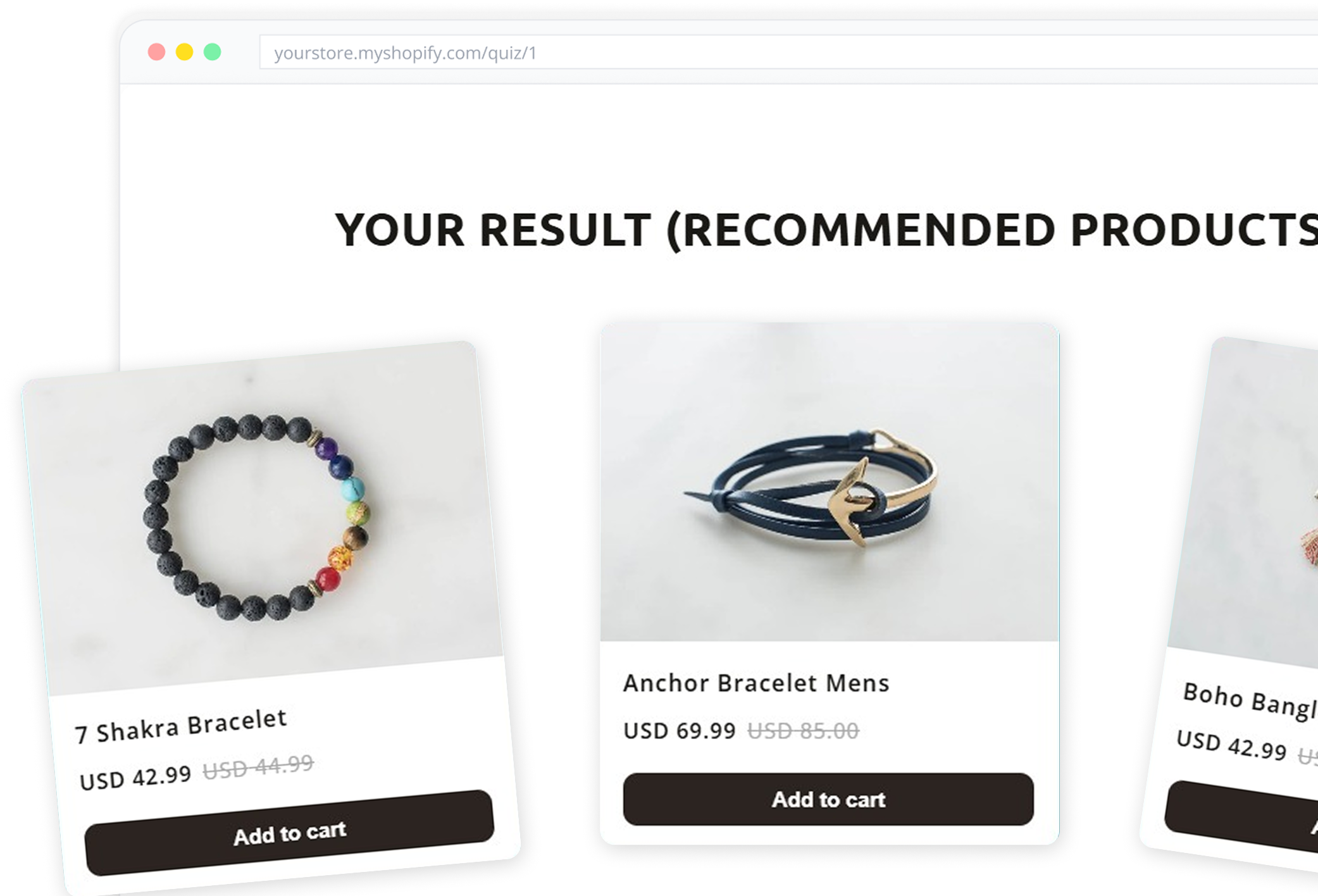
For each result path, select the products from your Shopify catalogue that match. The builder pulls your products directly. Search, select, assign. No manual data entry.
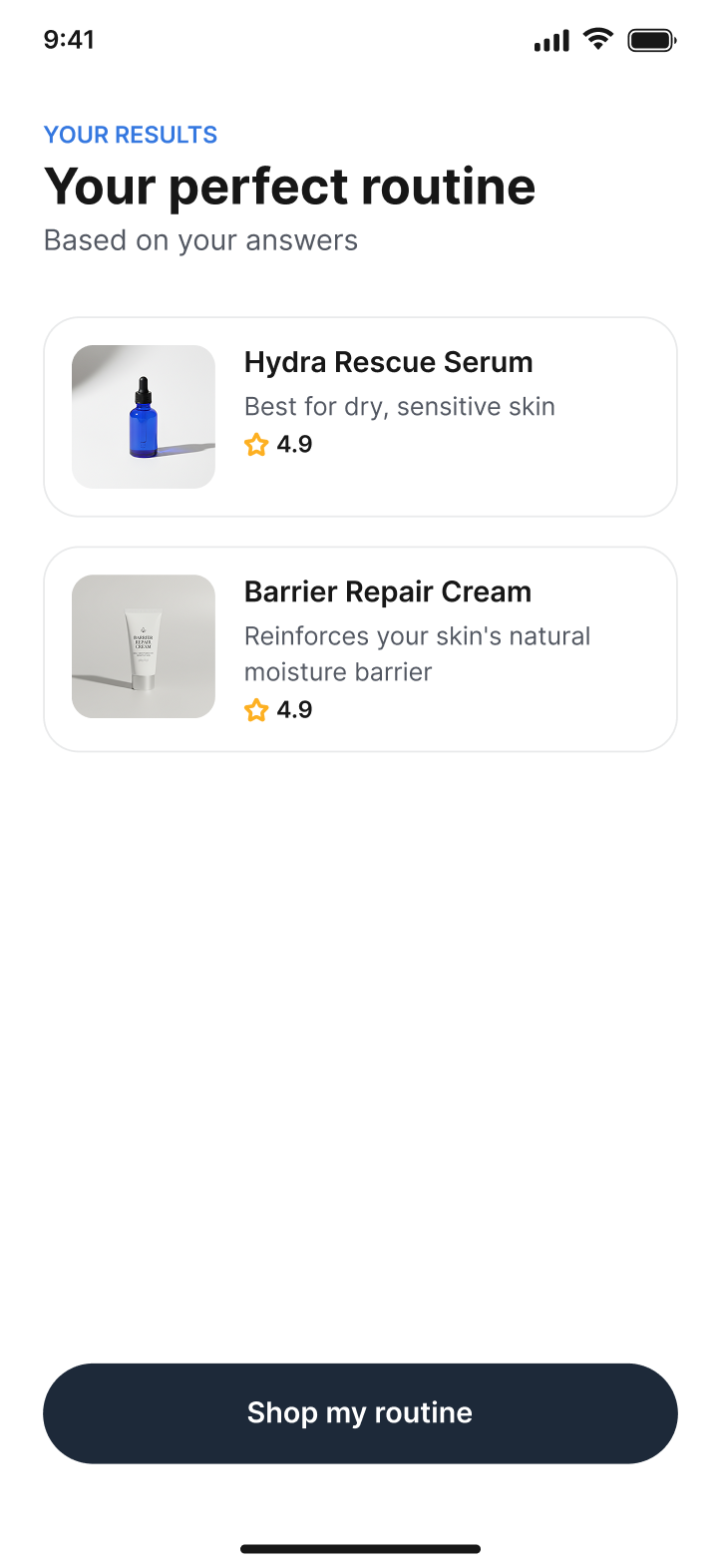
Each result path becomes a result page—the page your shopper sees when they finish. Their matched products, with context. An add-to-cart button. An optional explanation of why each product fits what they told you.
The result page is the first conversion moment. Build it to show exactly what your shopper needs to feel confident enough to buy.
STEP 1 OF 5 · YOUR ACTION · YOU ARE HERE
The 45 minutes that runs forever.
The moment you install SalesQ, your Shopify product catalogue is already connected. Your products are already there. What you're building is the path that gets each shopper to the right one.
SET UP WHAT FIRES AFTER
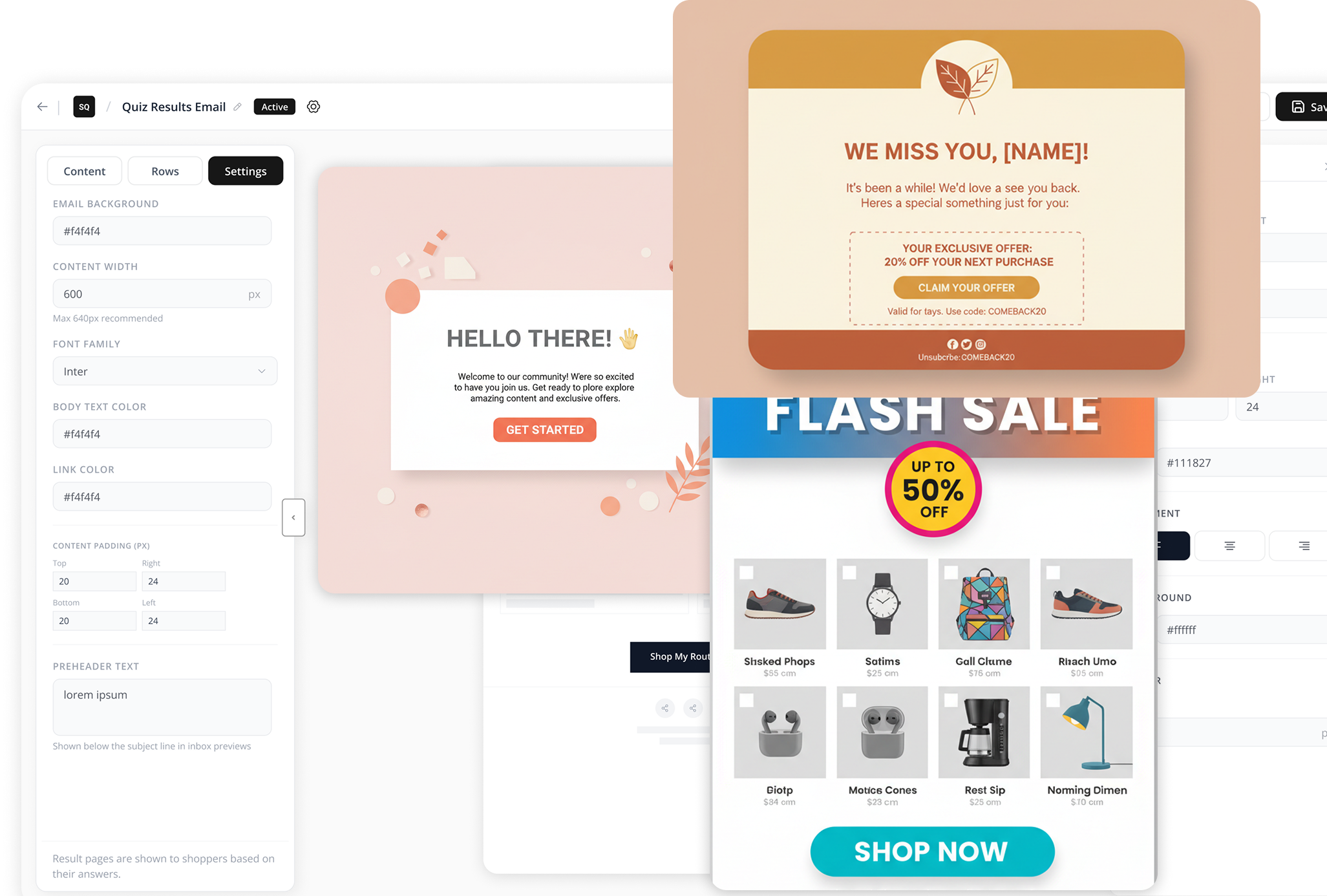
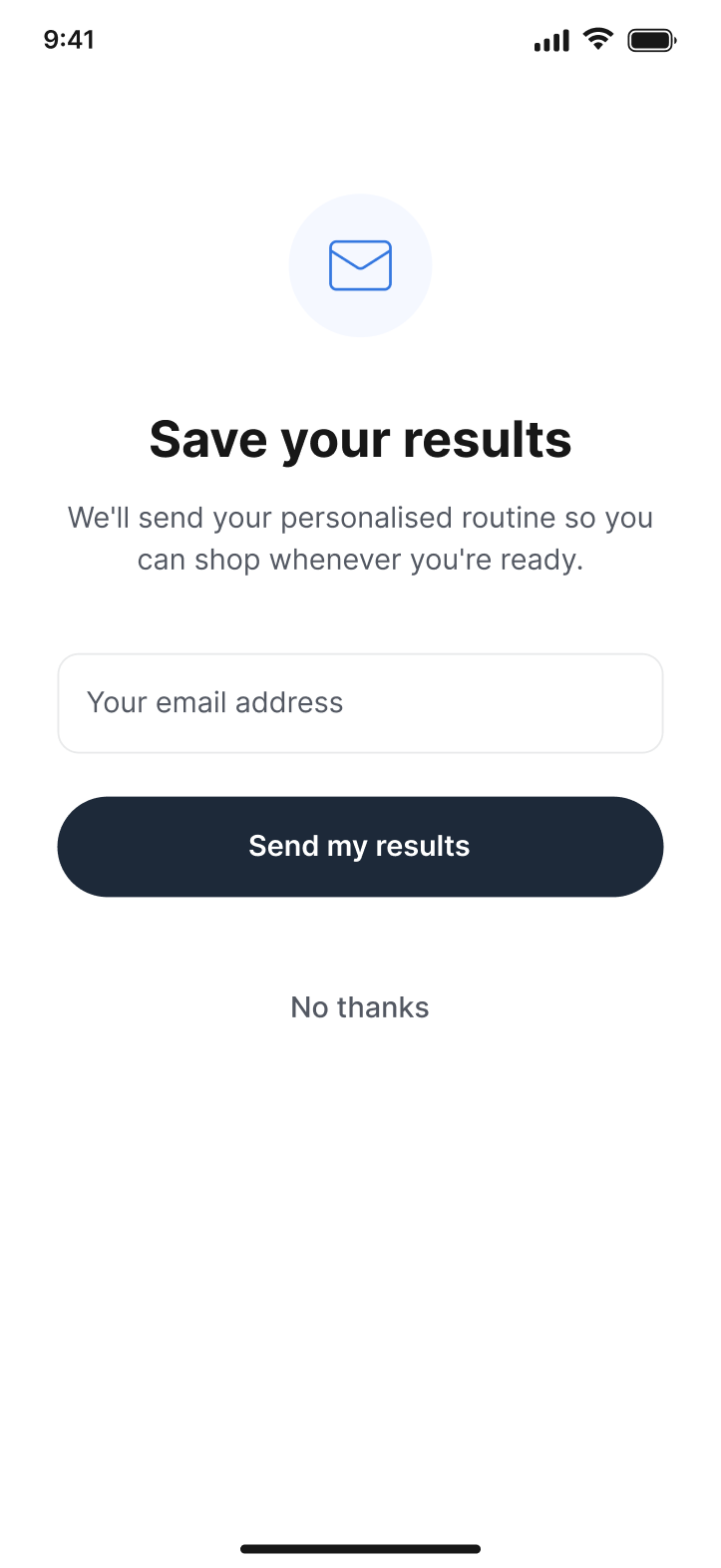
The quiz captures an email address. You decide when—before the result page, after it, or not at all. Most merchants collect it before showing results, with an optional skip.
Optionally generate a discount code when the quiz is completed. It appears automatically on the result page and again in the follow-up email.
Set up your email sequence here—choose the number of emails, the delay between each one, and the template to use. Configure it once. The next section shows what happens automatically after you save it.
STEP 1 OF 5 · YOUR ACTION · YOU ARE HERE
The 45 minutes that runs forever.
The moment you install SalesQ, your Shopify product catalogue is already connected. Your products are already there. What you're building is the path that gets each shopper to the right one.
PREVIEW AND PUBLISH
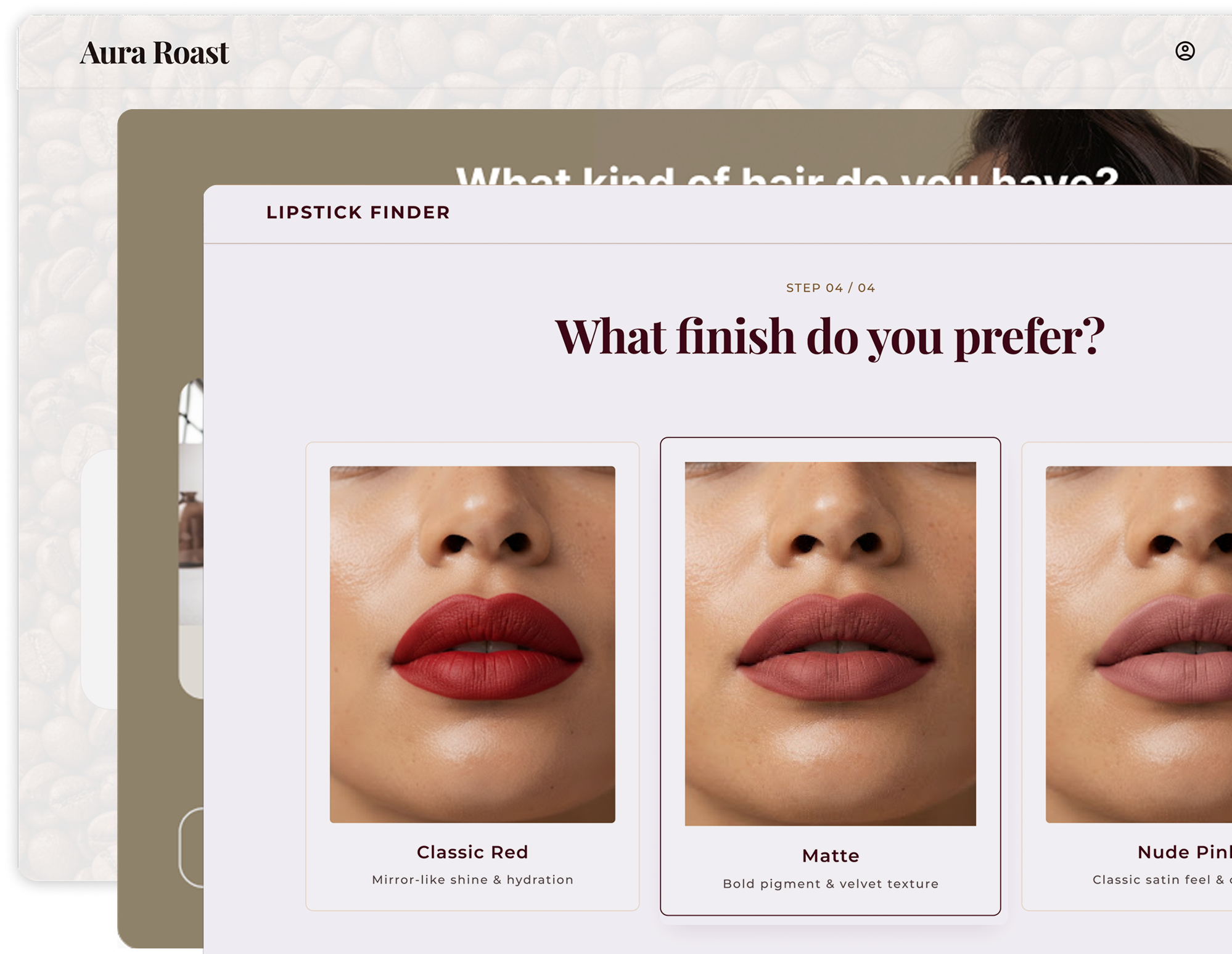
Before publishing, preview every answer path on both desktop and mobile. Preview mode shows the quiz exactly as your shopper will experience it, so you can verify everything before it goes live.
When you're ready, choose how the quiz appears: as a popup triggered by exit intent or time delay, embedded inline on any page, or as a standalone page with its own URL. Most merchants start with the popup because it automatically reaches every visitor.
Publish your quiz. From that moment on, SalesQ handles the rest in the background.
Your quiz is live. A shopper just found it.
Here's what they experience. ↓
STEP 2 OF 5 · THEIR EXPERIENCE
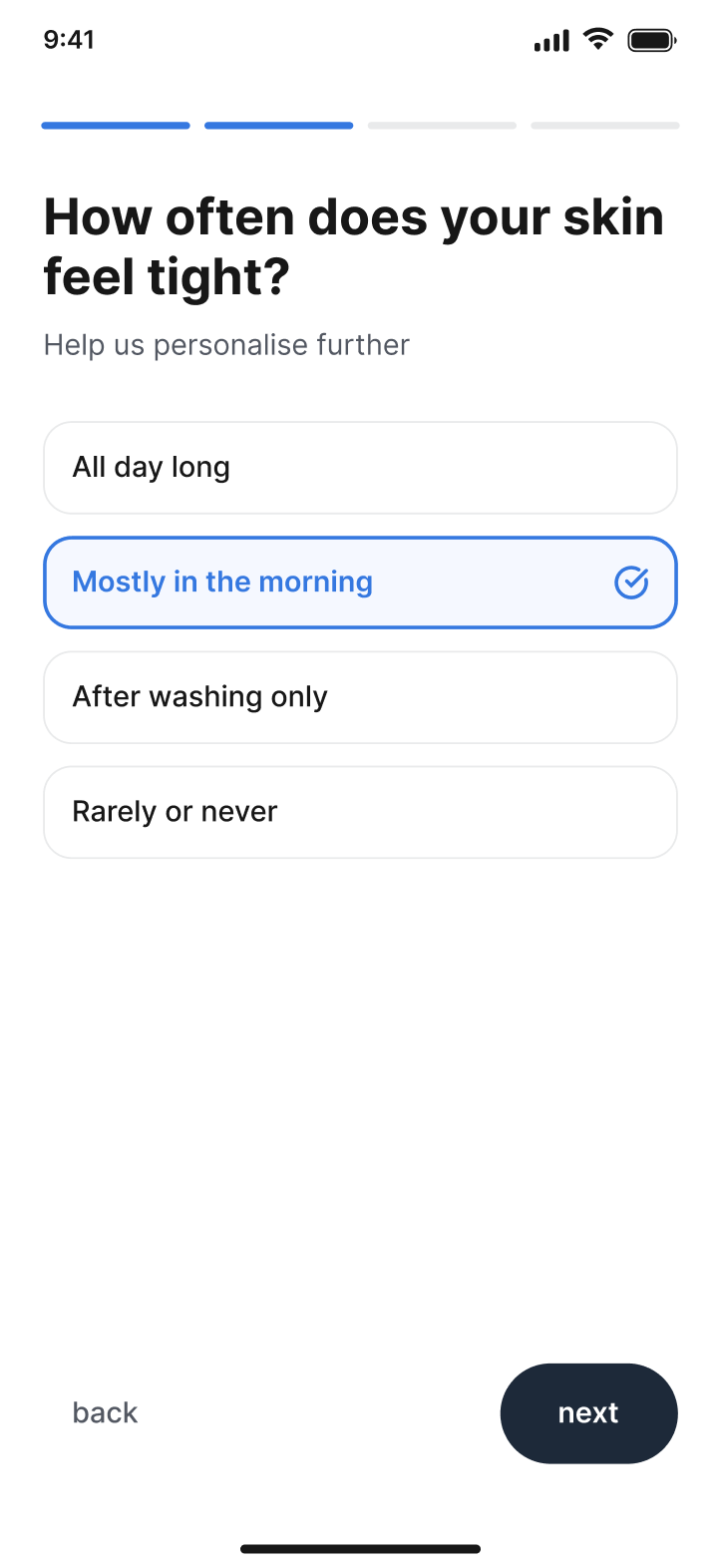
From "I don't know which one" to "this was made for me."
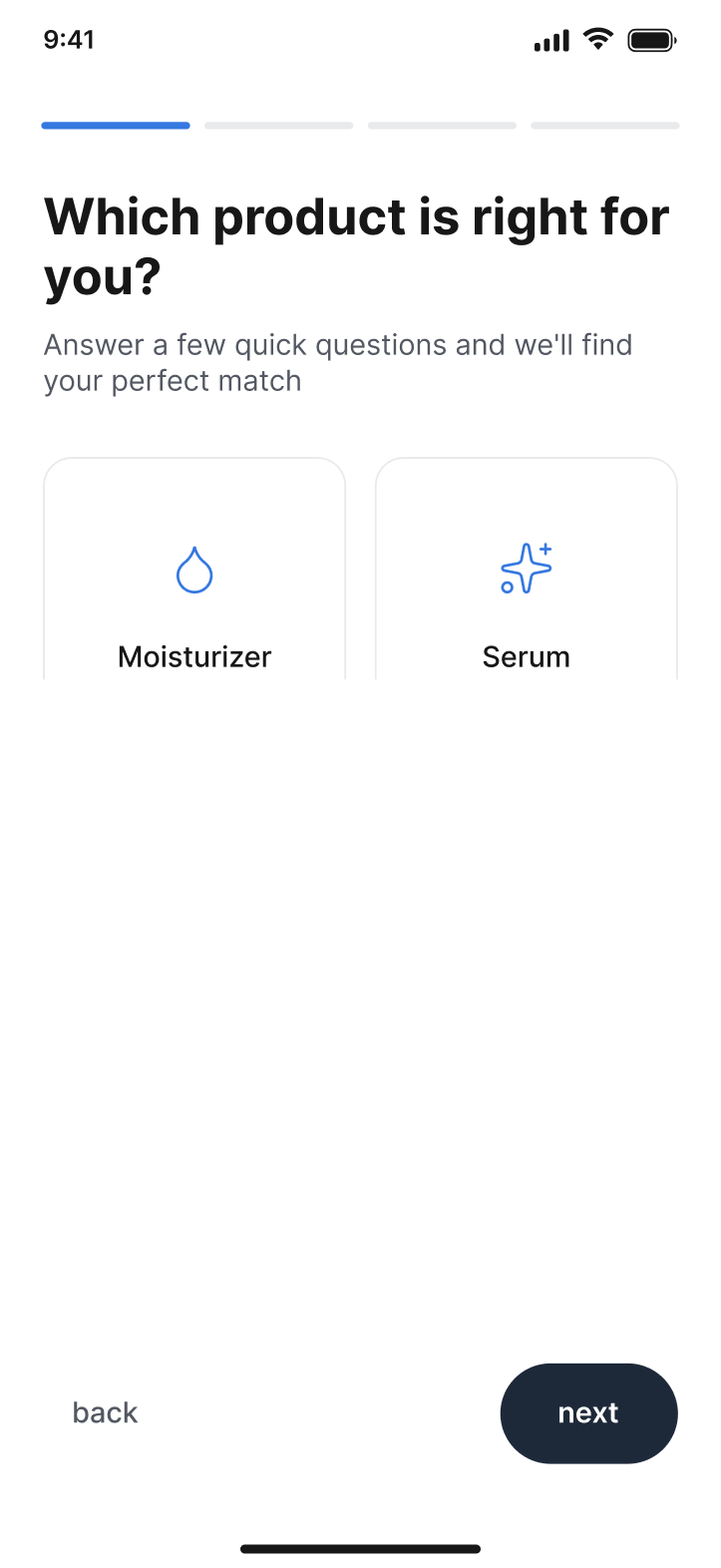
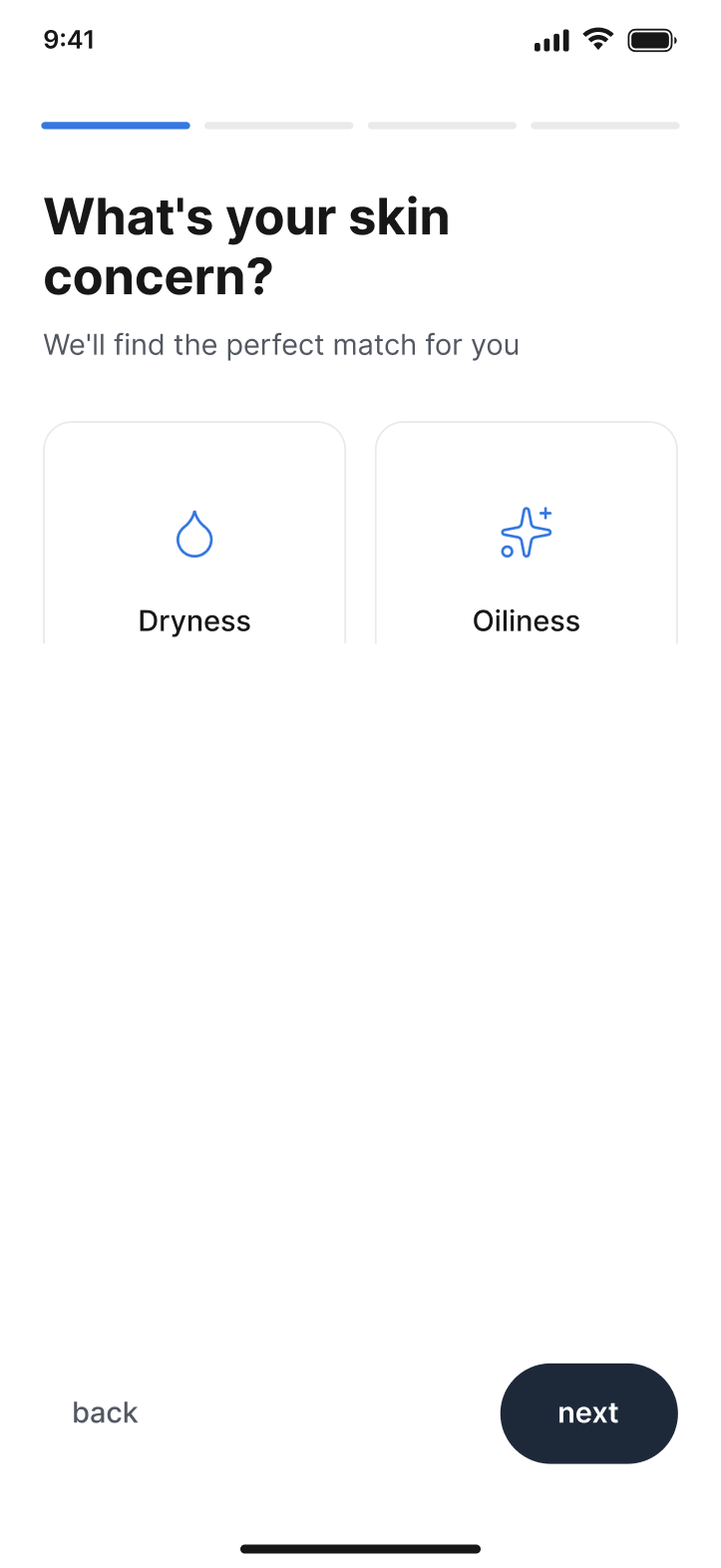
They're interested. They just need help choosing. Then your quiz appears.
They Find the Quiz
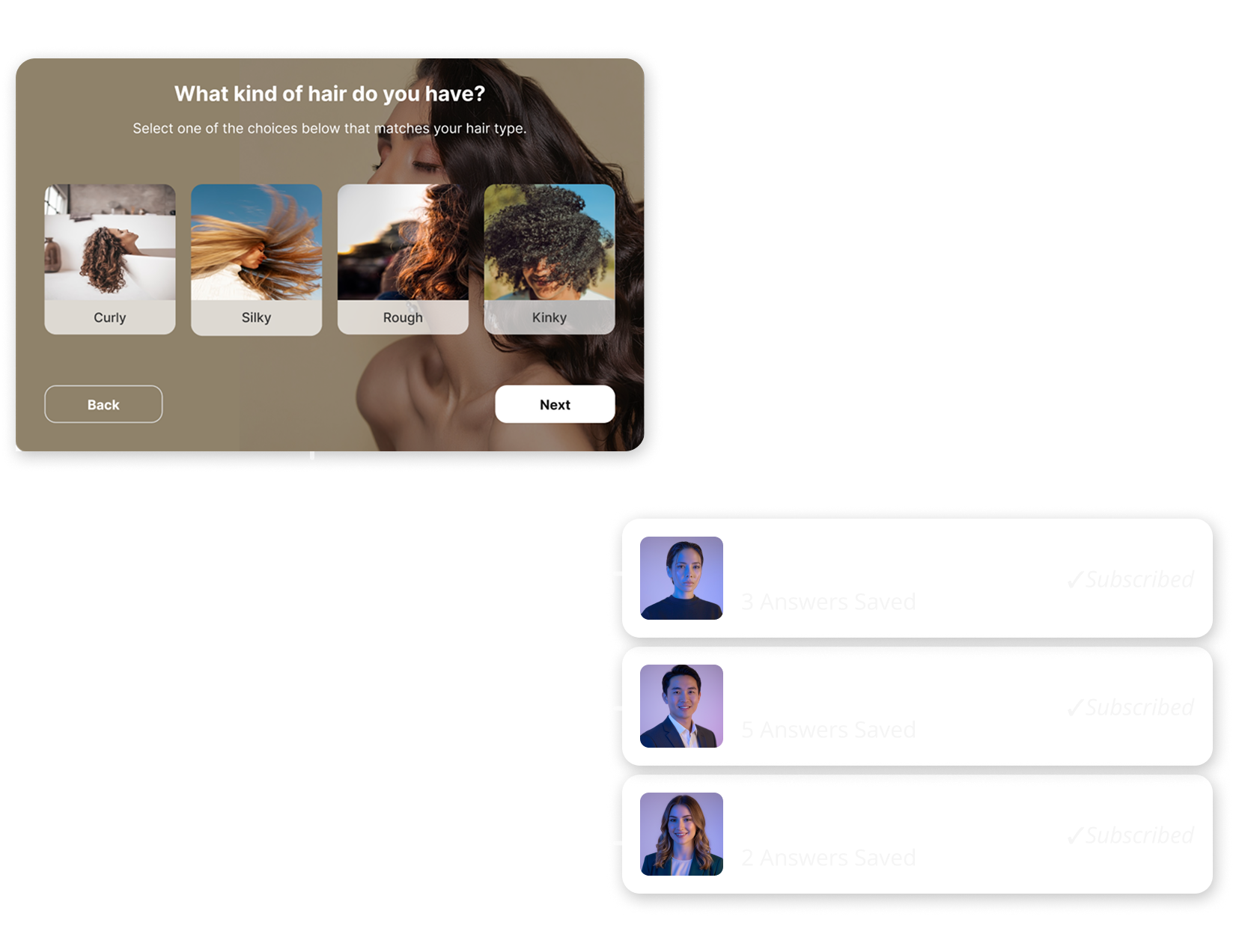
Instead of another discount popup, they're offered help choosing the right product. The quiz feels useful before it asks for anything in return.
They Find the Quiz
Instead of another discount popup, they're offered help choosing the right product. The quiz feels useful before it asks for anything in return.
STEP 3 OF 5 · AUTOMATIC
Within the hour. Personalised from their answers. Sent without you.
They leave. SalesQ handles the rest automatically.
1. Quiz submitted
CompletedAnswers captured. Subscriber profile created.
Every quiz answer is saved to the subscriber profile, creating a complete record of their preferences, concerns, budget, and recommended result for future automation.
2. Automation run started
CompletedAutomation triggered. Emails scheduled.
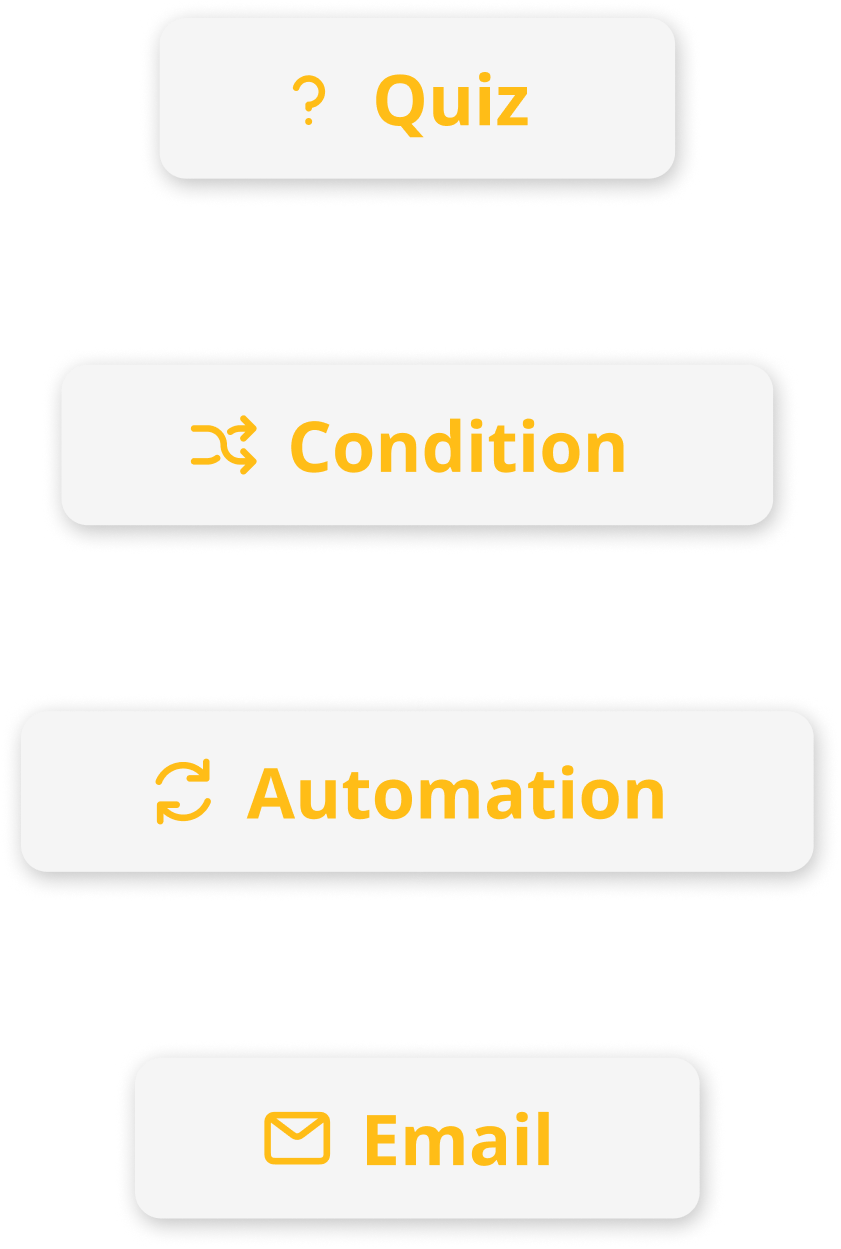
SalesQ instantly checks your automation rules, finds the matching workflow, and schedules every email based on the timing and conditions you configured.
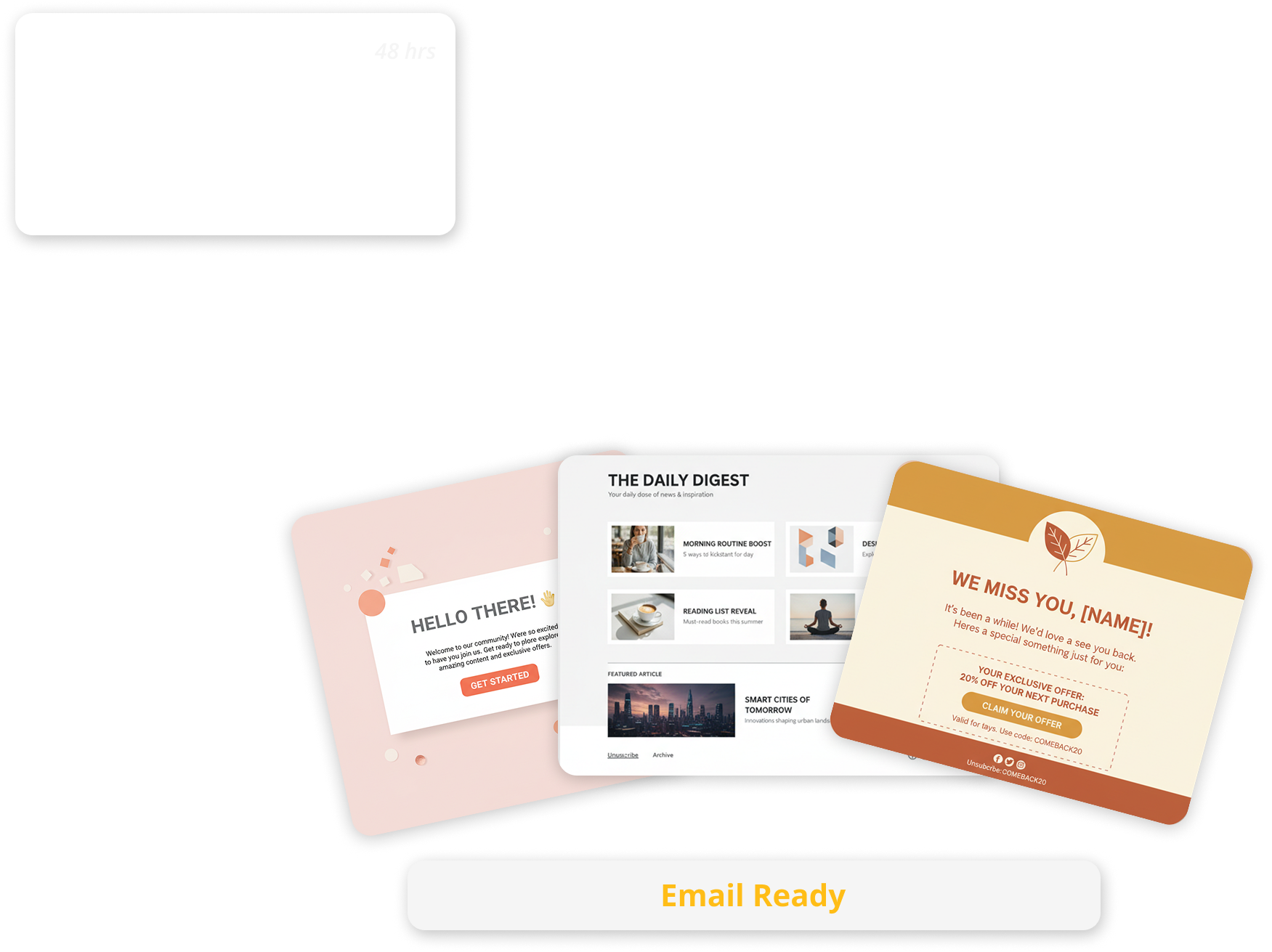
3. Email 1 fired
ActivePersonalised automatically from quiz answers.
The first email is generated using the shopper's quiz responses, recommended products, discount code, and personal details—then delivered automatically at the exact scheduled time.
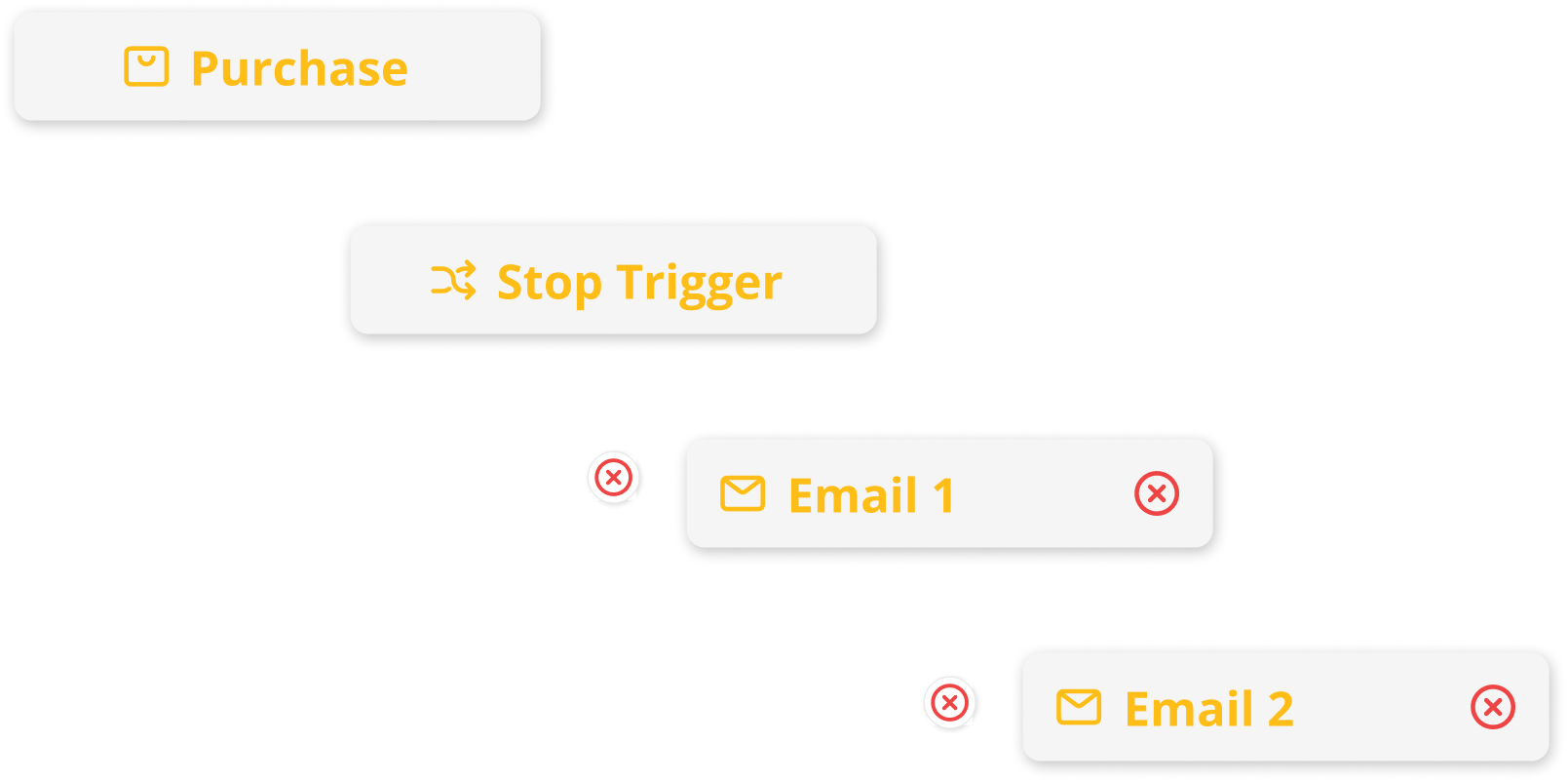
4. Email 2 – if no purchase
ScheduledFollow-up if no purchase.
If the shopper hasn't converted, SalesQ automatically sends the next email in the sequence using the delay and messaging you defined to encourage another visit.
5. Stop trigger – active
AwaitingStops when an order is confirmed.
As soon as a purchase is detected, every remaining email is cancelled automatically, ensuring customers never receive promotions for products they've already bought.
STEP 4 OF 5 · IN THE BACKGROUND
The trail that connects every quiz to every sale.
While every email runs automatically, SalesQ quietly builds the complete attribution trail behind the scenes.
BEFORE SALESQ
THREE SEPARATE TOOLS
Quiz Tool
147 Completions
Email Platforms
62% Open Rate
Shopify Analytics
$891 Revenue
WITH SALESQ
ONE CONNECTED TRAIL

Quiz Completed
Email Opened
Order Placed
The Trail
The trail is built. Every event connected. Every interaction logged.
Here's what it looks like when you open your dashboard ↓
STEP 5 OF 5 · YOUR OUTCOME
Thirty days of automatic. This is what it earned.
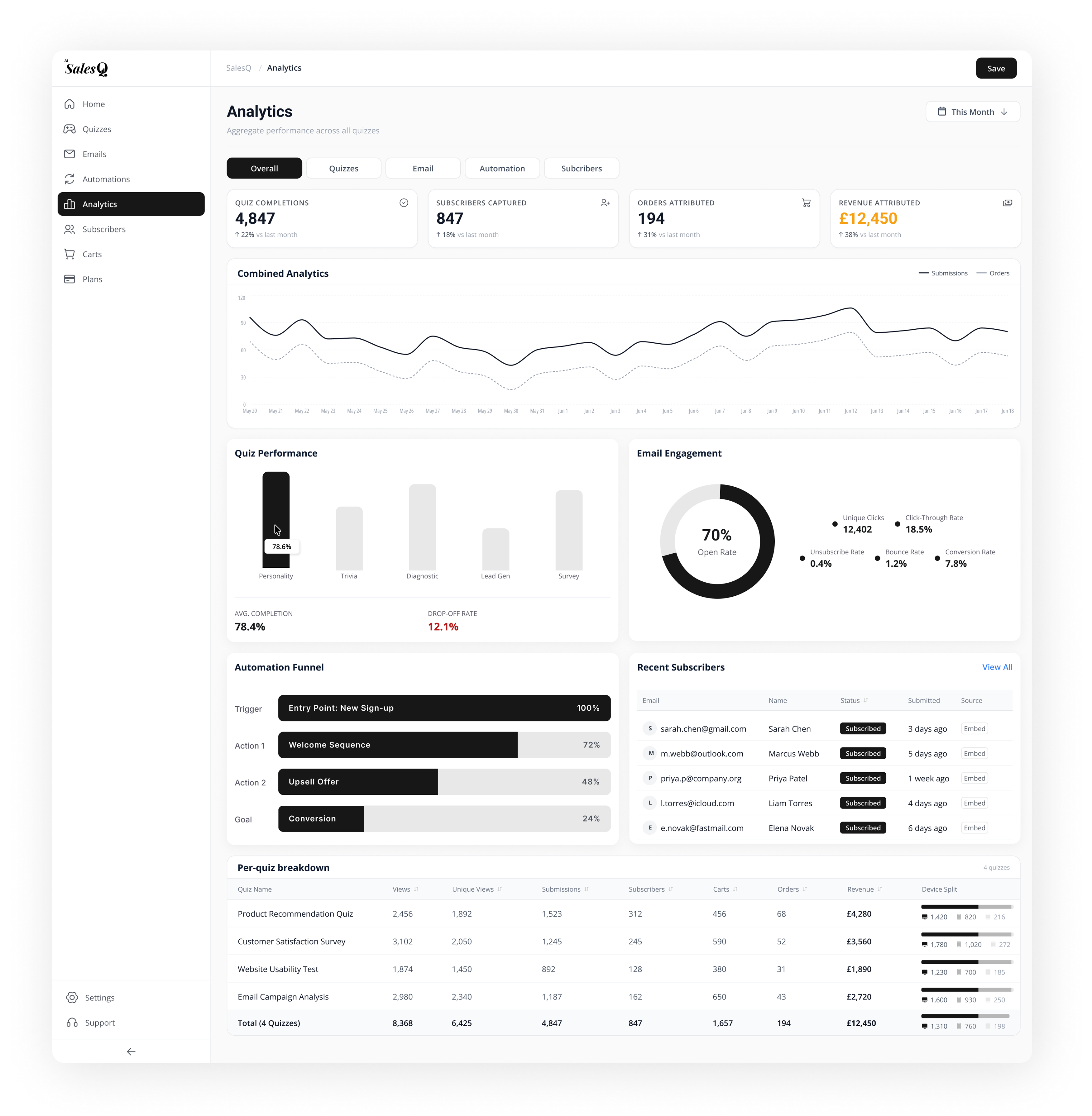
Thirty days later, your quiz has been working automatically. Now you open the dashboard.
The overview
Track opens, clicks, conversions, and sales in one place.
Email Performance
See which emails drive clicks, conversions, and sales.
Product Attribution
Discover which products convert and which don't.
WHAT MERCHANTS SAY
Real stores. Real quizzes. Real revenue.
Based on 248 reviews on the Shopify App Store.
“We already had traffic coming in, but shoppers struggled to choose the right product. Once the quiz went live, more visitors reached checkout because they felt confident in their decision.”
Conversion rate up 21% in the first month
“Seeing exactly which quiz recommendation led to a purchase completely changed how we measure our marketing.”
£3,860 attributed in 30 days
“We replaced two apps with one workflow. Everything finally works together.”
Replaced two apps
“Finally, our quiz answers actually power our email flows instead of disappearing after submission.”
Email click rate up 34%
“As a small store, I assumed AI SalesQ was built for bigger brands. It was surprisingly easy to launch, and customers immediately started completing the quiz.”
247 quiz completions in the first month
“As a small store, I assumed AI SalesQ was built for bigger brands. It was surprisingly easy to launch, and customers immediately started completing the quiz.”
247 quiz completions in the first month
“Finally, our quiz answers actually power our email flows instead of disappearing after submission.”
Email click rate up 34%
“We replaced two apps with one workflow. Everything finally works together.”
Replaced two apps
“Seeing exactly which quiz recommendation led to a purchase completely changed how we measure our marketing.”
£3,860 attributed in 30 days
“We already had traffic coming in, but shoppers struggled to choose the right product. Once the quiz went live, more visitors reached checkout because they felt confident in their decision.”
Conversion rate up 21% in the first month
THE REAL TIMELINE
From install to first attributed sale the honest timeline.
45 minutes to build it. Everything after that runs automatically. Here's how it works.
Phase 1: Setup
Approx. 45 minutes of active work
Install
Minute 1
Build Quiz
Minute 15
Emails Live
Minute 45
Ready
Done
0
Subscribers
£0
Attributed
0
Manual work
Phase 2: Automatic
SalesQ runs the show forever
First Lead
Anytime
First Sale
2 hours
Full ROI
Day 30
847
Subscribers
£12k
Attributed
0
Manual work
Still have a question about how the mechanics work?
The most common ones are answered below. ↓
COMMON QUESTIONS
The questions merchants ask before they install.
If something is stopping you from clicking install, the answer is probably here.
Yes—and this is one of the most important mechanics to understand.
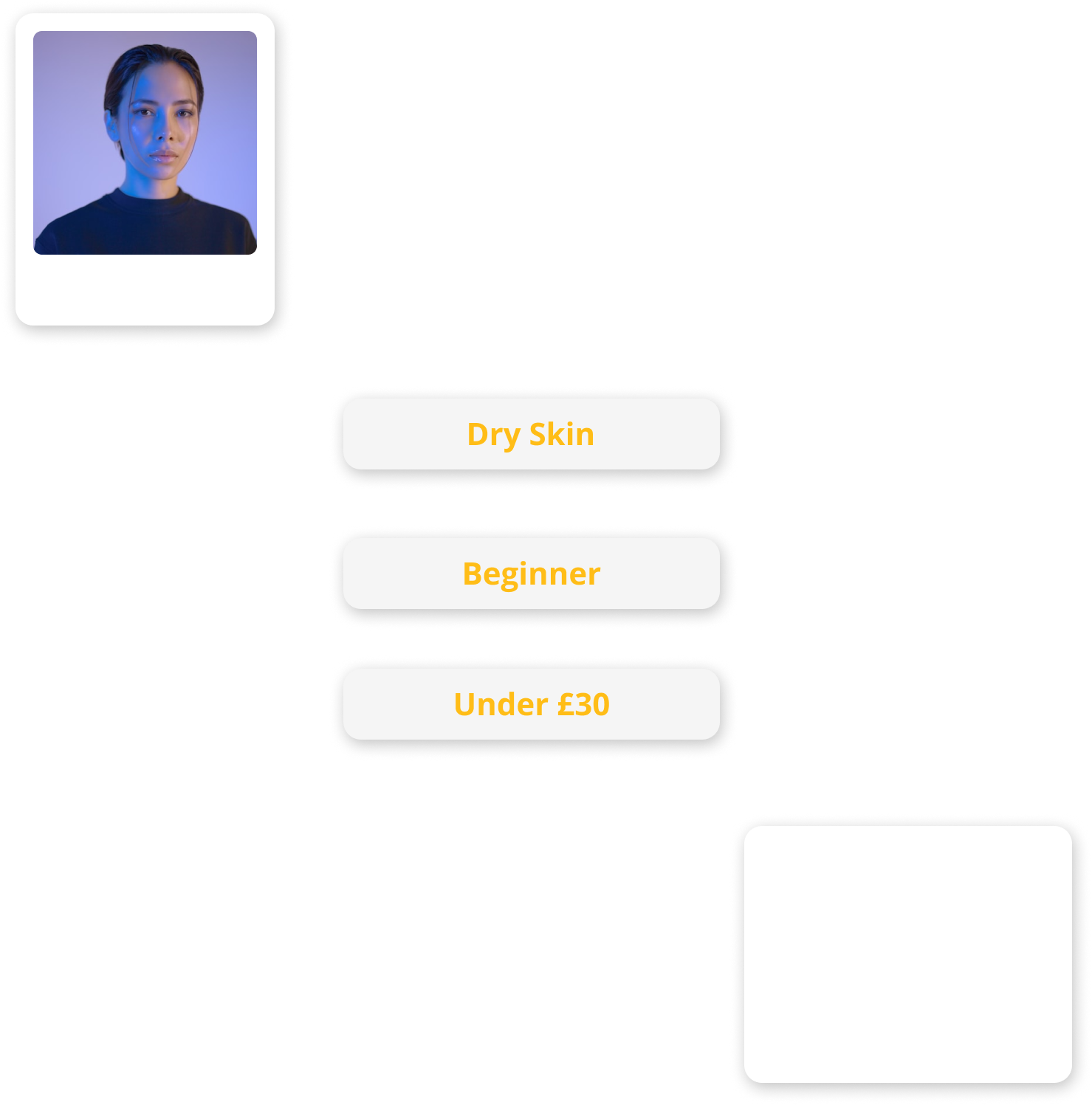
When you configure your automation in Step 1, you connect specific email sequences to specific quiz results. A shopper with a "Dry Skin" result enters a different sequence than someone with an "Oily Skin" result. Each sequence has its own emails, timing, product recommendations, and stop triggers.
A single quiz can therefore deliver completely different follow-up journeys for different shoppers automatically, with no manual segmentation required. The quiz result does the work.
Have a question that isn't answered here?
Contact the AI SalesQ team directly
READY TO LAUNCH
How SalesQ Works - Now You Know
You've seen how it works. Now start the 45 minutes that runs forever. The quiz builder is waiting. Your Shopify catalog is already synced. Start Step 1.
Free plan included · No credit card needed · Live in 15 minutes