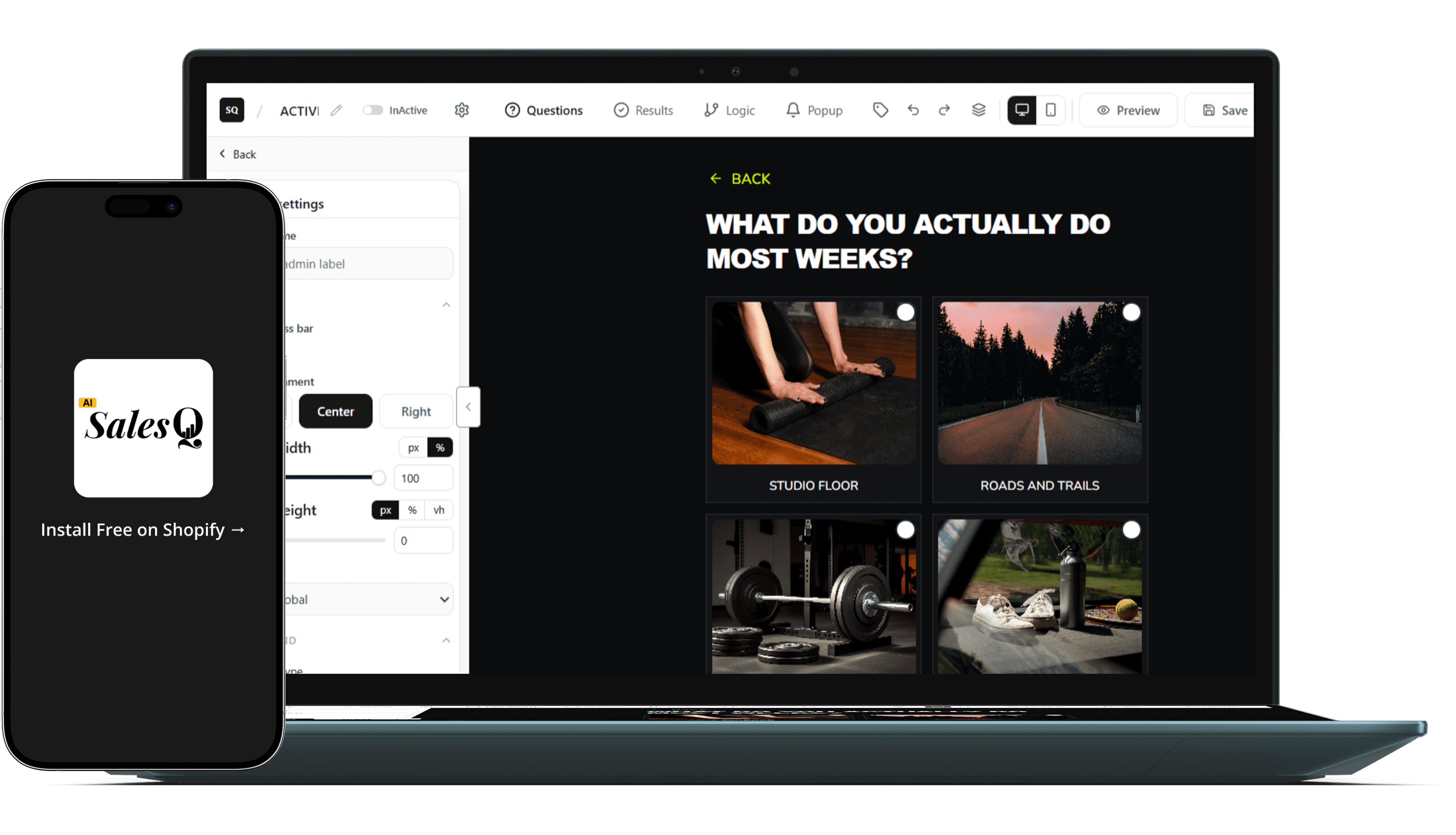
AI quiz builder for Shopify
The Shopify quiz builder where the follow-up is already built in.
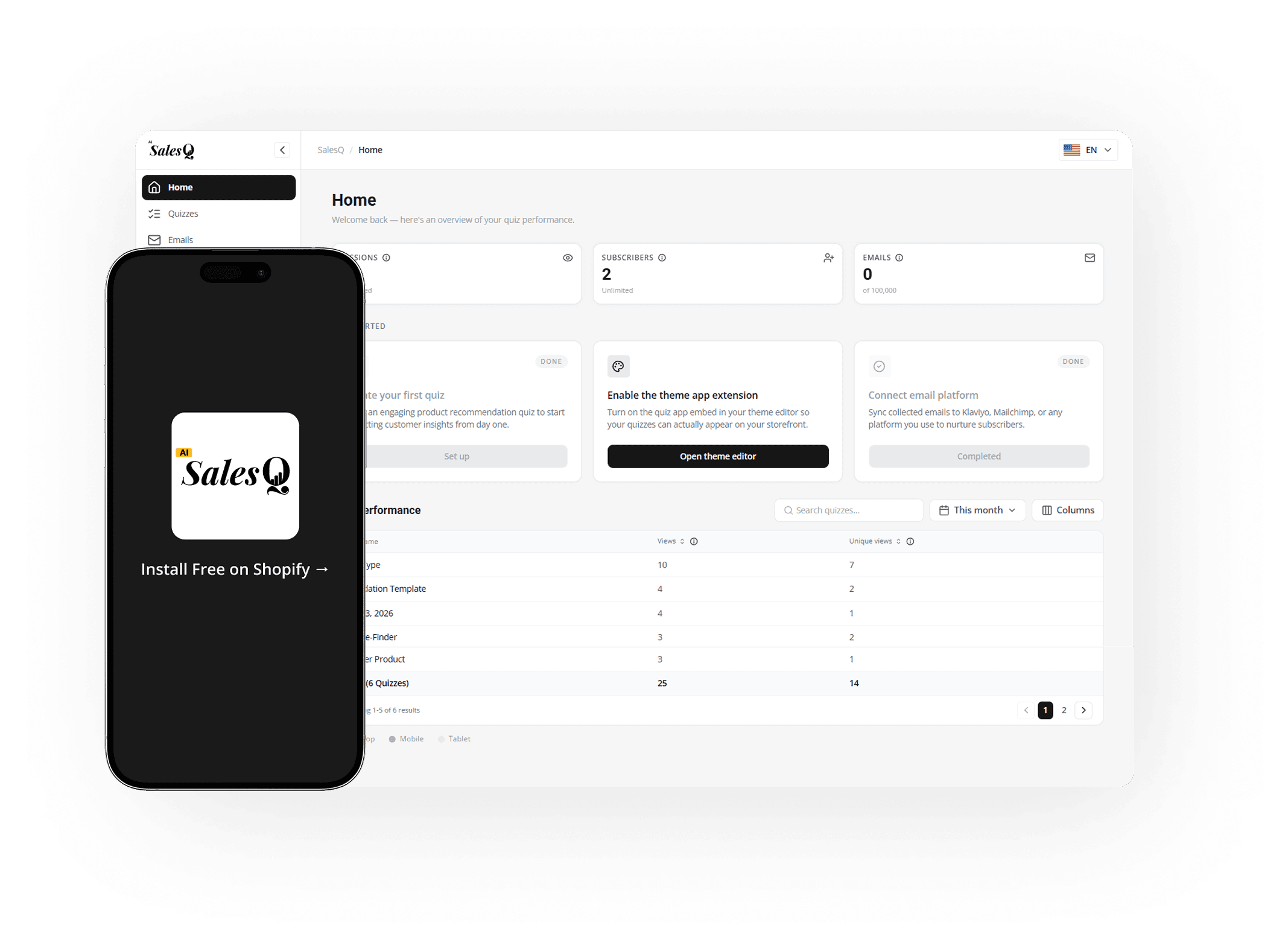
Build the quiz. AISalesQ's AI writes the follow-up emails and the built-in automation sends them, with revenue attribution showing exactly which quiz session became which sale.
Free plan available · No credit card · 14-day trial on paid plans
What you can build
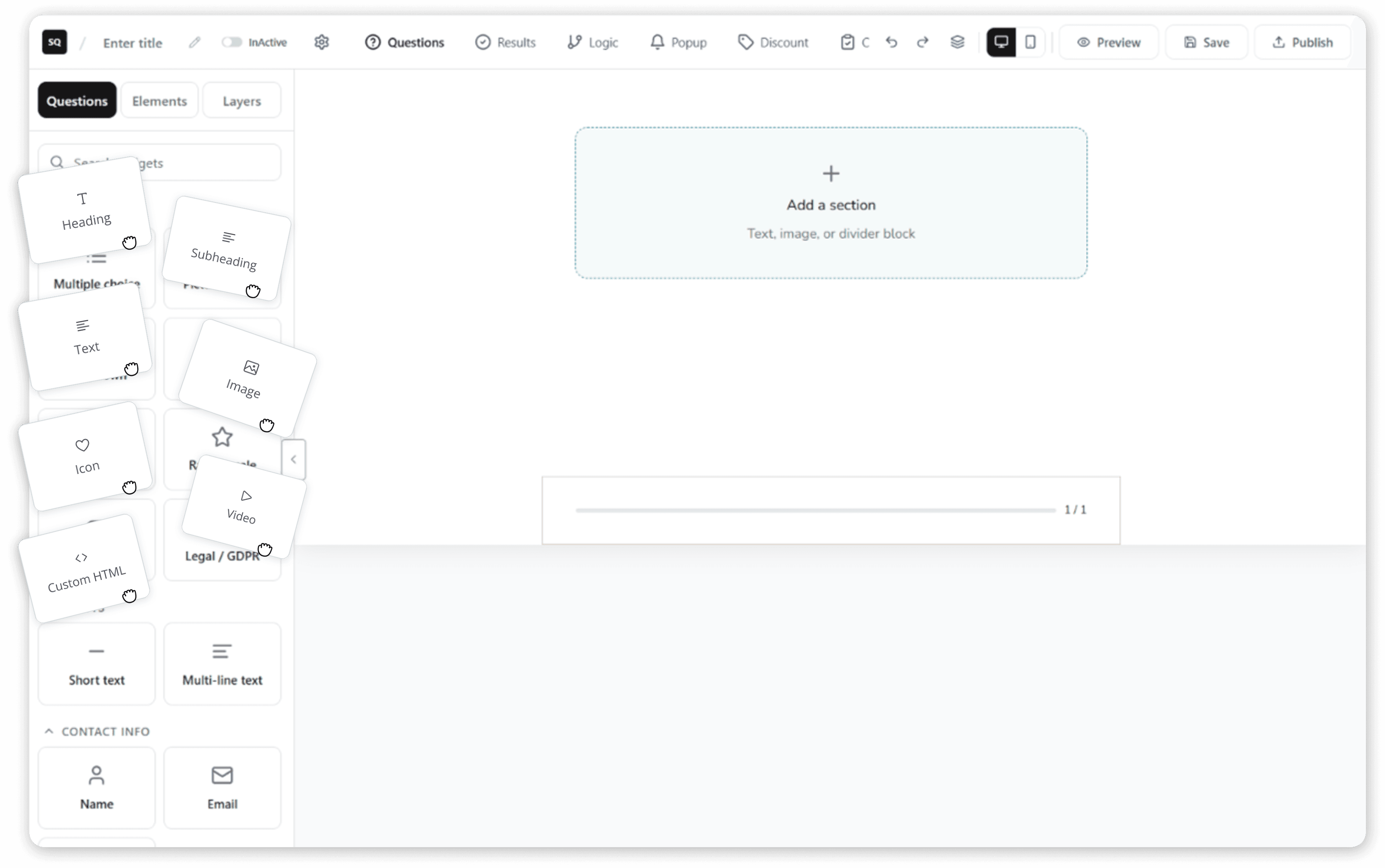
A full quiz builder, not a form tool with logic bolted on.
Questions & Logic
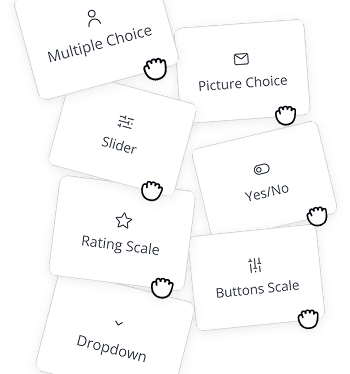
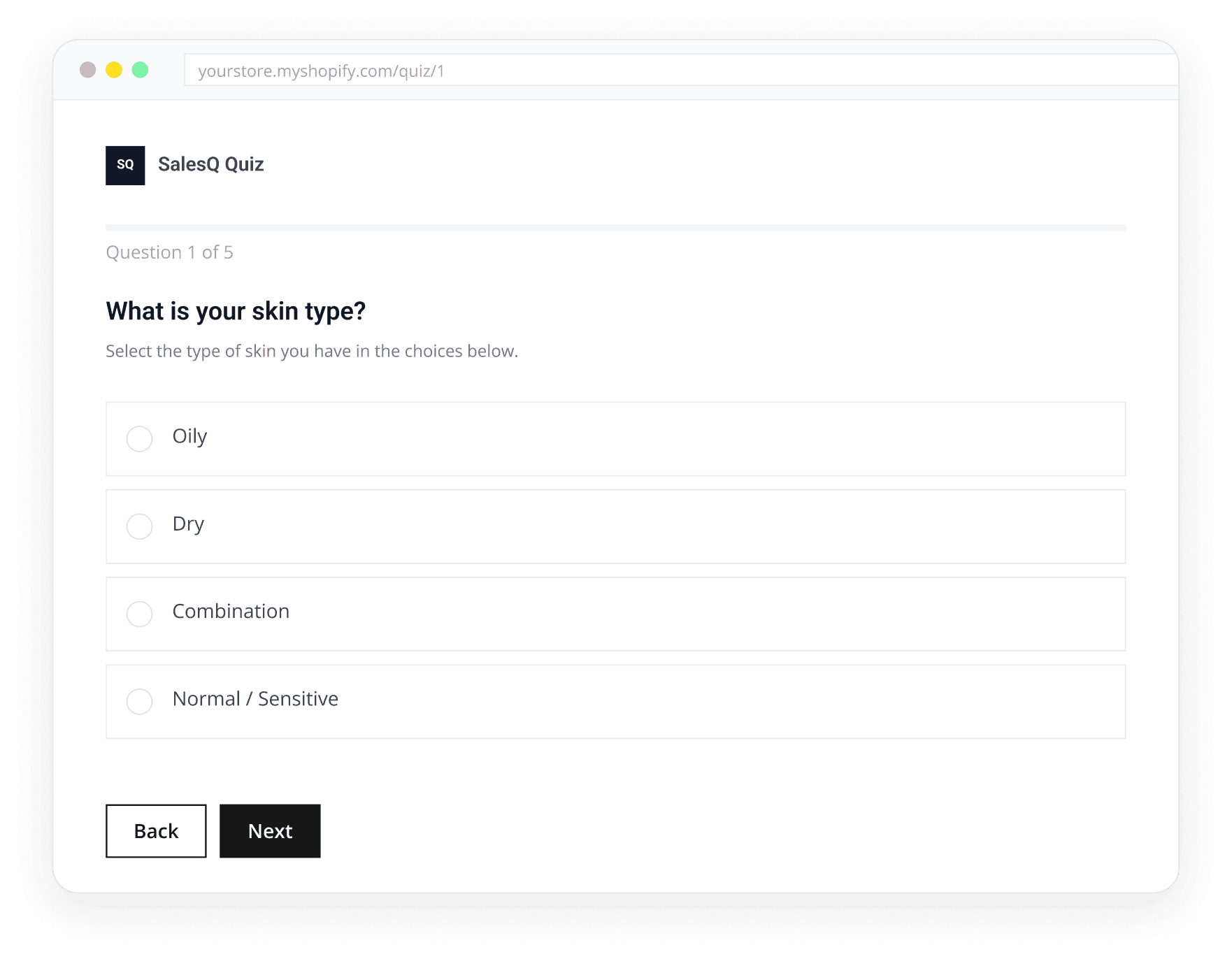
Choose from 10+ question types (including multiple choice, rating scales, and contact forms) and use smart branching logic to route shoppers down personalized paths based on answers, scores, or results.
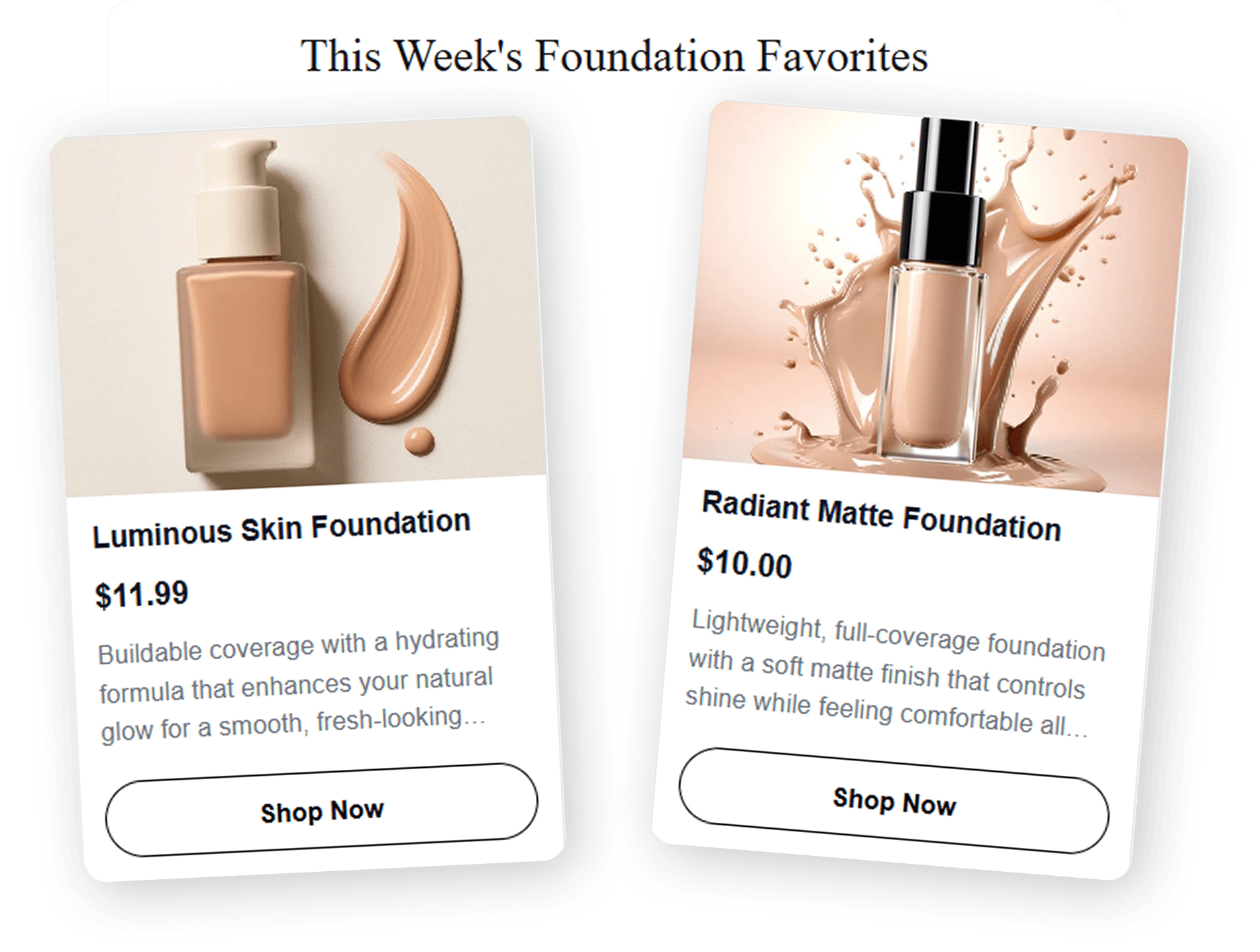
Results & Recommendations
Build result pages directly from your live Shopify catalogue. Match products, variants, and collections to answers while adding custom coupons, charts, and direct add-to-cart buttons.
AI Written Email Automation
Answer a few questions about your product and tone. AISalesQ's AI writes the complete subject line and email body for you. Edit anything before it goes live, or send it as generated.

Design & Placement
Publish as a popup, inline embed, or standalone page. Preview desktop and mobile layouts seamlessly inside the editor and use custom styling to perfectly match your theme.
Try it yourself
Try the quiz. Right now. No install.
Elements
Build the quiz
How to build a Shopify quiz.
INSTALL
Install AISalesQ from the Shopify App Store
Getting started takes only a few minutes. Install AISalesQ directly from the Shopify App Store and connect it to your store with just a few clicks. Your products are imported automatically, so you can begin building immediately. No credit card is required to get started with the free plan.
Connect your Shopify store and import your products automatically →
Build the quiz
BUILD
Build Your Quiz
Create a personalized shopping experience by adding questions, connecting answers to the right products, and designing custom result pages. Every step is visual and easy to manage, allowing you to build quizzes that guide shoppers toward the products that best fit their needs—without writing a single line of code.
Building a high-converting quiz: question types, logic rules, and what actually converts →
Build the quiz
AI EMAILS
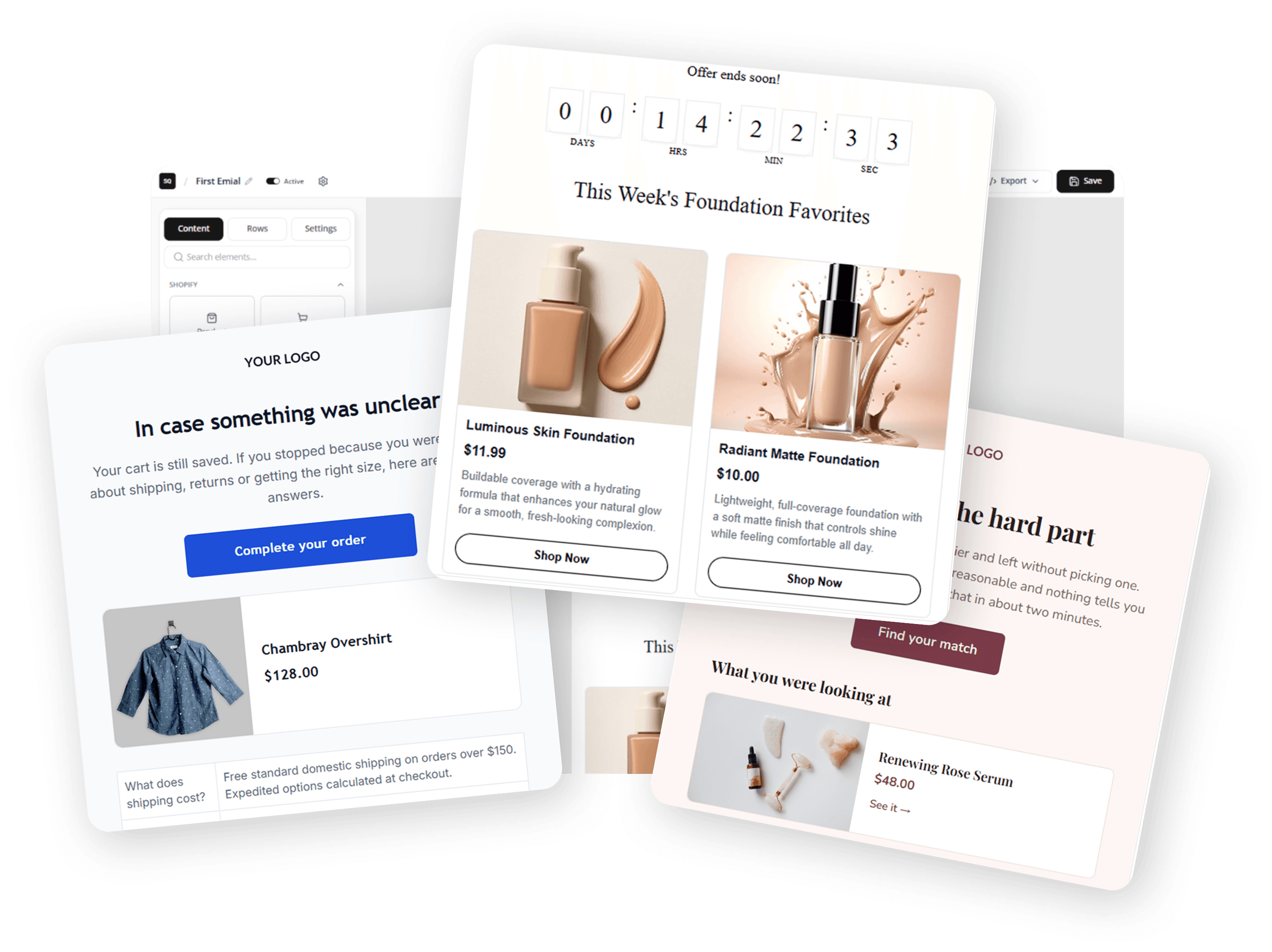
Let AI Write Your Follow-Up Emails
Simply answer a few questions about your products, your brand voice, and the type of customers you serve. AISalesQ automatically generates a complete follow-up email sequence tailored to each shopper's quiz responses. Review the copy, make any edits you want, and turn the automation on whenever you're ready.
How AI personalizes every follow-up email based on quiz responses →
Build the quiz
AUTOMATION
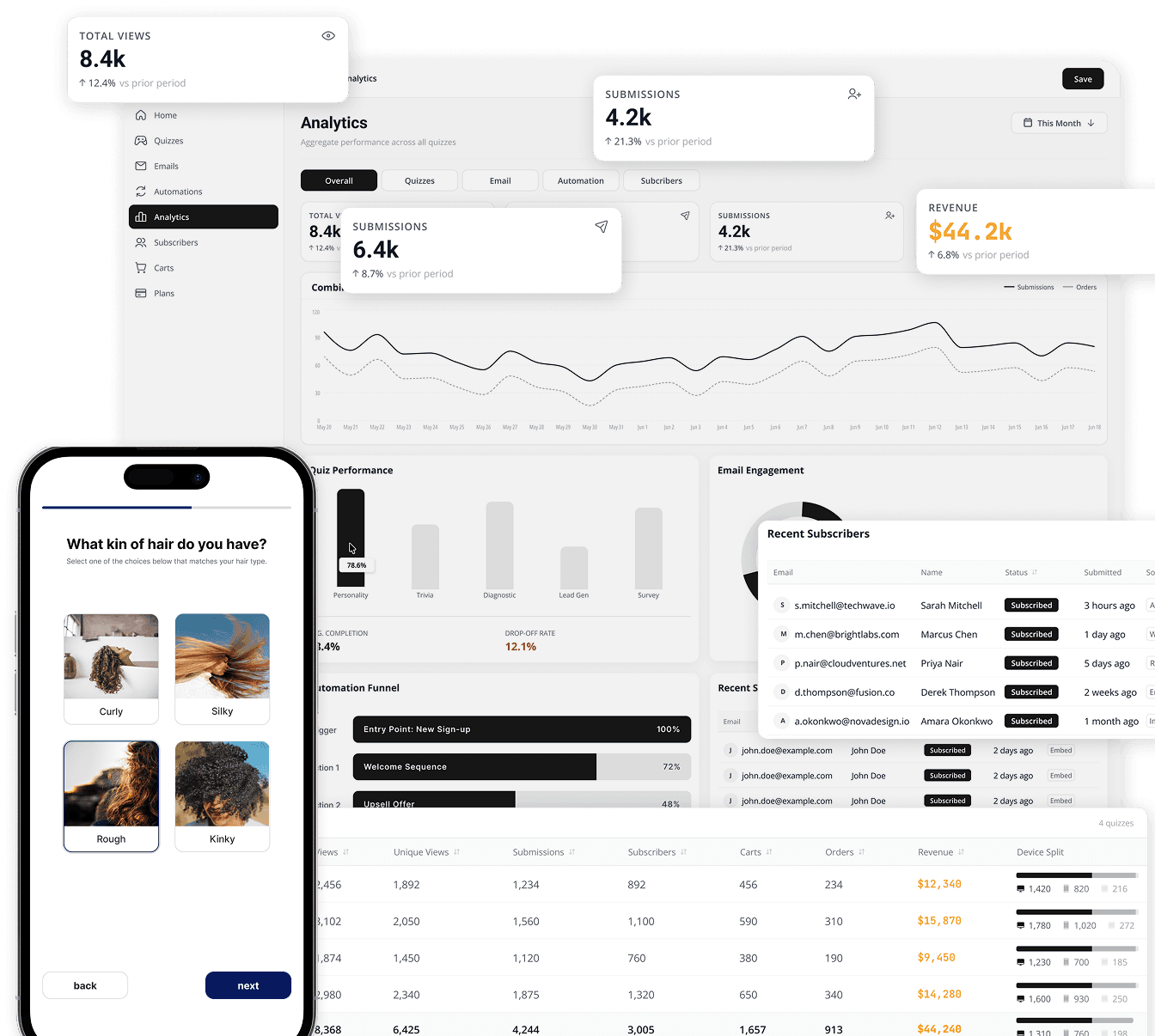
Automate Follow-Ups and Watch Revenue Grow
Trigger emails from a quiz result, a delay, or a filter. As shoppers move through your flow, AISalesQ sends messages, pauses on orders, tracks opens, and attributes revenue—turning every quiz into follow-up that runs itself.
Build flows, schedule emails, pause on orders, and attribute revenue automatically →
Comparison
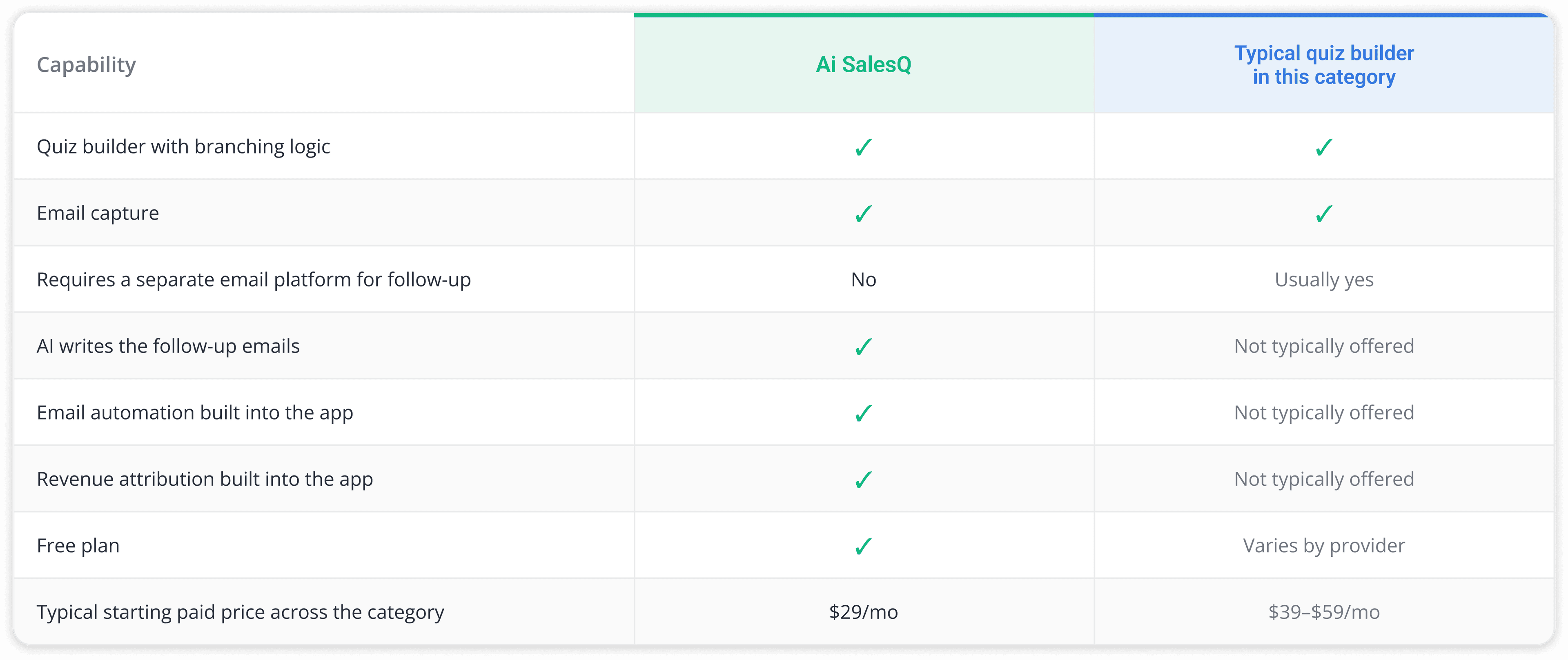
How AISalesQ compares to other Shopify quiz builders.
Shopify quiz builders handle quizzes well. The difference is what happens after — separate tools or built-in automation.
Common questions
The questions merchants ask before they build.
If something is stopping you from starting your quiz, the answer is probably here.
Choose from 10+ question types, including multiple choice, picture choice, dropdown, sliders, rating scales, and yes/no.
After any question, add a logic rule: if a shopper answers X, send them to Y next. Every shopper can follow a path built for their specific answers, without you writing a single line of code.
No. Result pages pull directly from your live Shopify catalogue, so you match products, variants, and collections to answers instead of hand-building pages.
You can add custom discount codes, charts, and a direct add-to-cart button to each result.
Yes. The editor gives you full control over colors, fonts, and spacing, and you can preview both desktop and mobile layouts before anything goes live.
Publish as a popup, an inline embed on any page, or a standalone page with its own URL.
Most merchants publish their first quiz in under 30 minutes: pick your question types, connect your products, and preview before you publish.
There's no template lock-in either — every question, path, and result page is fully editable.
No. Both the quiz builder and the follow-up email automation are fully visual — drag, drop, and edit.
AISalesQ's AI can also write the subject line and body of your follow-up emails for you, based on a few questions about your product and tone.
Yes. AISalesQ has a free plan with no credit card and no expiry date. It includes the full quiz builder, Shopify product recommendations and basic analytics, so you can launch a real quiz before you pay anything.
Paid plans add more sessions, email automation and revenue attribution, with a 14-day trial.
You build the quiz itself with drag-and-drop questions and logic. AISalesQ's AI then writes the follow-up emails from your products, your brand voice and each shopper's answers, and the built-in automation sends them.
That is why the app is listed on the Shopify App Store as AI Sales Quiz Builder: the quiz and the AI-written follow-up live in one place.
The best Shopify quiz builder is the one that turns answers into orders. Look for live product matching, add-to-cart results, discount codes and a follow-up for shoppers who don't buy straight away.
AISalesQ covers all of those in one app. Our comparison of seven Shopify quiz apps shows how it stacks up against RevenueHunt, Octane AI and others.
Have a question that isn't answered here?
Contact the AISalesQ team directly
Start building
Your quiz builder is ready. Are you?
10+ question types, live Shopify product matching, and AI-written follow-up emails — all in one no-code builder.
Free plan available · No credit card · 14-day trial on paid plans