Blogs Gift Finder Quiz
Gift Finder Quiz: How to Build One for Your Shopify Store
A gift finder quiz helps a shopper choose for someone else, which is the hardest kind of shopping to do from a product grid. These are the questions to ask, how to map them to gifts, and when to launch.

AISalesQ Team
Updated on October 14, 2026 - 4 min read
What a Gift Finder Quiz Is
A gift finder quiz asks a shopper about the person they are buying for and returns a short list of gifts that fit. It is a product finder quiz with one difference: the shopper is not the user of the product.
That difference changes the questions. A gift buyer often cannot tell you a size, a skin type or a technical preference. They can tell you who the person is, what the occasion is and what they want to spend.
When a Gift Finder Helps
It helps most when your catalog is wide, when your products need some knowledge to choose, or when a large share of your orders are gifts.
It also helps at set times of year. Gift buyers arrive in waves before the winter holidays, Valentine's Day, Mother's Day and Father's Day, and many of them have never visited your store before.
The Questions to Ask
Who is it for? Offer relationships such as partner, parent, friend, colleague or child.
What is the occasion? Birthday, holiday, anniversary, thank-you, new home.
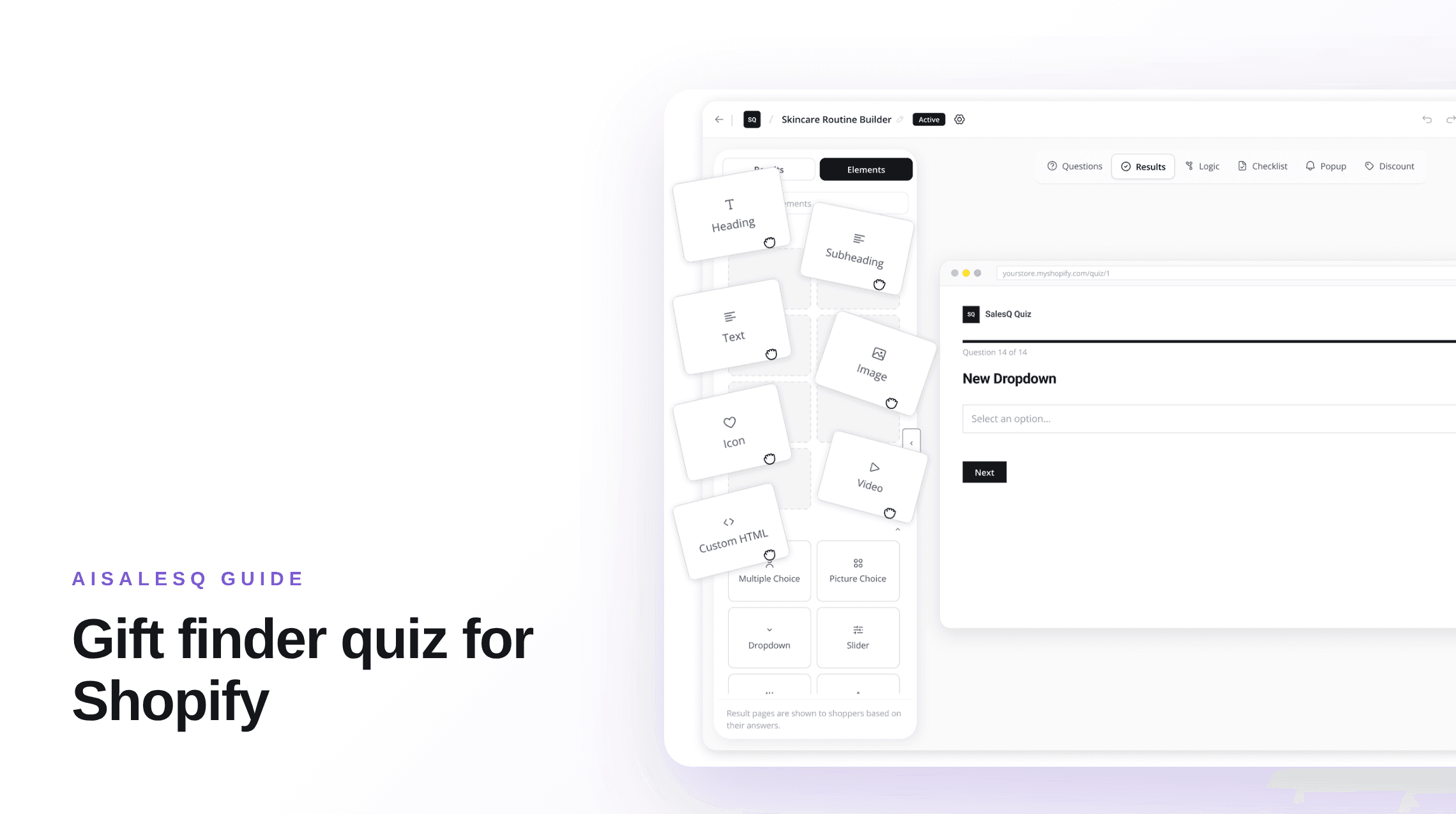
What are they into? Offer interests that match your catalog, with pictures where you can. Picture choice suits this question well.
What is your budget? Offer three or four price bands that match how your products are priced.
Four questions is usually enough. Leave out anything the buyer is unlikely to know.
Map Answers to Gifts
Build a collection for each interest and each price band, then attach those collections or individual products to the matching answers. In AISalesQ a result can show products, collections or both.
Prefer gifts that are safe to give: bestsellers, sets and items without sizing. If a product needs a size or a shade, offer a gift card as a result as well.
Walk through every combination once. A gift finder that returns an out-of-budget product loses the shopper's trust immediately.
Build the Result Page
Show two or three gifts, each with one line on why it suits the person described. Make Add to cart available on the page.
Gift buyers care about delivery dates and returns more than most shoppers, so put both near the products.
Offer to email the result. A buyer who is not ready can come back to it, and you have a subscriber. Email automation shows how AISalesQ sends that follow-up.
Launch Before the Season
Publish the gift finder several weeks before the date that matters, so it is tested and indexed before the traffic arrives.
Put it where new visitors land: a homepage banner, the navigation and a popup on collection pages. Link to it from your gift guides and your seasonal emails. How to add a quiz to your Shopify store covers the three placements.
After the Season
Remember that the subscriber bought for someone else. Their answers describe the recipient, so do not treat them as the buyer's own preferences in later emails.
Keep the quiz and change the occasion. The same structure works for the next gifting date with a new headline and updated collections. Use revenue attribution to see what the finder sold before you decide how much to invest in the next one.
Quiz Lead Magnet: How to Grow Your Email List With a Quiz
A quiz lead magnet trades a personal result for an email address. Why it works for stores, how to build one, and how to turn the new subscribers into buyers.
Skincare Quiz for Shopify: How to Build a Skin Quiz That Sells
How to build a skincare quiz for a Shopify store: the questions to ask, how to turn answers into a routine, and the follow-up emails that bring shoppers back.
Keep reading
You might also like
Product Finder Quiz for Shopify: How to Build One
A product finder narrows a catalog to the few items that fit one shopper. The questions, the matching rules, and the Shopify setup, in order.
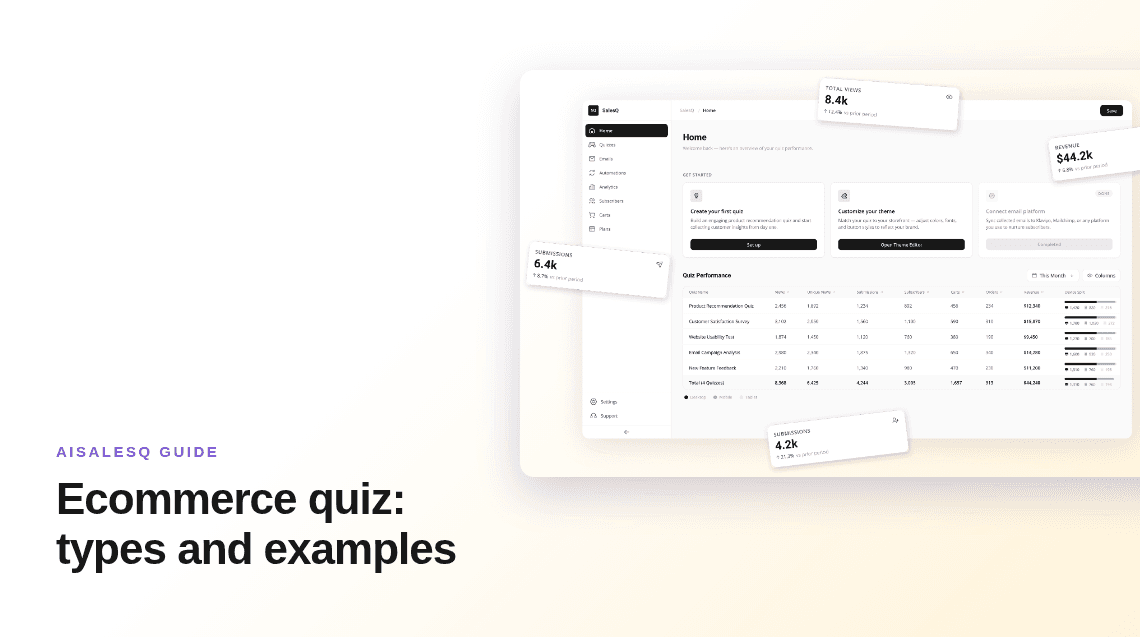
Ecommerce Quiz: 6 Types, With Examples and When to Use Each
Product finders, routine builders, gift finders, fit quizzes and more. What each type of ecommerce quiz is for, and how to choose one.
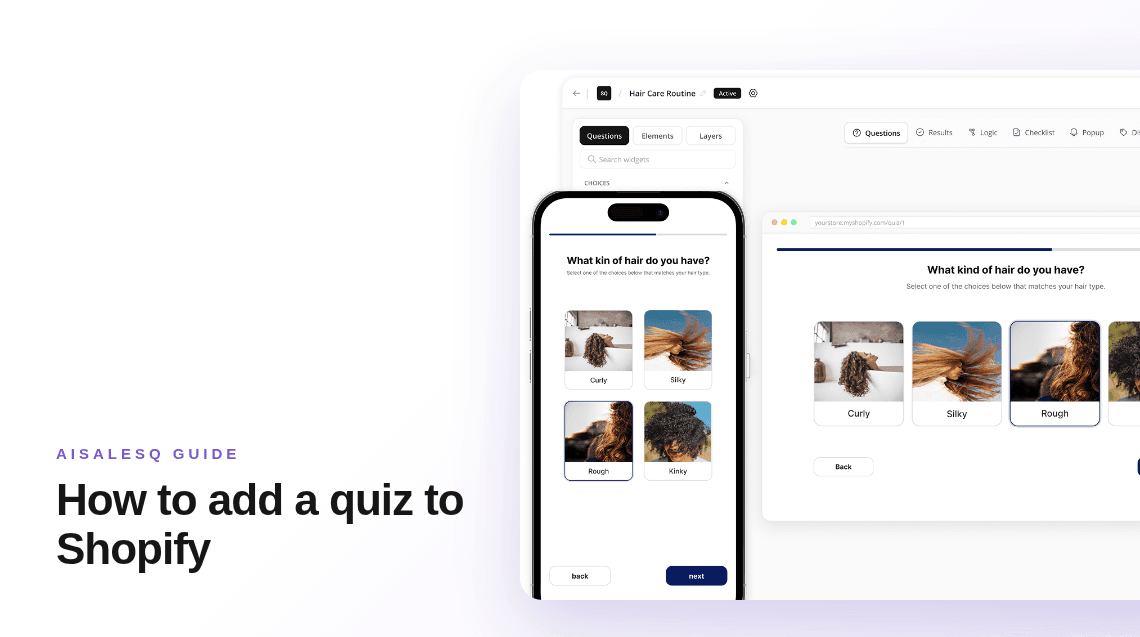
How to Add a Quiz to Your Shopify Store (Step by Step)
Shopify has no built-in quiz, so you add one with an app. The whole process in order: pick the app, build the quiz, place it in your theme, and test it.
Common questions
Questions about gift finder quizzes.
What merchants ask when they build a gift finder.
A short quiz that asks about the person a shopper is buying for and recommends gifts that fit the recipient, the occasion and the budget.
Who the gift is for, the occasion, the recipient's interests and the budget. Avoid questions a gift buyer is unlikely to be able to answer, such as sizes.
Several weeks before the gifting date, so it is tested and visible in your store and your emails before buyers start looking.
Yes. Ask for a price band and attach a collection for that band to each answer, so the result only shows gifts in range.
No. Keep one gift finder and update its headline, occasion options and collections for each season.
Have a question that isn’t answered here?
Contact the AISalesQ team directly
Newsletter
Subscribe to new posts