Blogs Quiz Lead Magnet
Quiz Lead Magnet: How to Grow Your Email List With a Quiz
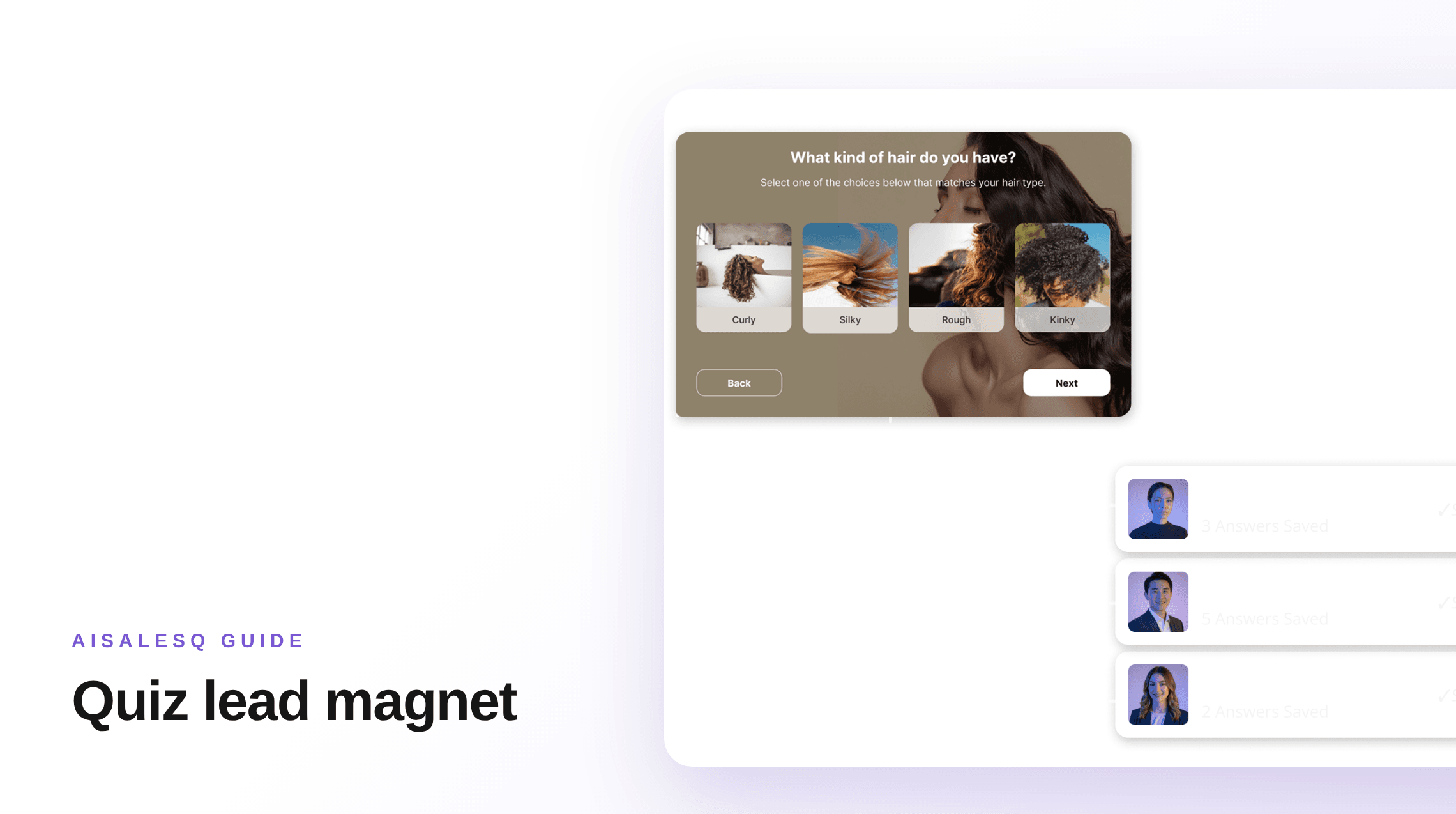
A quiz lead magnet gives a visitor a personal result in exchange for an email address. This guide covers why that trade works for an online store, how to build the quiz, and what to do with the subscribers it brings in.

AISalesQ Team
Updated on October 14, 2026 - 4 min read
What a Quiz Lead Magnet Is
A lead magnet is something useful you give a visitor in exchange for their email address. A quiz lead magnet makes that something a personal result: the shopper answers a few questions and receives a recommendation made for them.
It does the same job as a discount popup or a downloadable guide. The difference is what you learn. A popup gives you an address. A quiz gives you an address and the reasons that person is shopping.
Why Shoppers Give an Email for It
The shopper has already invested a minute answering questions, and the result is about them. Asking for an email at that point feels like a fair trade, where a popup on arrival often does not.
The result is also specific. "Get your routine by email" promises something a generic "10% off your first order" cannot.
You can still add a discount to the result. In AISalesQ a quiz can carry a discount, so the shopper gets a recommendation and a reason to act on it.
Choose the Result First
Start from the result page and work backwards. Decide the handful of outcomes the quiz can end on, and which products belong to each.
Then write only the questions needed to tell those outcomes apart. This keeps the quiz short, which matters more for a lead magnet than for any other kind of quiz. The six types of ecommerce quiz can help you pick a format.
Place the Email Step
Put the email step after the last question and before the result. Say what the shopper will receive.
Decide whether the email is required. A required step collects more addresses and loses some shoppers. An optional step shows everyone the result and collects fewer addresses. Run one, then the other, and compare.
Use a separate, unticked checkbox for marketing consent. An address given to receive a result is not permission for a newsletter. Subscriber management shows how AISalesQ records consent.
Promote the Quiz
A lead magnet only works where people see it. Offer the quiz in a popup on the page types where new visitors land, link it in your navigation, and add it to your homepage.
Use it outside your store as well: in ads, in your social profiles, and in emails to subscribers who have never bought. AISalesQ can show a quiz as a popup, an inline section or behind a button. How to add a quiz to your Shopify store covers the setup.
Follow Up With What You Learned
The value of a quiz lead is the answers. Send the result first, then emails that match what the shopper told you, and stop when they buy.
AISalesQ sends these from its own email automation, using the answers it already holds. It can also sync each new subscriber to a Klaviyo or Mailchimp list. What to send after someone finishes your quiz has a five-email plan.
Measure It as a Lead Magnet
Track three numbers: how many visitors start the quiz, how many leave an email, and how many of those subscribers go on to buy.
Compare the third number with your other signup sources. A list that grows quickly and never buys is not worth much. AISalesQ's revenue attribution, from the Growth plan, shows orders and revenue from quiz subscribers, and the ROI calculator estimates what to expect from your traffic.
RevenueHunt Alternatives: 5 Shopify Quiz Apps Compared
Five alternatives to RevenueHunt for Shopify product quizzes, compared by price, reviews, integrations and how each one handles follow-up email.
Gift Finder Quiz: How to Build One for Your Shopify Store
A gift finder quiz helps a shopper buy for someone else. The questions to ask, how to map answers to gifts, and when to launch it before the holidays.
Keep reading
You might also like
Quiz Funnel: What It Is and How to Build One on Shopify
A quiz funnel turns a visitor into a subscriber and then a buyer by asking a few questions first. The six stages, how to build each one, and what to measure.
What to Send After Someone Finishes Your Shopify Quiz
Your quiz told you exactly what the shopper needs. Here is a simple five-email plan to turn that knowledge into sales.
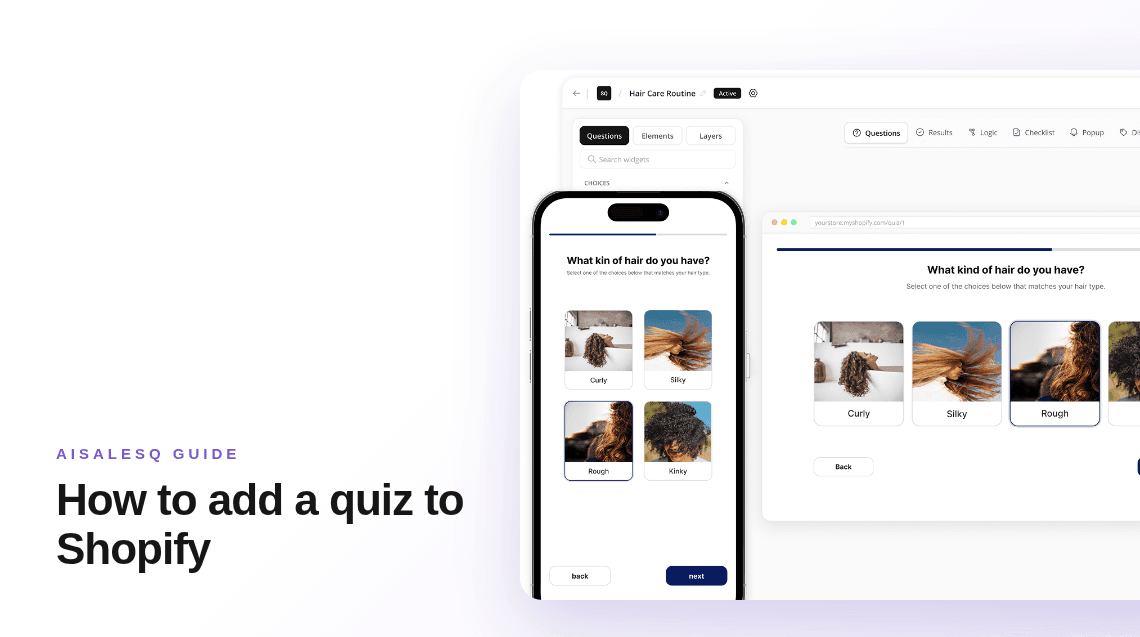
How to Add a Quiz to Your Shopify Store (Step by Step)
Shopify has no built-in quiz, so you add one with an app. The whole process in order: pick the app, build the quiz, place it in your theme, and test it.
Common questions
Questions about quiz lead magnets.
What merchants ask before they use a quiz to grow their list.
A quiz that gives a visitor a personal result in exchange for their email address. It grows your list and records what each subscriber is looking for.
They do different things. A popup is quicker to set up. A quiz collects the address along with the shopper's answers, which lets you send relevant follow-ups. Many stores run both.
Test it. Required collects more addresses and loses some shoppers. Optional keeps more shoppers and collects fewer addresses.
As few as will give a believable result, usually three to five.
Yes, several quiz apps have a free plan. AISalesQ's free plan includes one quiz. Follow-up email automation starts on the paid plans.
Have a question that isn’t answered here?
Contact the AISalesQ team directly
Newsletter
Subscribe to new posts