Blogs Quiz Funnel for Shopify
Quiz Funnel: What It Is and How to Build One on Shopify
A quiz funnel moves a visitor from curious to subscribed to buying by asking a few questions first. These are its six stages, how to build each one on Shopify, and the numbers that tell you whether it works.

AISalesQ Team
Updated on October 13, 2026 - 4 min read
What a Quiz Funnel Is
A quiz funnel is a sequence that starts with a quiz and ends with a sale. A visitor answers a few questions, leaves an email address, sees a personal result, and then receives follow-up emails based on what they answered.
The quiz is only the first part. The funnel is everything from the place a visitor first sees the quiz to the order that follows days later.
It works for a simple reason. A shopper who has answered questions has told you what they want, and every later step can use that.
Quiz Funnel vs a Quiz
A quiz ends on a result page. If the shopper does not buy there, the store has no way to reach them again.
A quiz funnel adds two things: an email step, so the shopper can be contacted, and a follow-up, so they are. Most of what a funnel earns comes from those two parts, because many shoppers do not buy on the first visit.
The Six Stages
Stage one is the entry point. This is where a visitor meets the quiz: a popup, a homepage banner, a navigation link, an ad or an email.
Stage two is the questions. Three to six questions that each change the recommendation.
Stage three is the email step. The shopper enters an address, with a separate marketing consent checkbox, before or alongside the result.
Stage four is the result. A short list of products with a reason they fit and a way to add them to cart.
Stage five is the follow-up. Emails that use the answers: the result again, a reason to trust it, and a nudge if the shopper has not bought.
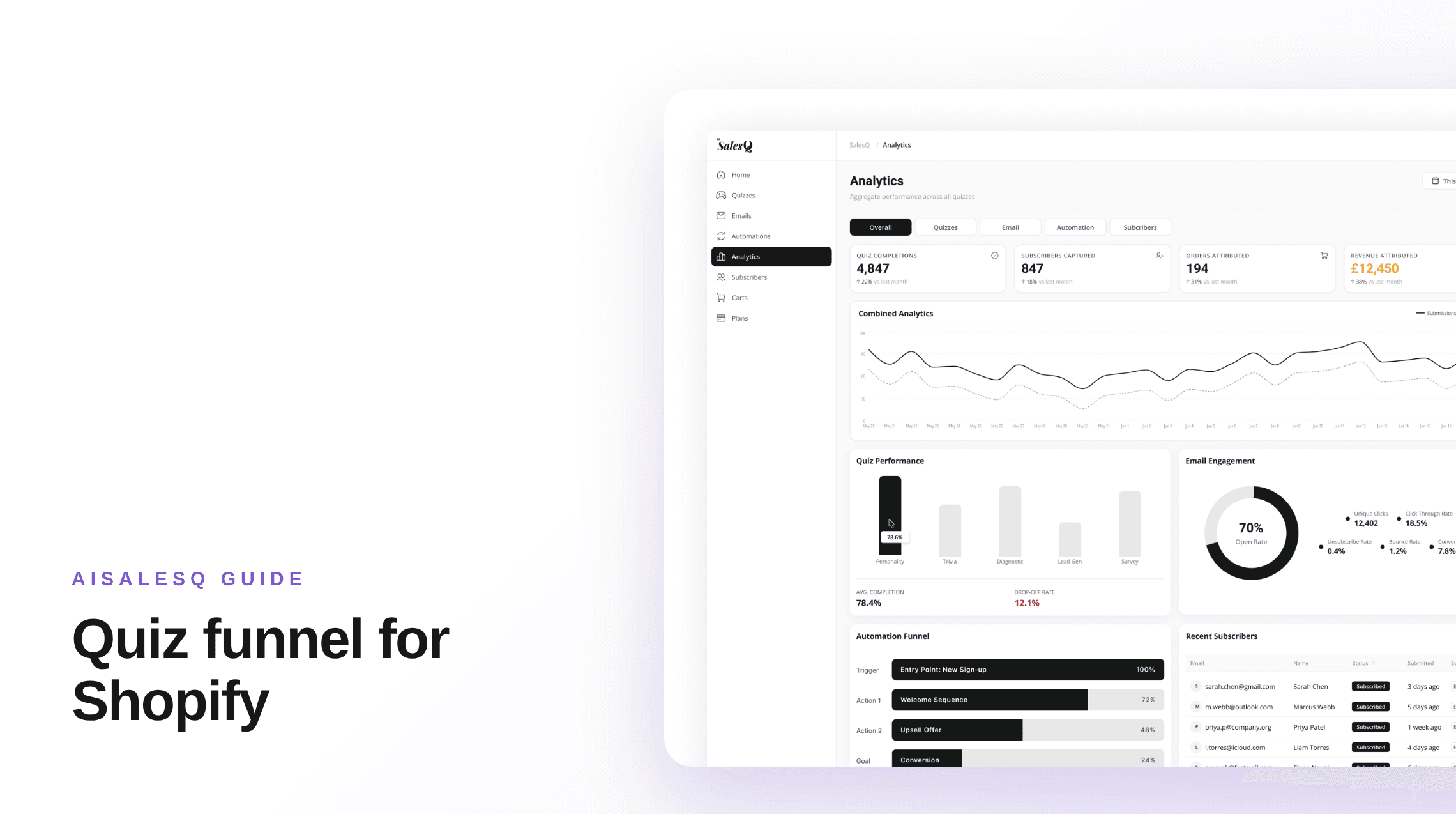
Stage six is measurement. You see where shoppers drop off and which orders came from the quiz.
Build the Entry Point
Put the quiz where undecided visitors already are. On Shopify that usually means the homepage, large collection pages and the main navigation.
In AISalesQ a quiz can appear as a popup on the page types you choose, as an inline section on any page, or behind a button. A popup can open immediately, after a delay, on scroll, or on exit intent on desktop.
Say what the shopper gets. "Find your routine in one minute" earns more starts than "Take our quiz".
Write the Questions and Results
Ask about the shopper, in their words. Then connect each answer to products, either directly or through a score that selects a result page.
Use skip logic to hide questions that no longer apply, so the quiz stays short for everyone. How to build a product finder quiz covers the questions, mapping and logic in detail.
Show two or three products on the result page. A long list sends the shopper back to comparing.
Capture the Email
Place the email step just before the result, when the shopper most wants to continue. Explain what they will receive, such as their result by email.
Decide whether the step is required or optional, and compare your completion rate both ways. Keep consent as its own unticked checkbox. Subscriber management shows what AISalesQ records for each subscriber.
Send the Follow-Up
This is the stage most quiz funnels skip, and it is the one that recovers shoppers who left without buying.
Send the result first, soon after the quiz. Follow with emails that match the answers, and stop the sequence when the shopper buys. What to send after someone finishes your quiz gives a five-email plan with timing.
In AISalesQ the emails are built and sent inside the same app as the quiz, so the answers are already there to branch on. See email automation. If you send from Klaviyo or Mailchimp, the app can sync new subscribers to a list there.
What to Measure
Track four numbers, in order: how many visitors start the quiz, how many who start finish, how many who finish leave an email, and how many subscribers buy.
Each number points at one stage. Few starts means the entry point is weak. Many starts and few finishes means a question is causing trouble. Many finishes and few orders means the result or the follow-up needs work.
Count revenue as well as completions. AISalesQ's revenue attribution, from the Growth plan, matches paid orders to quiz subscribers. The ROI calculator estimates what a funnel could earn from your traffic and average order value.
Common Mistakes
Asking questions that do not change the result. Each one costs completions and gives nothing back.
Hiding the result behind a required email with no explanation. Tell shoppers why you are asking.
Collecting answers and then sending every subscriber the same newsletter. The answers are the reason the funnel exists.
Judging the funnel on completions alone. A quiz can be popular and still sell nothing.
Best Shopify Quiz Builder Apps in 2026: 7 Compared
Seven Shopify quiz apps compared by price, reviews, integrations and what happens after the quiz. Figures taken from each App Store listing in October 2026.
Shopify Quiz and Klaviyo: How to Connect Them and What to Send
How quiz subscribers get from a Shopify quiz into Klaviyo, what data comes with them, and whether to send follow-ups from Klaviyo or from the quiz app.
Keep reading
You might also like
What to Send After Someone Finishes Your Shopify Quiz
Your quiz told you exactly what the shopper needs. Here is a simple five-email plan to turn that knowledge into sales, with clear timing, stop rules, and tracking.
Shopify Quiz and Klaviyo: How to Connect Them and What to Send
How quiz subscribers get from a Shopify quiz into Klaviyo, what data comes with them, and whether to send follow-ups from Klaviyo or from the quiz app.
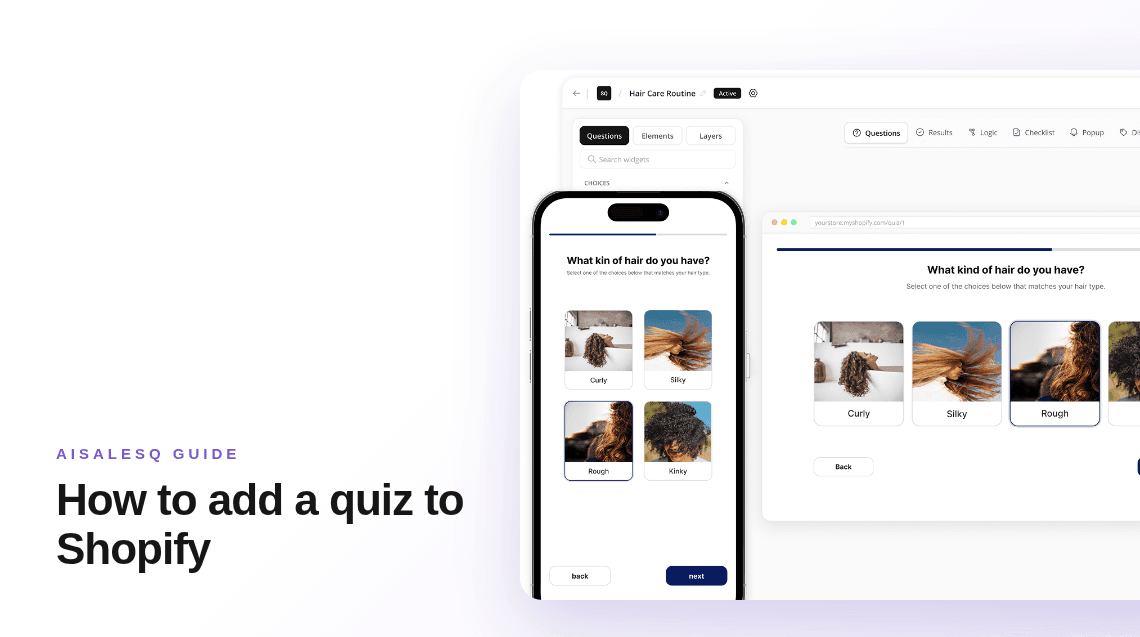
How to Add a Quiz to Your Shopify Store (Step by Step)
Shopify has no built-in quiz, so you add one with an app. The whole process in order: pick the app, build the quiz, place it in your theme, and test it.
Common questions
Questions about quiz funnels.
What merchants ask before they build their first quiz funnel.
A quiz funnel is a sequence that begins with a quiz and ends with a sale. It includes the entry point, the questions, an email step, a personal result, follow-up emails based on the answers, and measurement.
A quiz funnel is one kind of sales funnel. Its first step is a set of questions, so each later step can be matched to what the shopper said they want.
Usually three to six. Include only questions whose answers change the recommendation or the follow-up.
No. A Shopify quiz app handles the quiz and email capture inside your store. You also need a way to send follow-up emails, which is either the quiz app itself or a connected email platform.
You can build and publish the quiz on a free plan in several apps, including AISalesQ. Follow-up email automation is usually part of a paid plan.
Compare the orders and revenue that came from quiz subscribers with what the app costs. Completion rate shows whether the quiz is used, and attributed revenue shows whether it pays.
Have a question that isn’t answered here?
Contact the AISalesQ team directly
Newsletter
Subscribe to new posts