Quiz discounts
Turn Every Quiz Result Into an Offer Worth Using
When a shopper finishes your quiz and leaves their email, AISalesQ creates a real Shopify discount code just for them — shown on the result page, applied at checkout in one click, and sent in their result email.
Free plan available · No credit card · 14-day trial on paid plans
Your match
Hydra Glow Serum
Recommended for dry, sensitive skin
10% off your order
QUIZ-M4K7XQ92TD
CopySingle-use · personal to you
Why it matters
Why a Quiz Discount Beats a Sitewide Code
A code everyone can find is a margin leak. A code a shopper earned is a reason to buy.
Sitewide codes get shared. Quiz codes get used.
Popup codes like WELCOME10 end up on coupon sites within days. They discount orders that would have happened anyway, and they tell you nothing about the shopper who used them.
An AISalesQ quiz code is different. It is created for one shopper, at the moment they finish your quiz and share their email, and it arrives next to the products you recommended for them. The offer lands when purchase intent is highest — and every code is a real Shopify discount you can see in your admin.
Sitewide popup code
- One code shared with everyone
- Ends up on coupon sites
- Shown before the shopper knows what to buy
- No link to what they wanted
AISalesQ quiz code
- A unique code for each shopper
- Single-use by default
- Shown next to their recommended products
- Earned in exchange for an email
How it works
From Quiz Answer to Applied Discount
Set it up once. Every qualifying shopper gets their own code automatically.
Set Up the Offer
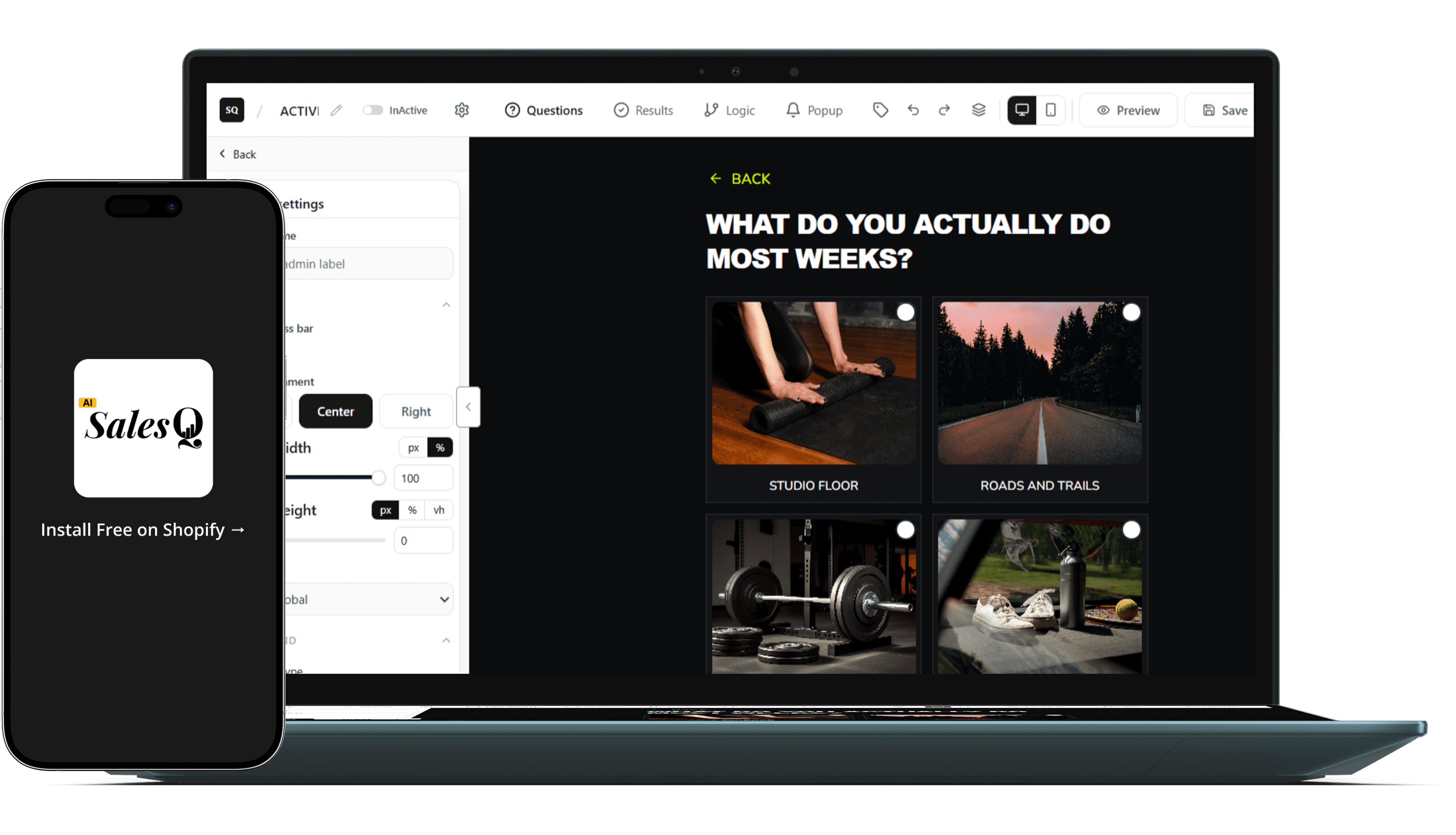
Turn on "Offer discount" in the quiz builder and choose the type, value, and rules — the same options as Shopify's own discount page.
Outcome
Configure it once, without leaving AISalesQ.
01
Shopper Finishes the Quiz
A code is created only when the submission includes an email address, so the discount rewards the shopper for joining your list.
Outcome
Your discount doubles as an email incentive.
02
A Real Shopify Code Is Created
AISalesQ creates a unique Shopify discount code the moment the quiz is submitted, with your prefix — for example QUIZ-M4K7XQ92TD.
Outcome
Every code lives in Shopify Discounts.
03
Applied at Checkout
The code is shown on the result page with a copy button, and the add-to-cart button and email link apply it automatically.
Outcome
No typing, no forgotten codes.
04
Set Up the Offer
Turn on "Offer discount" in the quiz builder and choose the type, value, and rules — the same options as Shopify's own discount page.
Outcome
Configure it once, without leaving AISalesQ.
01
Shopper Finishes the Quiz
A code is created only when the submission includes an email address, so the discount rewards the shopper for joining your list.
Outcome
Your discount doubles as an email incentive.
02
A Real Shopify Code Is Created
AISalesQ creates a unique Shopify discount code the moment the quiz is submitted, with your prefix — for example QUIZ-M4K7XQ92TD.
Outcome
Every code lives in Shopify Discounts.
03
Applied at Checkout
The code is shown on the result page with a copy button, and the add-to-cart button and email link apply it automatically.
Outcome
No typing, no forgotten codes.
04
Discount types
Every Discount Type Shopify Supports
Pick the offer that fits the quiz. Each one is created in Shopify exactly as you configured it.
Amount off order
A percentage or fixed amount off the whole order. The default: 10% off.
- Percentage or fixed amount
- Minimum purchase amount or quantity
Amount off products
Discount specific products or collections — or only the products the quiz recommended to that shopper.
- Specific products or collections
- Or the shopper's recommended products
Buy X get Y
Reward a bigger basket: buy a quantity or spend an amount, get items free or discounted.
- Free, percentage, or amount off each
- Maximum uses per order
Free shipping
Remove the last objection at checkout, for all countries or only the ones you choose.
- All or selected countries
- Exclude shipping rates over an amount
Personalised offers
Match the Offer to the Result
A quiz already knows what each shopper needs. Your discount can too.
A different discount for each result
Set a quiz-wide offer, then use "Override quiz discount" on any result page. Give your premium routine 15% off, your starter kit free shipping, and leave the rest on the default.
Scope the code to their recommendations
With "Use the shopper's recommended products", the code only applies to what the quiz recommended to that shopper — so the discount moves the products you matched them with, not your whole catalog.
Result page overrides
- Complete routine15% off
- Starter kitFree shipping
- All other resultsQuiz default · 10% off
Built-in rules
One Discount per Shopper, per Quiz
Retaking the quiz never issues another code, and a redeemed code is never replaced.
You decide:
- Whether the limit counts across all your quizzes
- When codes expire — a number of days after the quiz, a fixed date, or never
- How many times a code can be used, and one use per customer
- Whether the code is locked to the shopper who took the quiz
- Which other discounts it can combine with — none by default
- Who is eligible — all customers or specific customer segments
A shopper who retakes the quiz sees the same code while it is still valid. If a code expired unused, they get a fresh one. Addresses like jane.doe+quiz@gmail.com count as the same shopper, and the result page always shows — even when no new code is issued.
Repeat submissions
- One discount per shopperDefault
- One discount ever
- A new code every submission
Every code keeps its terms
Change the offer and new codes follow the new terms. Codes already sent keep the terms they were issued with.
Where the code appears
In Front of the Shopper, Everywhere It Counts
One code, delivered at every step between the result and the order.
On the result page
A coupon element shows the code with a one-tap copy button, right next to the recommended products.
Applied at checkout
The add-to-cart and checkout buttons apply the code automatically, so the shopper never has to type it.
In the result email
Merge tags for the code, its value, its expiry date, and a link that applies it automatically — in the built-in email and your automations.
On the subscriber record
Each code is stored with the shopper's quiz response and included in the responses CSV export.
COMMON QUESTIONS
The questions merchants ask before they turn discounts on.
If something is stopping you from offering a quiz discount, the answer is probably here.
Yes. Each code is created in Shopify Discounts through the Shopify Admin API the moment the shopper submits the quiz, so it works at your normal checkout and appears in your Shopify admin.
Yes. A code is only created when the quiz submission includes an email address. That makes the discount a natural incentive for joining your list.
With the default setting they see the same code while it is still valid. If it expired unused they get a new one, but once a code has been redeemed they never get another. You can also choose "One discount ever" or "A new code every submission".
Yes. Set a quiz-wide discount, then override it on any result page with its own type, value, and rules.
Only if you want them to. By default codes never expire. You can set them to expire a number of days after the shopper takes the quiz, or on a fixed date.
Not by default. Under "Combinations" you can allow the code to combine with product, order, or shipping discounts.
Have a question that isn't answered here?
Contact the AISalesQ team directly
READY TO LAUNCH
Ready to give every result a reason to buy?
Turn on "Offer discount", pick your offer, and every shopper who finishes your quiz gets a code of their own — created in Shopify and applied at checkout.
Free plan included · No credit card needed · Live in 15 minutes