Blogs Product Recommendation Quiz
What Is a Product Recommendation Quiz? How It Works
A product recommendation quiz asks a shopper a few questions and matches the answers to products in your catalog. Here is how the matching works, what to ask, and where a quiz earns its place.
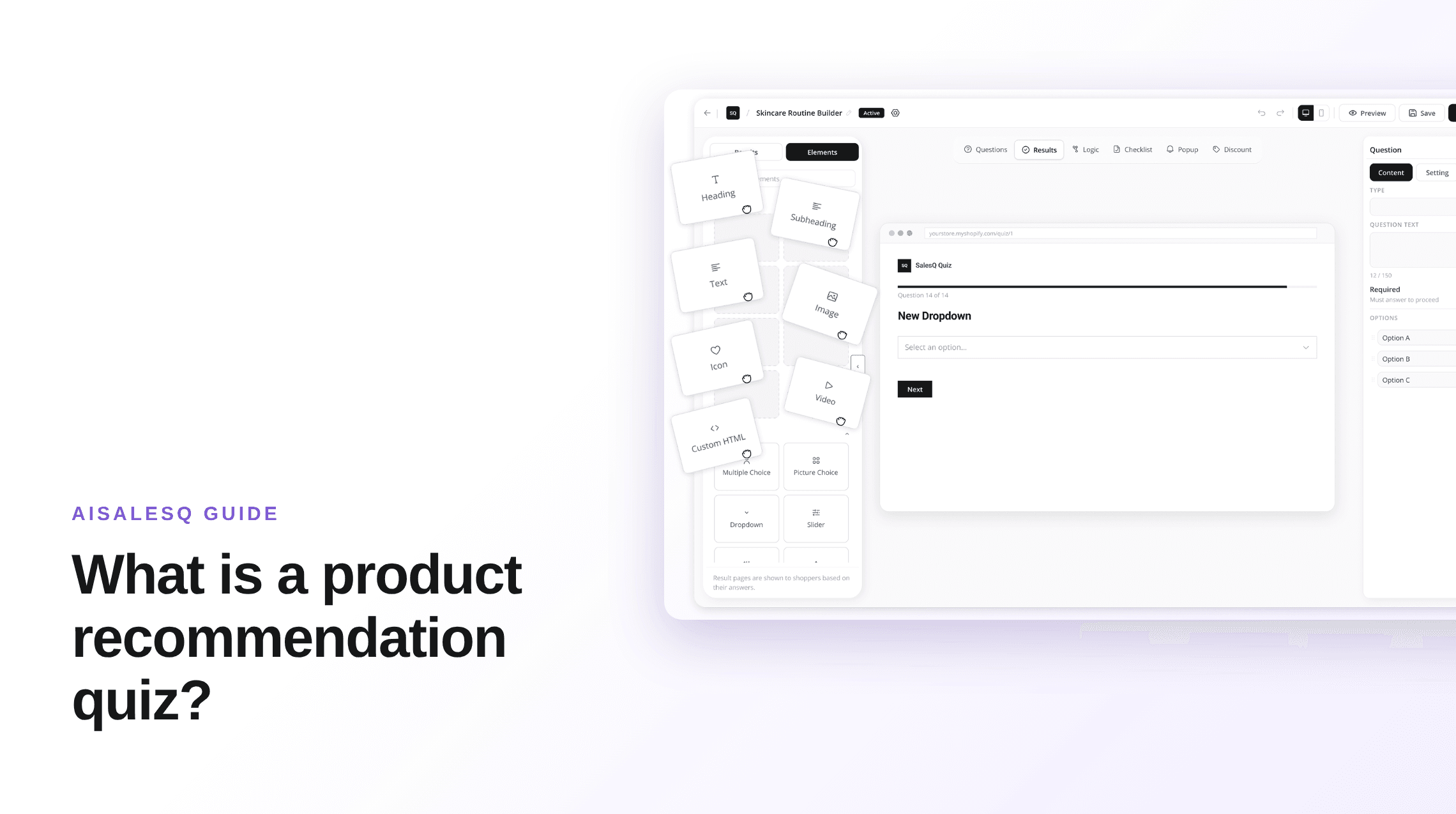

AISalesQ Team
Updated on October 10, 2026 - 6 min read
What a Product Recommendation Quiz Is
A product recommendation quiz is a short set of questions on an online store that ends with a specific product suggestion. The shopper answers three to eight questions about their needs, and the quiz shows the products that fit those answers, usually with an add-to-cart button.
It does the job a good shop assistant does in person. Instead of leaving a shopper to compare forty similar products, it asks what they are trying to solve and narrows the catalog to the few items worth looking at.
You will also see it called a product quiz, a product finder, a shopping quiz or guided selling. The mechanics are the same. This guide uses AISalesQ's Shopify quiz builder for the examples, but the principles apply to any tool.
How a Product Recommendation Quiz Works
Every product recommendation quiz has the same four parts. Knowing them makes it much easier to plan one before you open a builder.
1. Questions
Each question collects one fact that changes what you would recommend: skin type, budget, who the gift is for, how the product will be used. Questions that are only interesting, and do not change the result, make the quiz longer without making it better.
2. Logic
Logic decides which question comes next. Jump logic sends a shopper to a different question, or straight to a result, based on an answer. Skip logic hides a question that no longer applies, so someone who says they have no pets never sees the pet questions.
3. Matching
Matching is the rule that turns answers into products. It is the part people assume is complicated, and it is usually simple. The next section covers the two common ways to do it.
4. The result page
The result page shows the recommended products and gives the shopper a next step: add to cart, go to checkout, see the collection, or retake the quiz. It can also show a discount code. This is the page that makes the sale, so it deserves as much attention as the questions.
How Answers Are Matched to Products
There are two reliable ways to match answers to products. Both are rules you set, which means you can always explain why a shopper saw a particular product.
Score-based results
Each answer adds points to a category. A skincare quiz might have categories for dry, oily and sensitive skin. At the end, the category with the most points decides which result page the shopper sees, and that page holds the products you chose for it.
This works well when shoppers fall into a handful of types and each type has a clear set of products. You decide what happens in a tie.
Answer mapping
Each answer carries its own products. If a shopper picks "espresso" and "dark roast", the result shows the products attached to those two answers. There are no types to design, which makes it quicker to set up for catalogs where answers map directly to products.
What about AI recommendations?
Some tools pick products with a model instead of rules. That can save setup time on very large catalogs, but you give up the ability to say exactly why a product was shown. AISalesQ's recommendations are rule-based: you map the products, and the quiz follows your rules. For most stores with a focused catalog, that control is the point.
What to Ask
Start from the result and work backwards. List the products or product groups you want to recommend, then ask only the questions that separate one group from another.
Use the question type that makes answering fastest. Multiple choice and picture choice suit most questions. A slider suits a range such as budget. A yes/no question suits a single deciding fact. Keep free-text questions for the rare case where you will actually read the answers.
Put the easiest question first. Shoppers who answer one question usually keep going, and an opening question about themselves is easier than one about product features they may not understand yet.
If you are unsure whether a question belongs, check whether any answer to it would change the recommendation. If not, remove it.
Examples by Store Type
The structure stays the same across industries. What changes is the deciding fact.
Beauty and skincare
The deciding facts are skin type, the concern the shopper wants to fix, and sensitivity. A foundation finder adds undertone and coverage. Score-based results fit well, because shoppers fall into a few recognisable types.
Food and drink
A coffee finder asks how the shopper brews, how strong they like it and which flavours they prefer. Answer mapping fits, because "espresso" and "filter" point straight at different products.
Fashion and jewelry
Style quizzes ask about occasion, fit and taste. A denim fit finder narrows by rise, leg shape and stretch. These quizzes often recommend a small set that works together instead of a single item.
Gifts
A gift finder asks who the gift is for, the occasion and the budget. The shopper is not the end user, so questions about the recipient replace questions about personal preference.
Pets
A pet food quiz asks about species, age, size and dietary needs. These are facts with clear answers, which makes the quiz quick to finish and the mapping easy to maintain.
What Happens After the Quiz
A quiz that ends at the result page captures one chance to sell. Most shoppers do not buy on the first visit, so what happens next matters as much as the recommendation.
If the quiz asks for an email address before the result, each shopper who agrees becomes a subscriber with their answers attached. That is zero-party data: information a customer gives you on purpose. It lets a follow-up email talk about the product they were actually shown instead of a generic offer.
From there, quiz email automation sends a sequence on a schedule you set and stops it when the shopper orders. And revenue attribution connects paid orders back to the quiz, so you can see what the quiz earned and not just how many people took it.
When a Quiz Is Worth It, and When It Is Not
A product recommendation quiz pays off when choosing is the hard part. That means many similar products, products that depend on personal factors, or shoppers who do not know the vocabulary of your category.
It is not worth the effort when the catalog is small enough to compare at a glance, or when every shopper wants the same hero product. In those cases a clear product page does more than a quiz.
A useful test: if customers regularly ask "which one is right for me?", the questions they ask your support team are your quiz.
How to Start on Shopify
Shopify has no built-in quiz feature, so you need an app. Pick a builder, start from a template close to your category, and replace its questions and products with your own. AISalesQ includes quiz templates for fashion, beauty, jewelry, fitness, home and pet stores.
Publish the quiz, add it to your theme as a popup or as a section on a page, and watch two numbers first: how many shoppers who start the quiz finish it, and how many who finish it add a product to cart. If you want the build broken into steps, read how to build a product finder quiz for Shopify.
Keep reading
You might also like
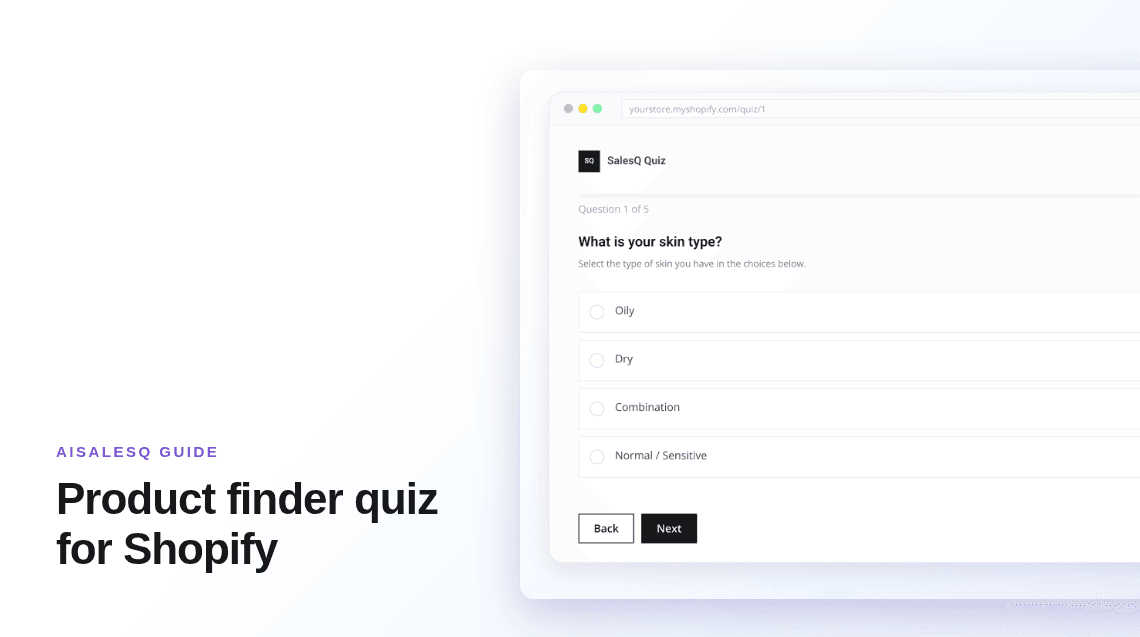
Product Finder Quiz for Shopify: How to Build One
A product finder narrows a catalog to the few items that fit one shopper. The questions, the matching rules, and the Shopify setup, in order.
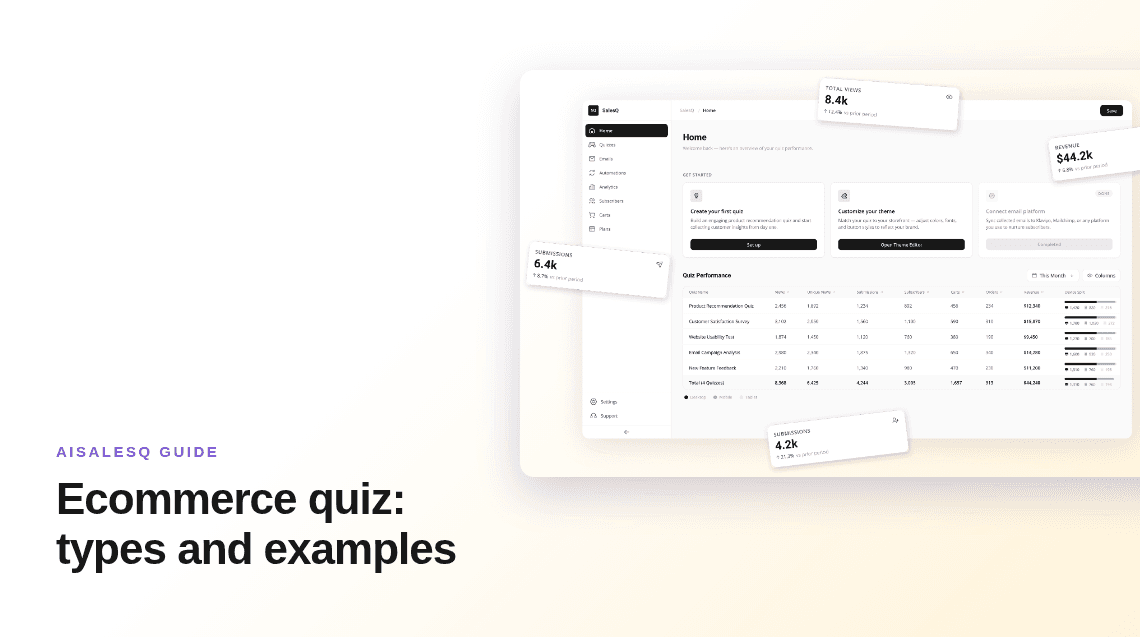
Ecommerce Quiz: 6 Types, With Examples and When to Use Each
Product finders, routine builders, gift finders, fit quizzes and more. What each type of ecommerce quiz is for, and how to choose one.
What to Send After Someone Finishes Your Shopify Quiz
Your quiz told you exactly what the shopper needs. Here is a simple five-email plan to turn that knowledge into sales, with clear timing, stop rules, and tracking.
Common questions
Questions about product recommendation quizzes.
Short answers to what merchants ask before they build their first quiz.
It is a short quiz on an online store that asks shoppers about their needs and then shows the products that match their answers, usually with an add-to-cart button.
As few as it takes to separate your product groups. Many stores land between four and eight questions.
A better rule than a number: remove any question whose answer would not change the recommendation.
Either by scoring, where answers add points to a category and the top category decides the result, or by answer mapping, where each answer carries its own products.
In AISalesQ both are rules you set yourself, so every recommendation can be explained.
Asking before the result captures more subscribers but some shoppers will leave. Making the email optional keeps more shoppers and captures fewer.
Whichever you choose, ask for marketing consent separately and leave the consent box unticked by default.
No. Shopify does not include a quiz feature, so stores add one with an app from the Shopify App Store.
Have a question that isn’t answered here?
Contact the AISalesQ team directly
Newsletter
Subscribe to new posts