Integrations & settings
Change the app language
Switch the AISalesQ app between English and German from the language menu in the top bar.
1 min read·Updated October 20, 2026·All plans
In the appSalesQ/EN/Deutsch
In this guide
- 01Switch the app between English and German
- 02Know what changes and what stays the same
The AISalesQ app is available in English and German. You can switch at any time, and the change applies straight away.
Switch the language
- 1
Open the language menu
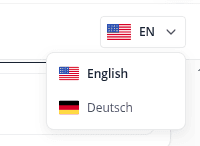
Click the flag button in the top-right corner of any page. It shows the current language, for example EN.
- 2
Choose a language
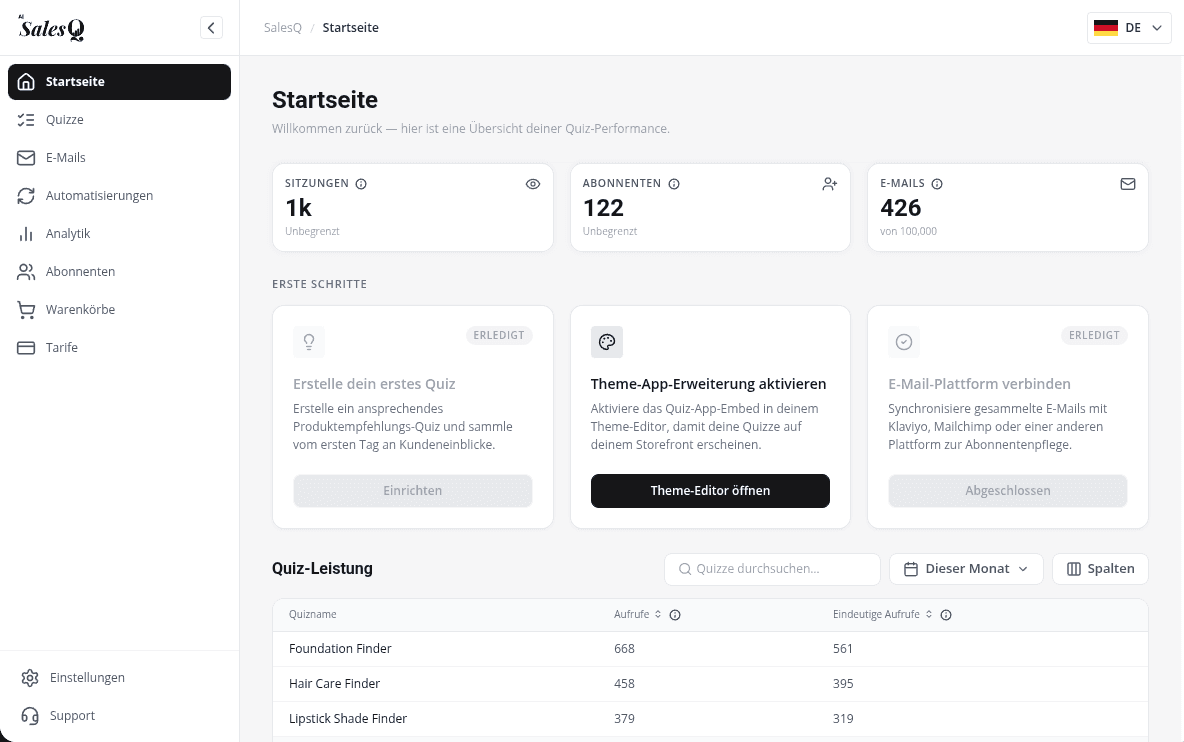
Click English or Deutsch. The app switches language immediately.
What changes
- The app's pages, menus and buttons.
- The language of the emails AISalesQ sends you about your account.
The app remembers your choice in this browser. It doesn't follow your Shopify admin language, so the first time you open AISalesQ on a new browser or computer it starts in English; choose your language again there.
What stays the same
- The text of your quizzes and emails: shoppers see the words you wrote.
- Shopify's own admin menu for the app, which stays in English.
- The app embed and block settings in Shopify's theme editor, which are in English.
Learn more
Related articles
Was this page helpful?
Still need help?
Can't find what you need? Talk to the people who build the app.