Plans & billing
Compare plans and limits
What the Free, Starter, Growth and Scale plans include, what they cost monthly or yearly, and how the 15-day free trial works.
3 min read·Updated October 20, 2026·All plans
In the appSalesQ/Plans
In this guide
- 01Compare what Free, Starter, Growth and Scale include
- 02Understand what counts as a response or an email
- 03Start a 15-day free trial
- 04Know how billing through Shopify works
AISalesQ has four plans: Free, Starter, Growth and Scale. Every store starts on Free. Plans differ in how many quiz responses and emails are included each month, how many quizzes you can publish, and which features you get.
See the plans in the app
- 1
Open Plans
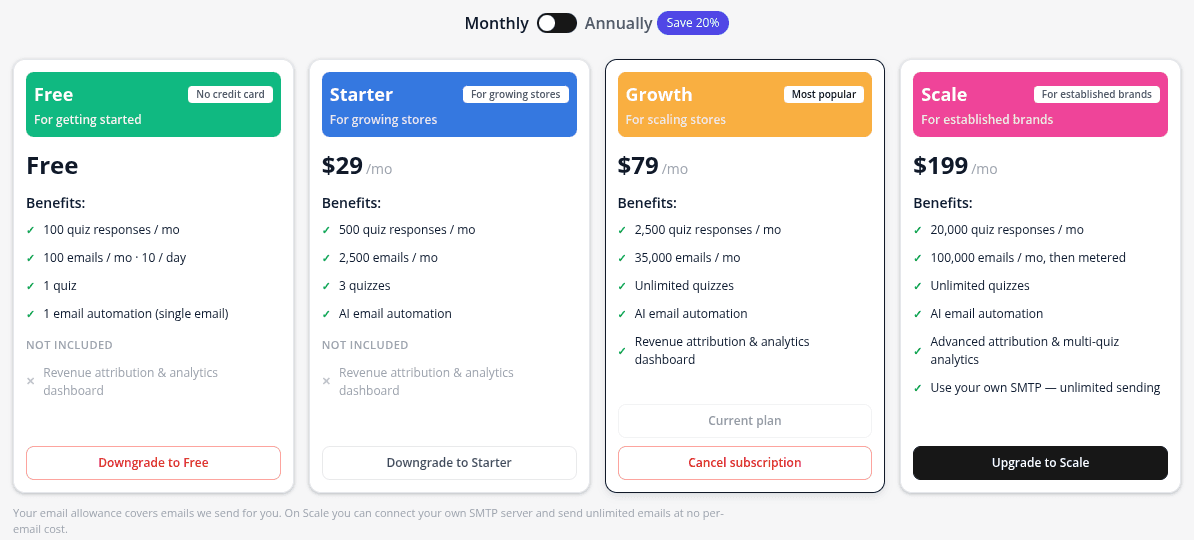
Click Plans in the app menu. The Plans & billing page shows your current plan at the top, then the four plan cards.
- 2
Switch between monthly and yearly
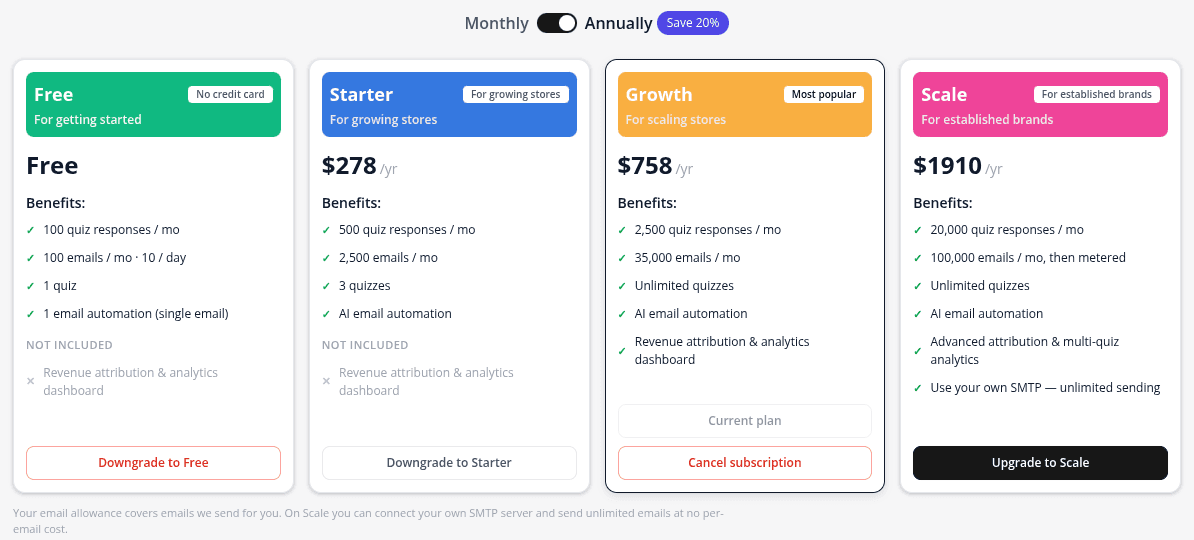
Use the Monthly / Annually switch above the cards. Annual prices are shown per year and save 20%.
What each plan includes
| Free | Starter | Growth | Scale | |
|---|---|---|---|---|
| Price per month | $0 | $29 | $79 | $199 |
| Price per year (save 20%) | $0 | $278 | $758 | $1,910 |
| Quiz responses per month | 100 | 500 | 2,500 | 20,000 |
| Emails per month | 100 (up to 10 a day) | 2,500 | 35,000 | 100,000, then metered |
| Published quizzes | 1 | 3 | Unlimited | Unlimited |
| Email templates | 1 | 3 | Unlimited | Unlimited |
| Email automations | 1, with a single email | Unlimited, with multi-step sequences | Unlimited, with multi-step sequences | Unlimited, with multi-step sequences |
| Revenue attribution & analytics dashboard | No | No | Yes | Yes |
| Send from your own SMTP server | No | No | No | Yes |
| Quiz views | Unlimited | Unlimited | Unlimited | Unlimited |
| Subscribers stored | Unlimited | Unlimited | Unlimited | Unlimited |
What is counted
- Quiz responses: one response is one shopper who finishes your quiz and reaches a result page. Someone who opens the quiz and leaves early doesn't count.
- Emails: the emails AISalesQ sends for you, such as your automation emails. On Scale, emails you send through your own SMTP server don't count.
- Quiz views and subscribers are never limited or billed.
Usage starts again on the 1st of every month (UTC). You can follow it in the Current usage panel on the Plans page. See What happens when you reach a plan limit.
The 15-day free trial
Every paid plan comes with a 15-day free trial, once per store. Plans you can still try show a 15-day free trial label and a Start 15-day trial button. Shopify only starts charging when the trial ends, unless you cancel before then.
- 1
Start the trial
On the plan you want, click Start 15-day trial.
- 2
Approve in Shopify
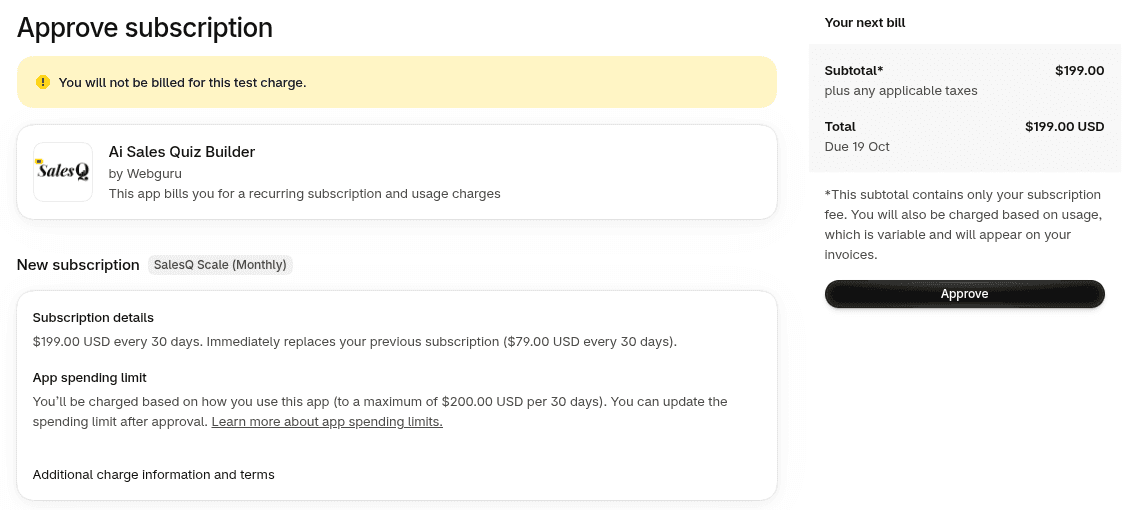
Shopify shows the charge for you to approve. Approve it to continue.
- 3
You're done
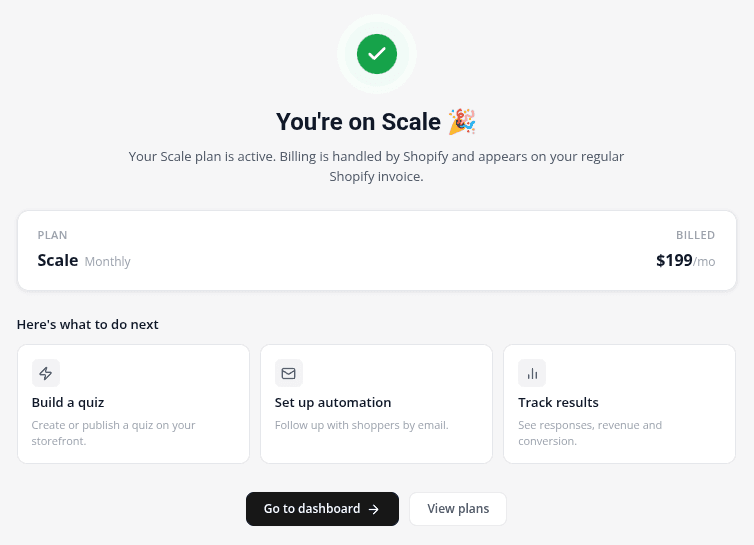
You're taken back to the app and see a confirmation, for example You're on Growth 🎉. Click Go to dashboard to get started.
Billing through Shopify
Everything is billed through Shopify and appears on your normal Shopify invoice. There's no separate card to enter. Annual plans are billed once a year. On Scale, emails above 100,000 a month are billed as metered usage, which is available with monthly billing only, so choose monthly if you expect to go over regularly.
To move to another plan later, see Upgrade, downgrade or cancel your plan.
Video tutorials
Watch the series in order, or jump to the one you need.
- 01
 1:32How to Install a Shopify Quiz App: AI Sales Quiz Builder Setup & Tour
- 02
 1:38How to Create a Product Recommendation Quiz on Shopify (Step by Step)
- 03
 1:44Shopify Quiz Templates: Build a Product Quiz in Minutes
- 04
 1:48How to Add a Quiz to Your Shopify Store (Publish & Embed)
- 05
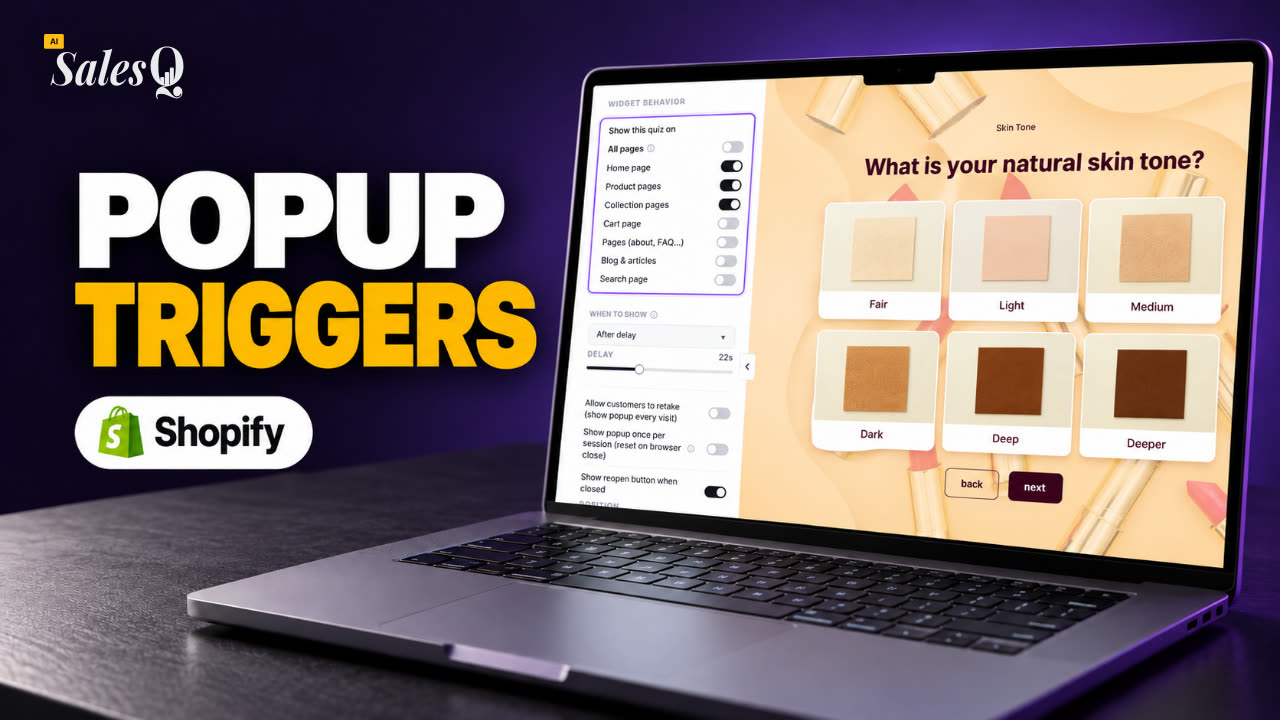 1:56Shopify Quiz Popup: Triggers, Timing & Page Targeting
- 06
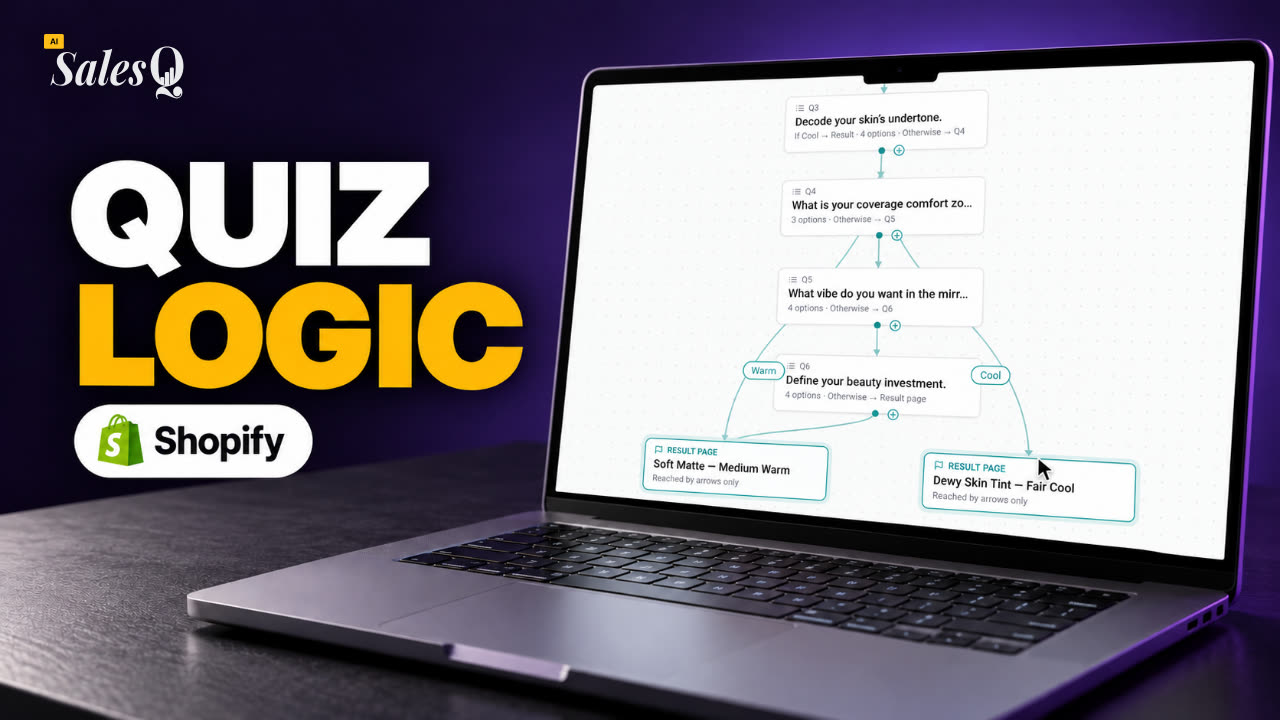 1:44Shopify Quiz Logic & Branching: Send Shoppers to the Right Product
- 07
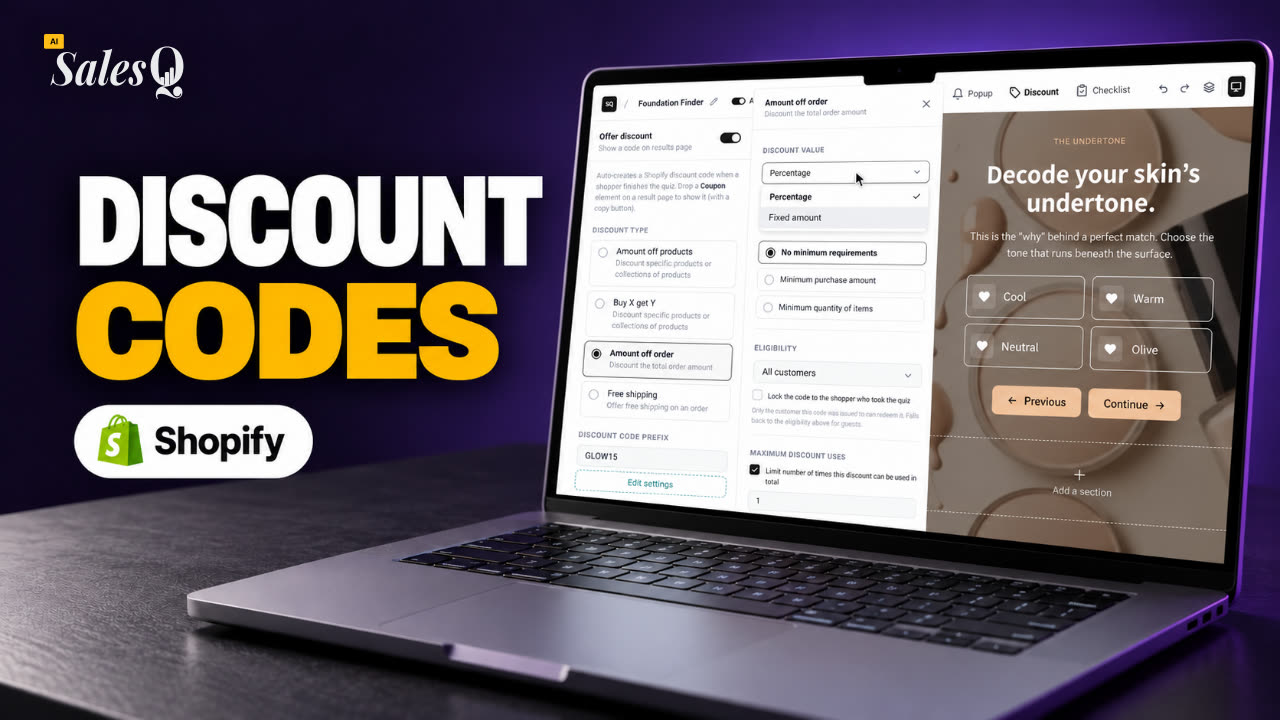 1:42Shopify Quiz Discount Codes: Unique Codes That Convert
- 08
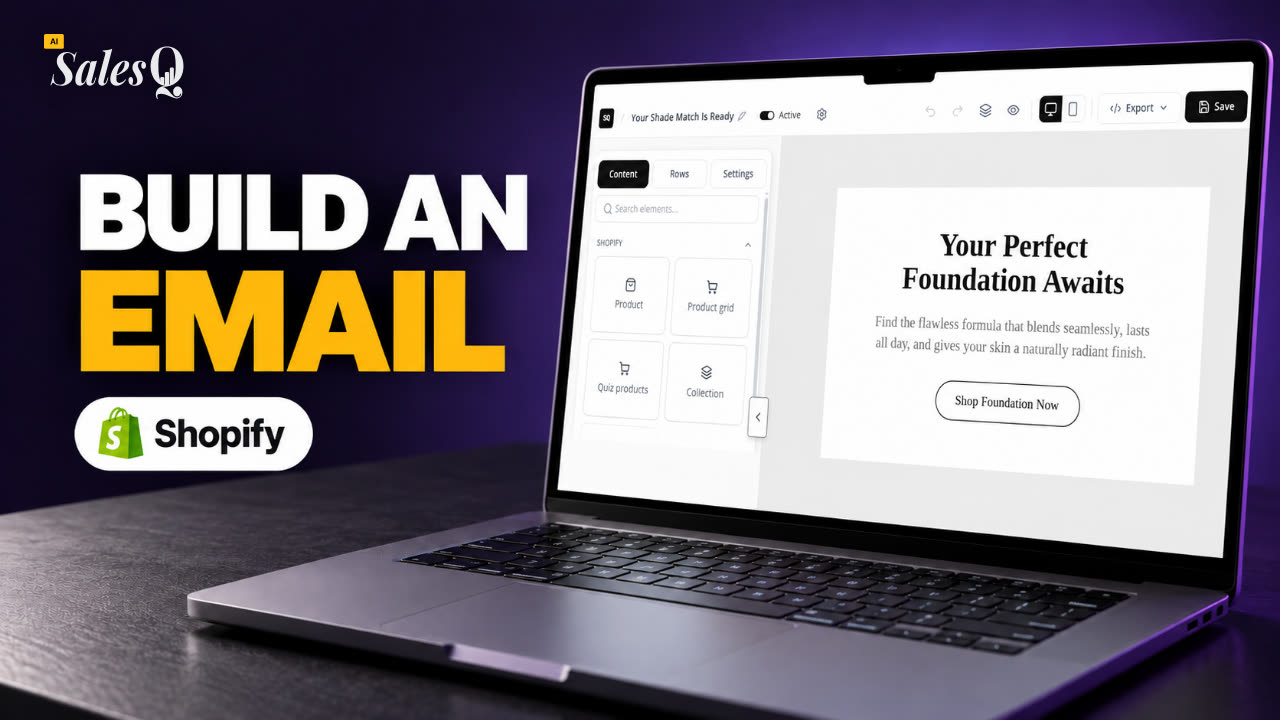 1:44Shopify Email Marketing: Create a Quiz Follow-Up Email
- 09
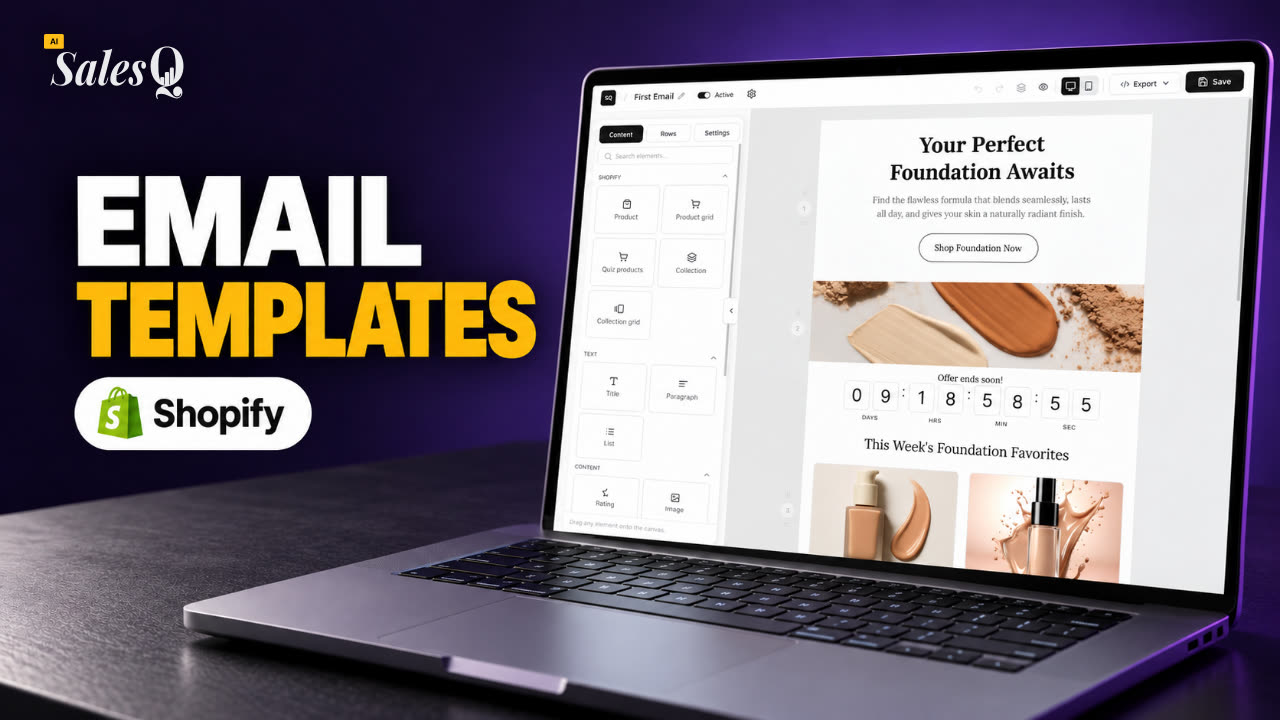 1:36Shopify Email Templates for Quiz Follow-Ups (Ready to Use)
- 10
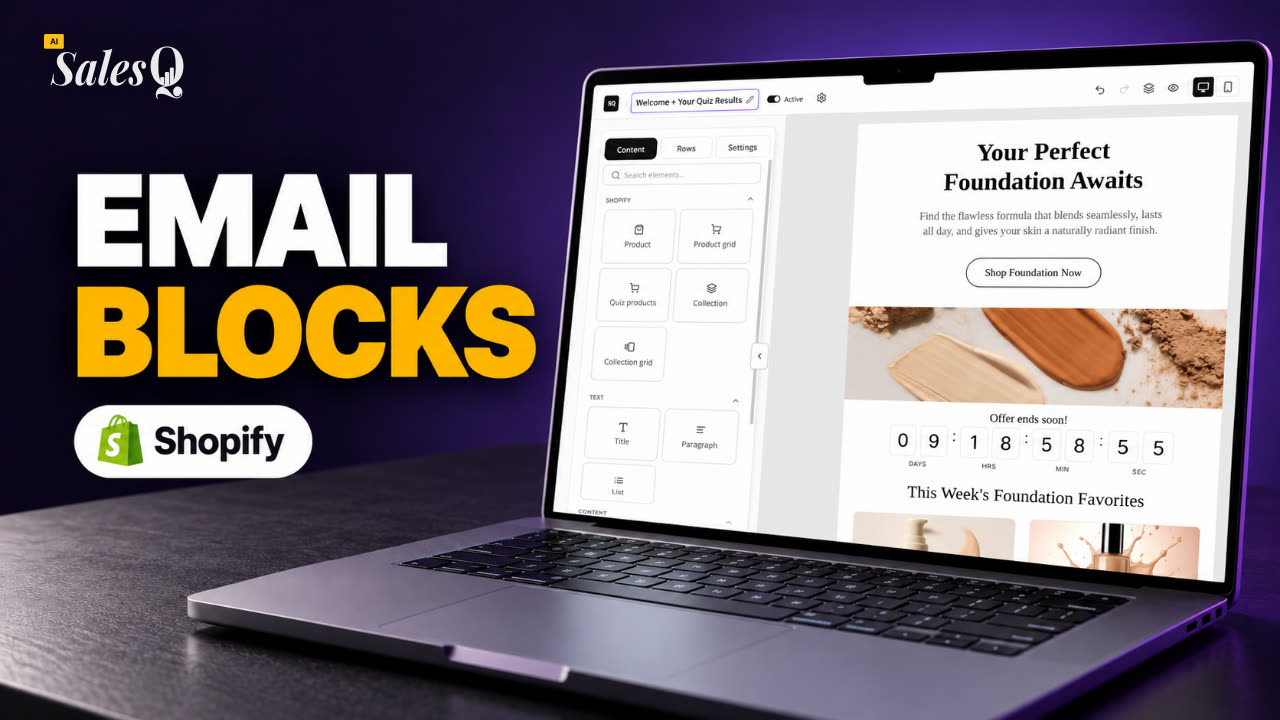 1:51Shopify Email Builder Tutorial: Drag-and-Drop Blocks
- 11
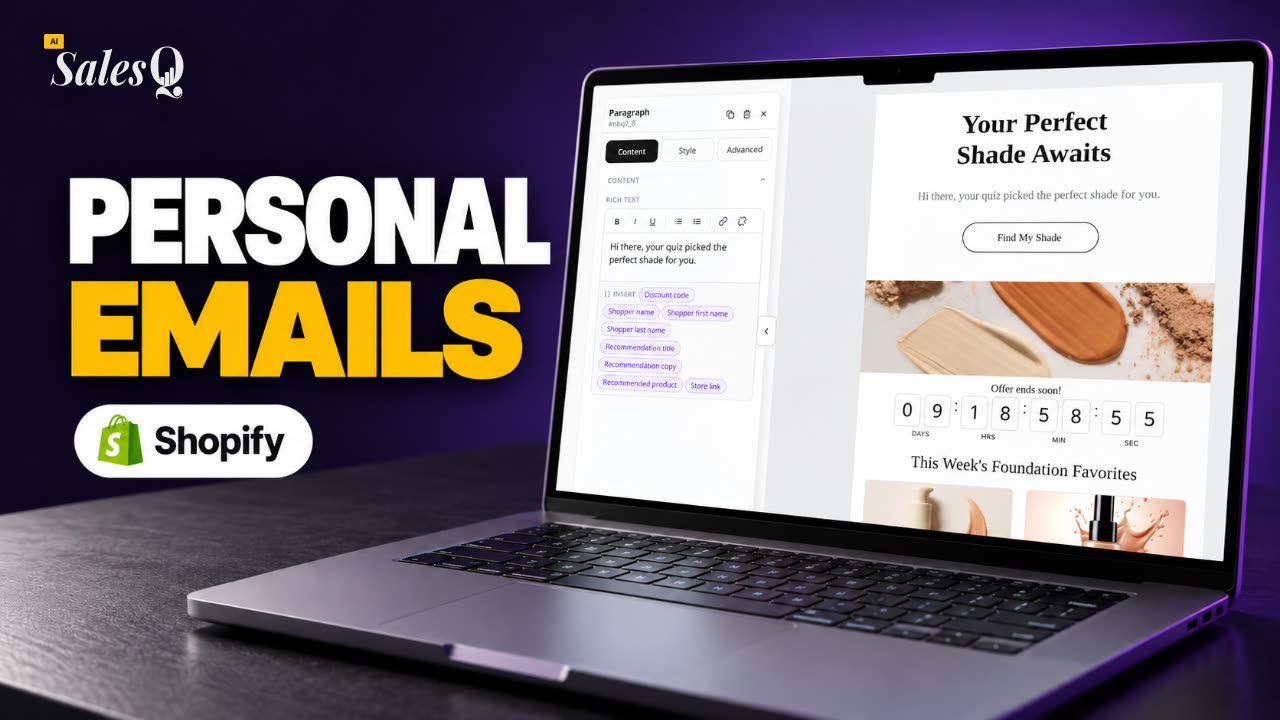 1:49Personalize Shopify Emails With Quiz Answers (Merge Tags)
- 12
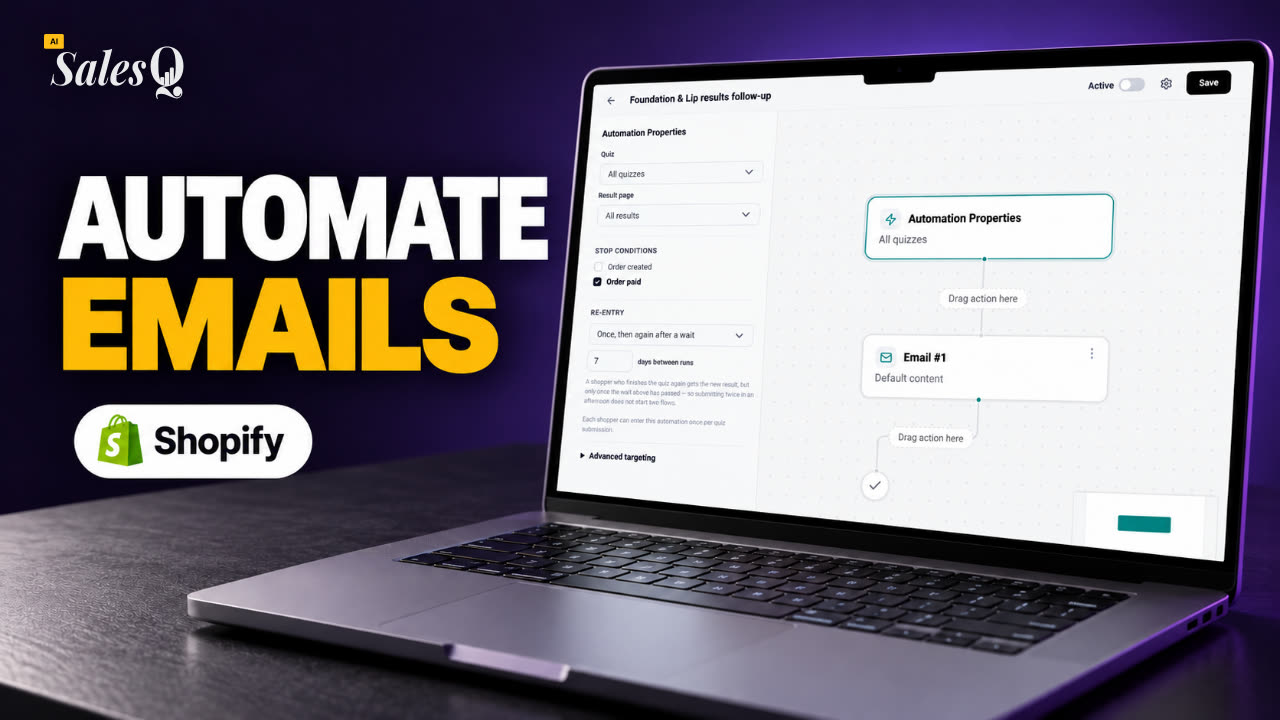 1:32Shopify Email Automation: Quiz Follow-Up Flow Step by Step
- 13
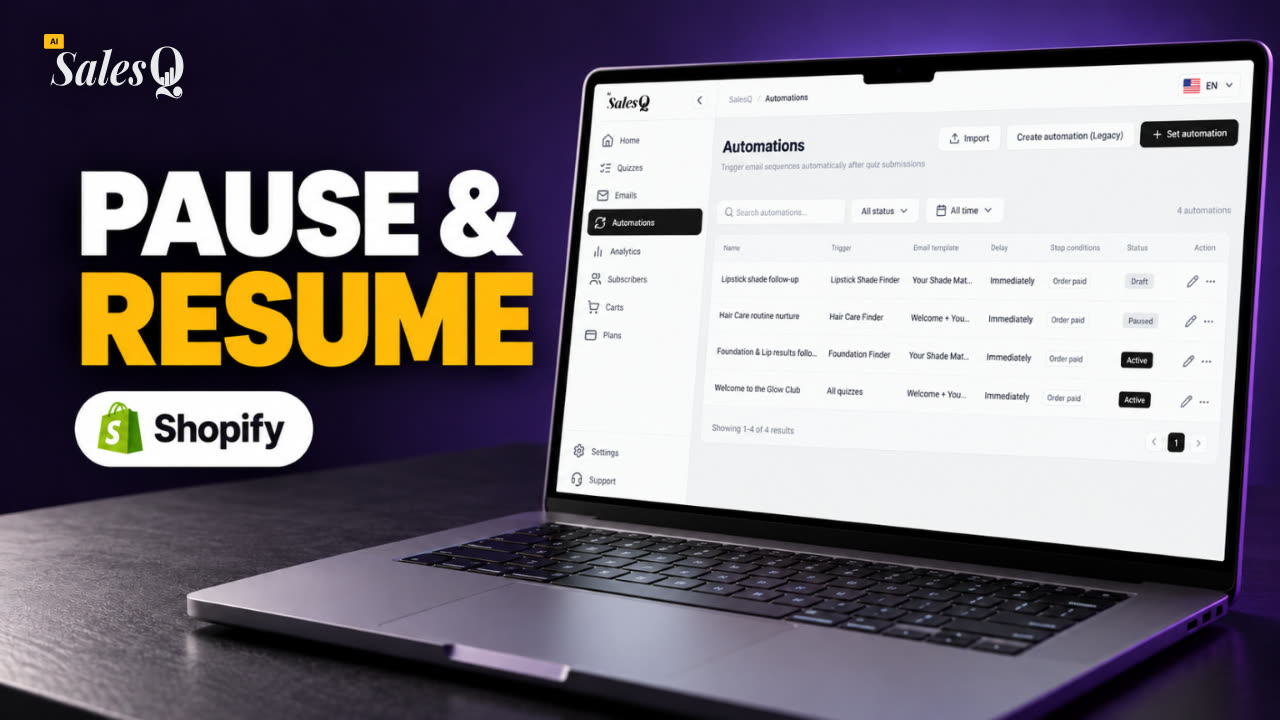 1:29Manage Shopify Email Automations: Pause, Resume & Edit Flows
- 14
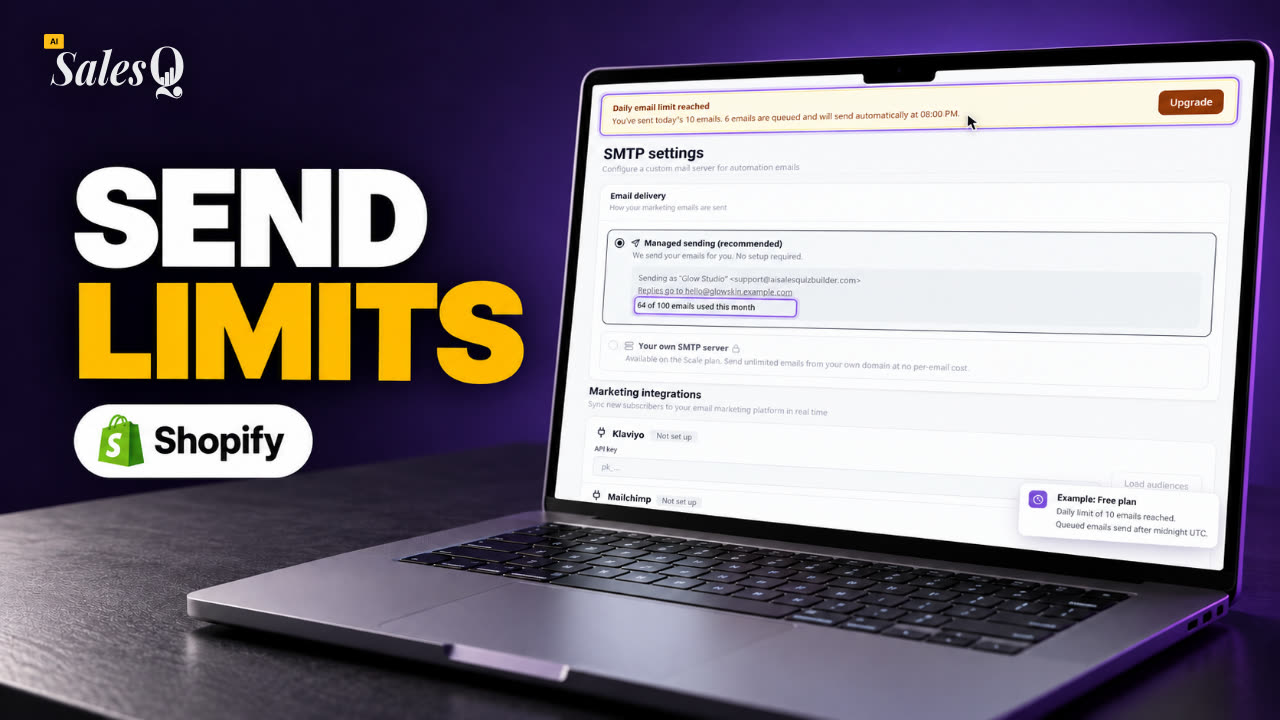 1:41Shopify Email Sending Limits Explained (Quiz Emails)
- 15
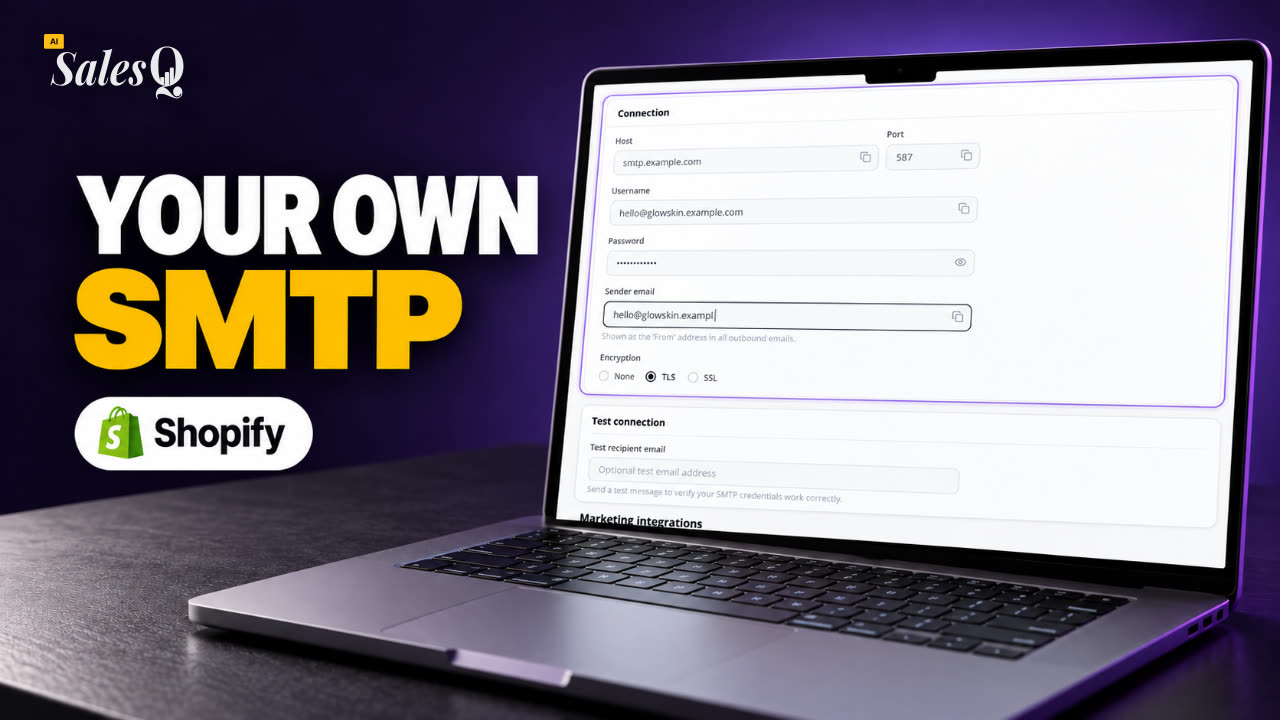 1:31Send Shopify Emails From Your Own SMTP Server
- 16
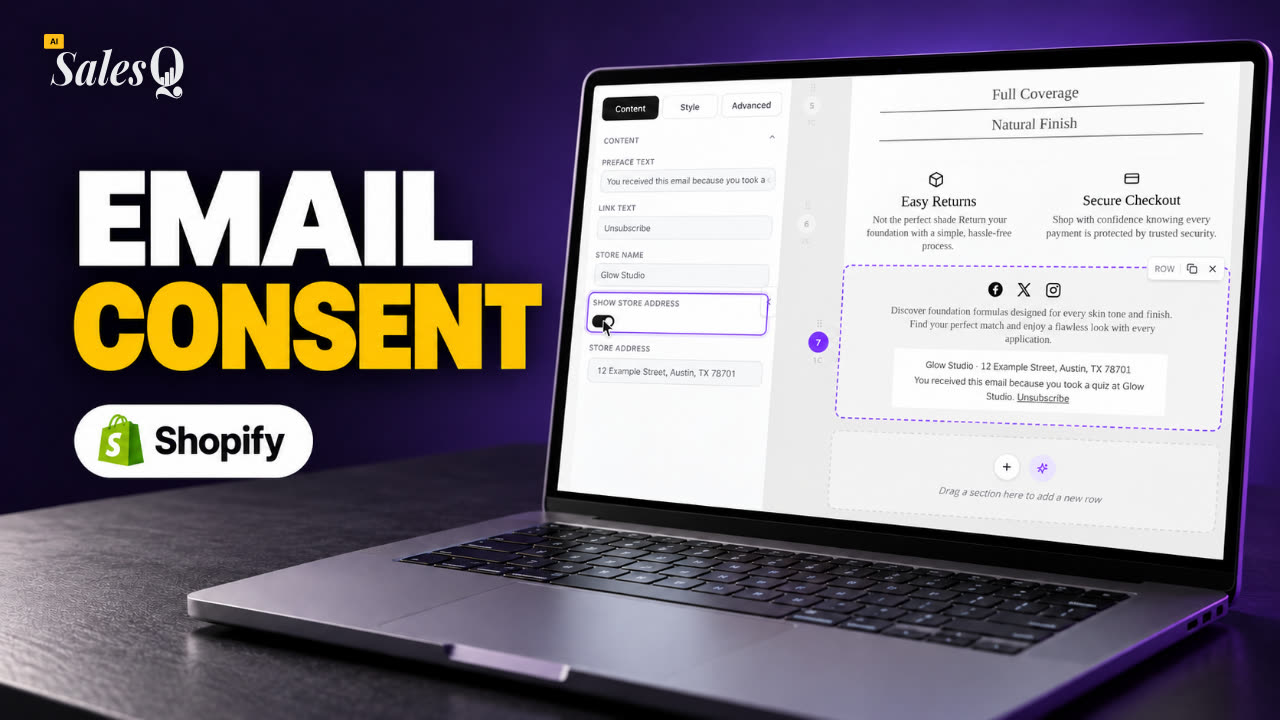 1:43Shopify Email Consent & Unsubscribe Link Explained
- 17
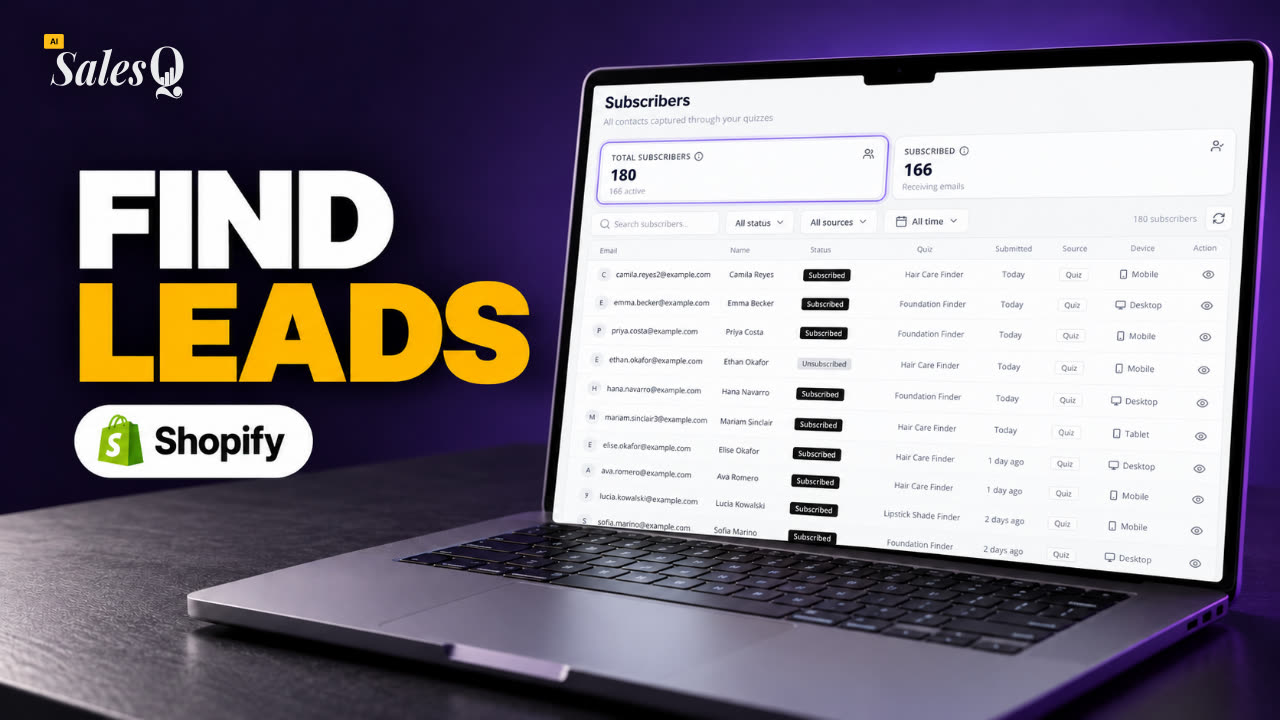 1:46Shopify Quiz Subscribers: Search, Filter & View Profiles
- 18
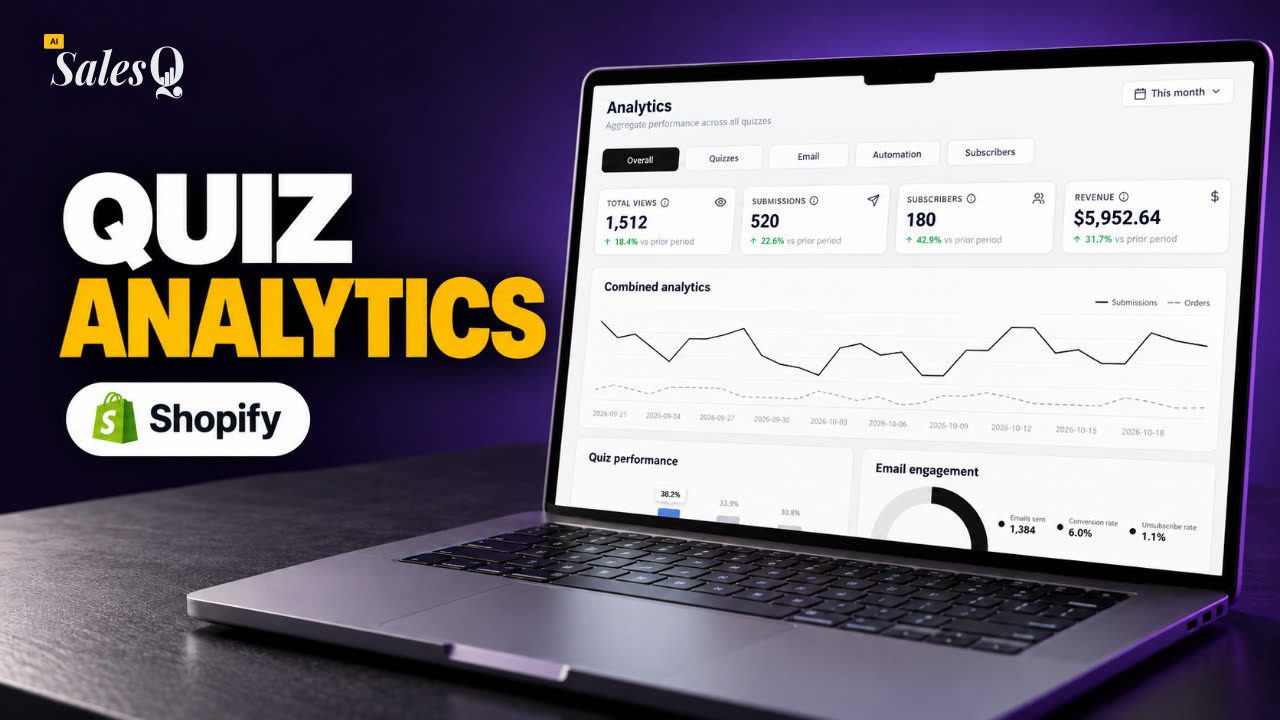 1:45Shopify Quiz Analytics: Track Revenue, Conversions & Emails
- 19
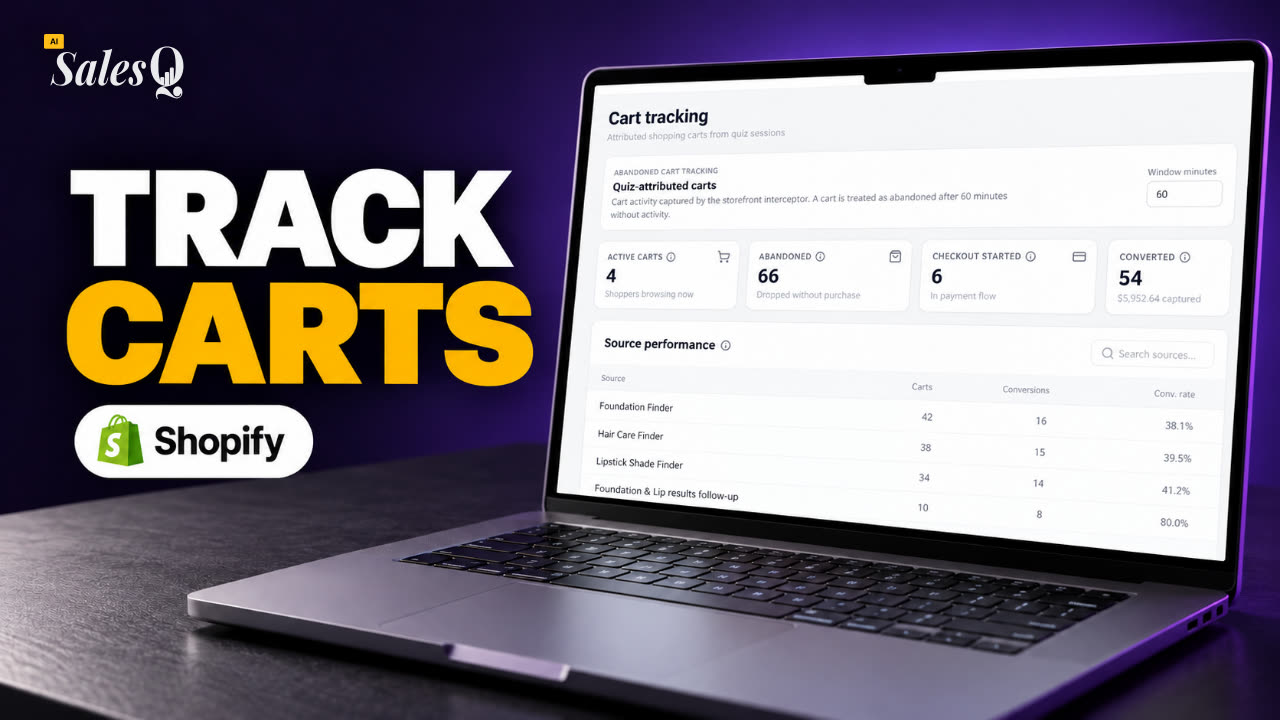 1:44Shopify Abandoned Cart Tracking for Quiz Shoppers
- 20
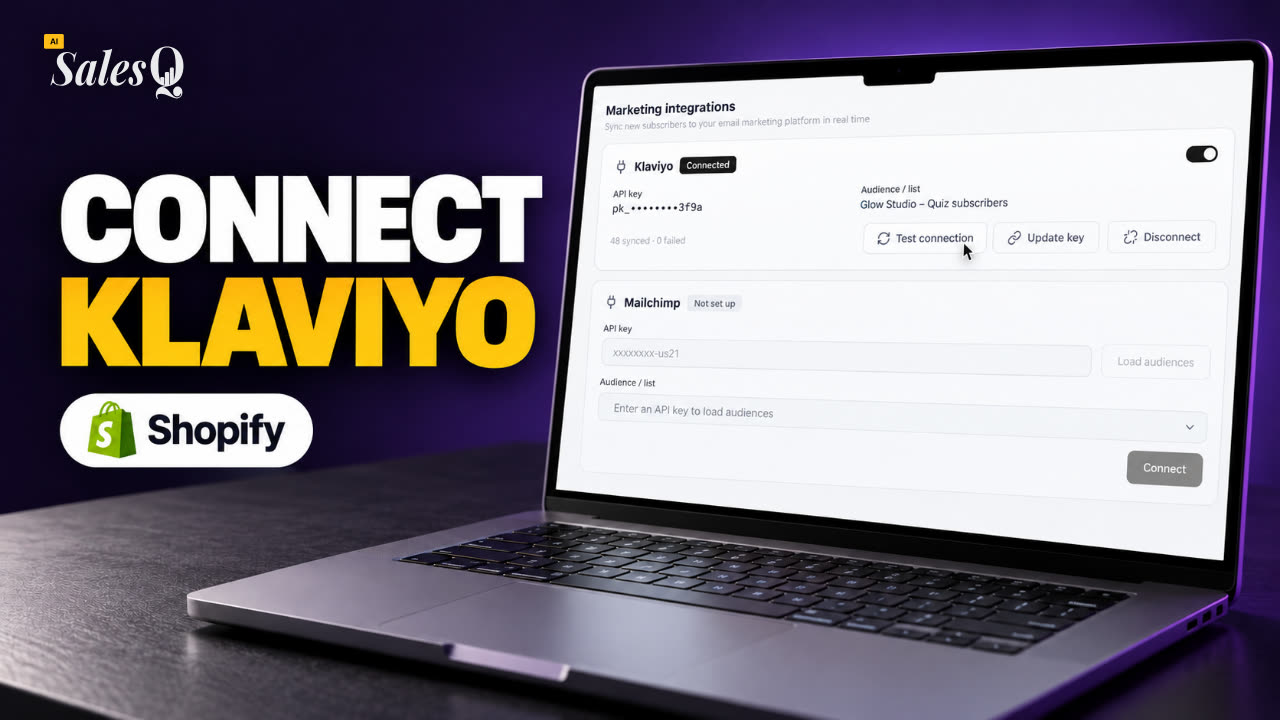 1:42Klaviyo Shopify Integration: Send Quiz Subscribers to Klaviyo
- 21
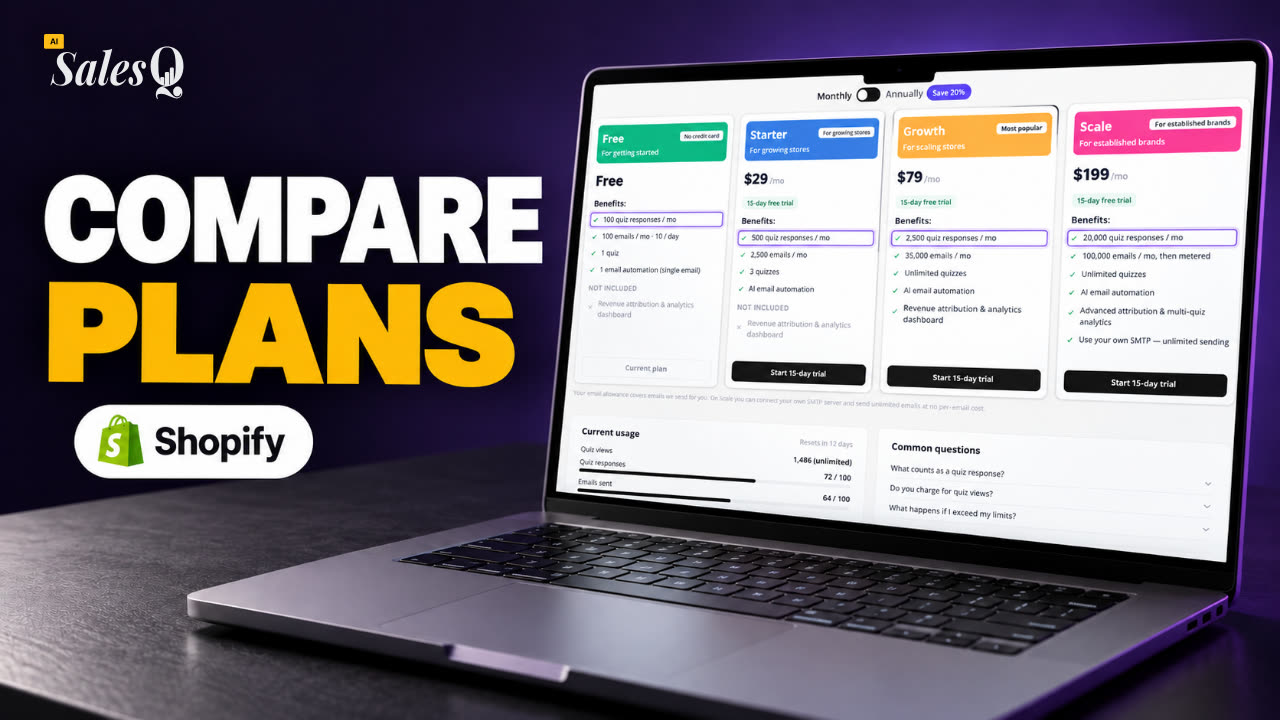 1:43Best Shopify Quiz App Pricing: AI Sales Quiz Builder Plans ComparedNow playing
Learn more
Related articles
- Change or cancel your planMove to a bigger or smaller plan, or cancel your subscription, and see what happens to quizzes, templates and automations above the new plan's limits.→
- Reaching a plan limitHow to follow your monthly usage, what the warnings mean, and what happens to your quiz and emails when you reach a limit.→
- Analytics overviewWhat each tab on the Analytics page shows, from quiz views and submissions to email engagement, automations and your subscriber base.→
Was this page helpful?
Still need help?
Can't find what you need? Talk to the people who build the app.