Emails & automations
Send emails from your own SMTP server
On the Scale plan, connect your own mail server so automation emails go out from your own address without using your plan's monthly emails.
2 min read·Updated October 20, 2026·Scale
In the appSalesQ/Settings/Your own SMTP server
In this guide
- 01Connect your own mail server to AISalesQ
- 02Send a test email to check the connection
- 03Switch your automation emails to your own server
- 04Know what happens if your server rejects an email
Before you start
- –The Scale plan (Sending and limits)
- –SMTP details from your email provider
If you have your own mail server or email provider, you can send automation emails through it. They then come from your own address and don't count towards your plan's monthly emails.
Before you start
Get the SMTP details from your email provider: the host, port, username, password and the type of encryption it uses.
Connect your server
- 1
Open Settings
In the app menu, click Settings. The SMTP settings are below the Email delivery card.
- 2
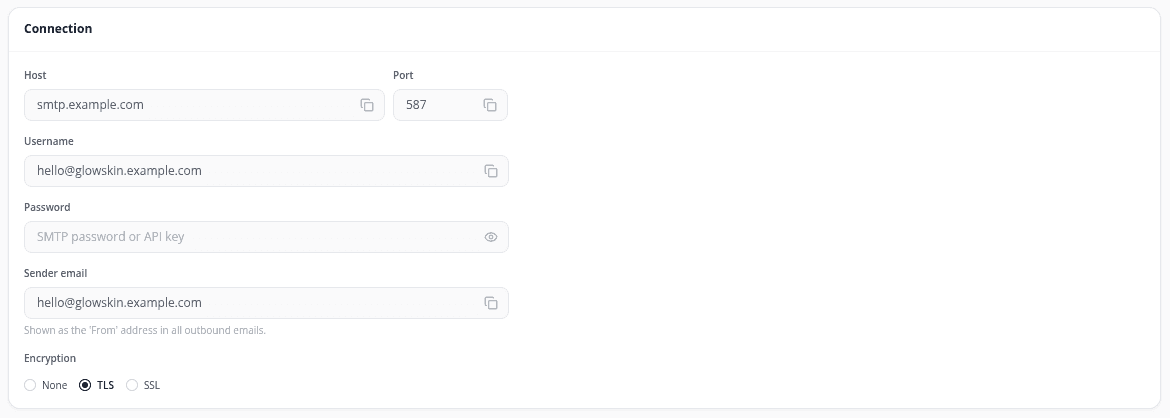
Fill in the connection
Under Connection, enter Host, Port, Username and Password. In Sender email, enter the address shoppers should see as the sender. Choose the Encryption your provider uses: None, TLS or SSL.
- 3
Choose where the test goes
Under Test connection, you can enter a Test recipient email for the test message.
- 4
Save
Click Save changes at the top of the page.
- 5
Switch SMTP on
Turn on the Active switch at the top. The status bar changes to SMTP active.
- 6
Send a test email
Click Send test email and check that the message arrives.

- 7
Send through your server
In Email delivery, select Your own SMTP server. You can select it once SMTP is active and a test email has gone through.
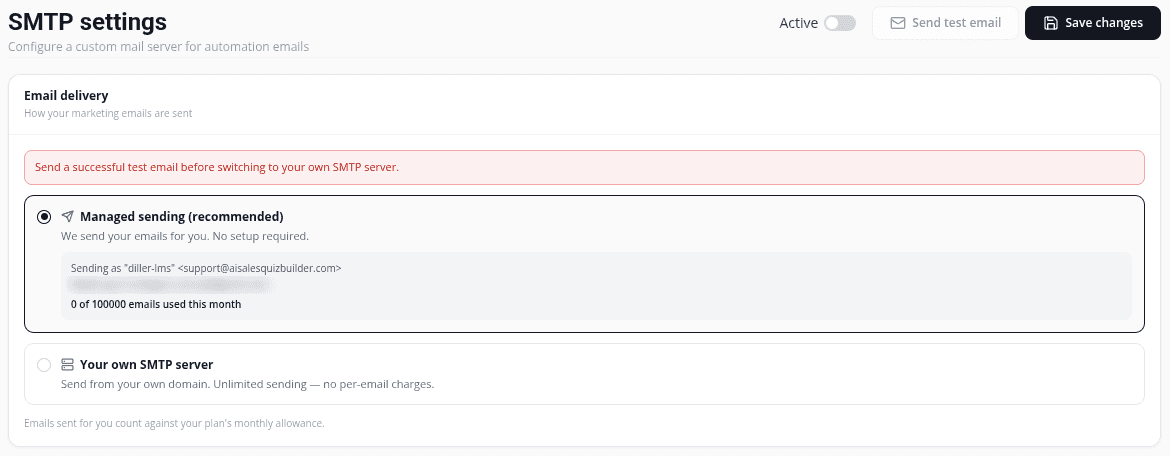
The Email delivery card then shows how many emails went through your server this month. These don't count against your plan.
If your server rejects an email
If your SMTP server rejects an email, AISalesQ delivers it with managed sending instead, so nothing is lost. Those emails count towards your plan's monthly emails. A warning with the date appears on Settings, and you get at most one notice email a day. Check your server details with your email provider.
Go back to managed sending
In Email delivery, select Managed sending (recommended). AISalesQ then delivers your emails again, and they count towards your plan's monthly emails.
Video tutorials
Watch the series in order, or jump to the one you need.
- 01
 1:32How to Install a Shopify Quiz App: AI Sales Quiz Builder Setup & Tour
- 02
 1:38How to Create a Product Recommendation Quiz on Shopify (Step by Step)
- 03
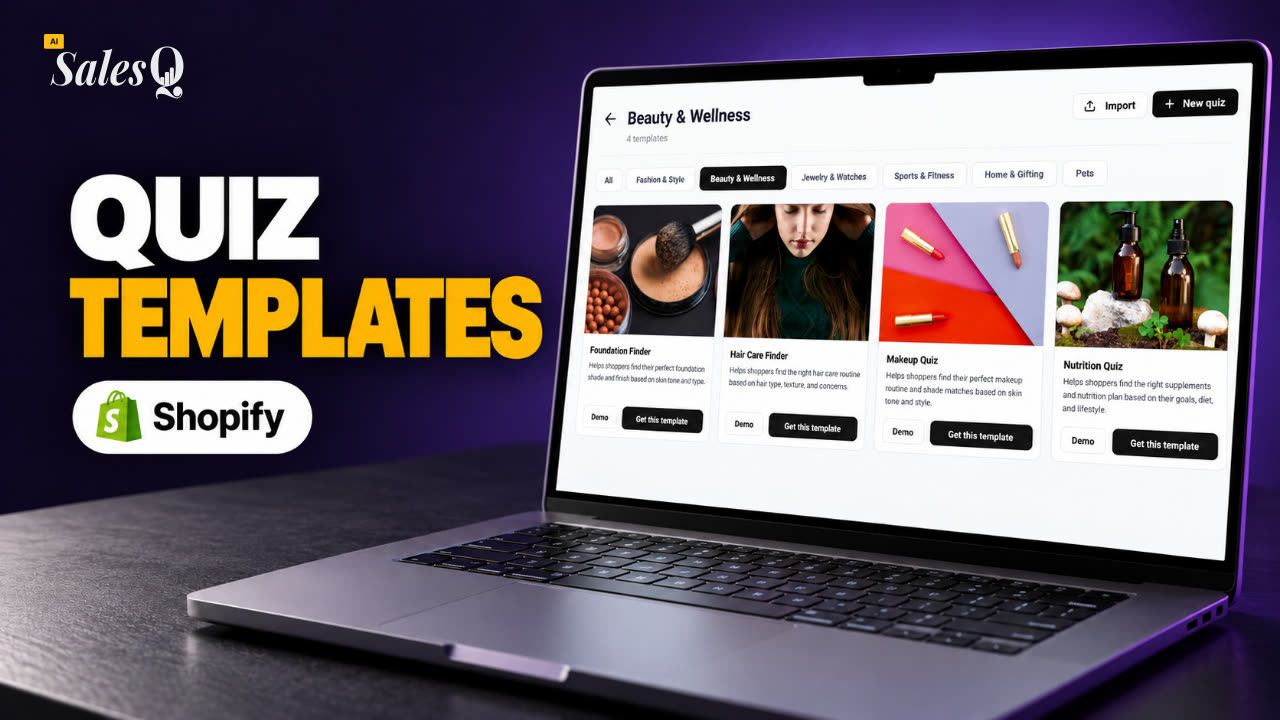 1:44Shopify Quiz Templates: Build a Product Quiz in Minutes
- 04
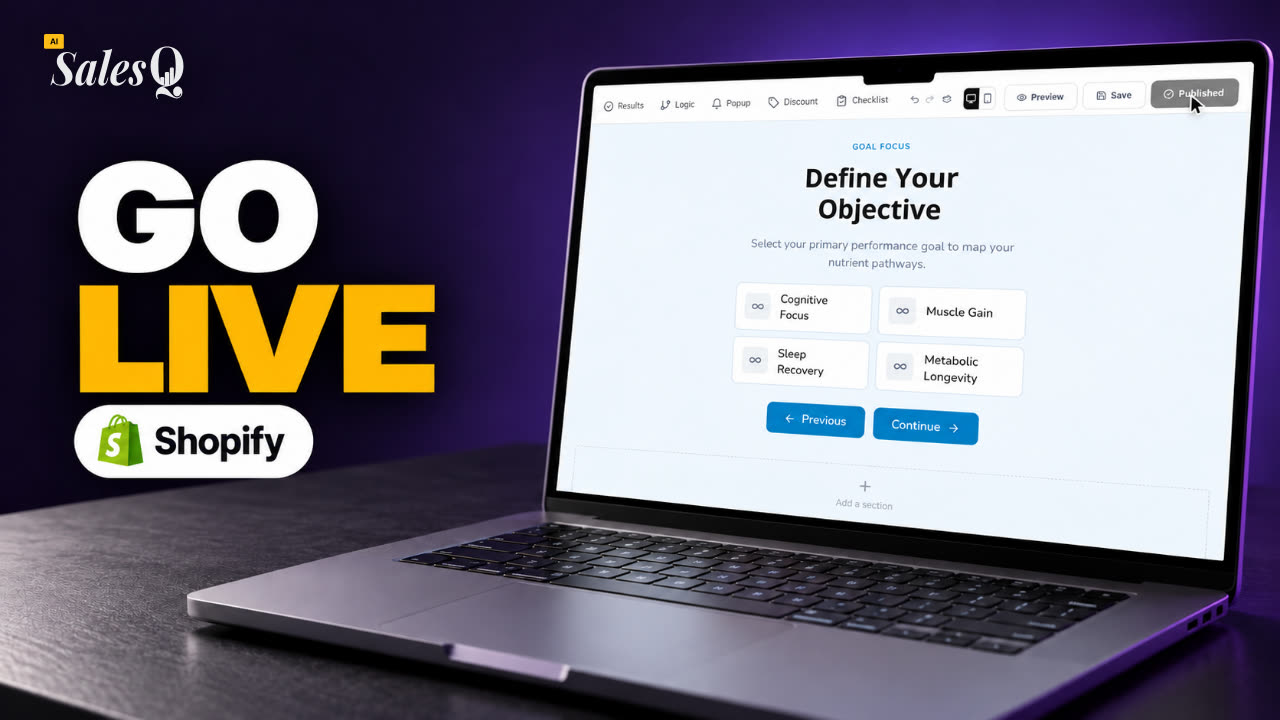 1:48How to Add a Quiz to Your Shopify Store (Publish & Embed)
- 05
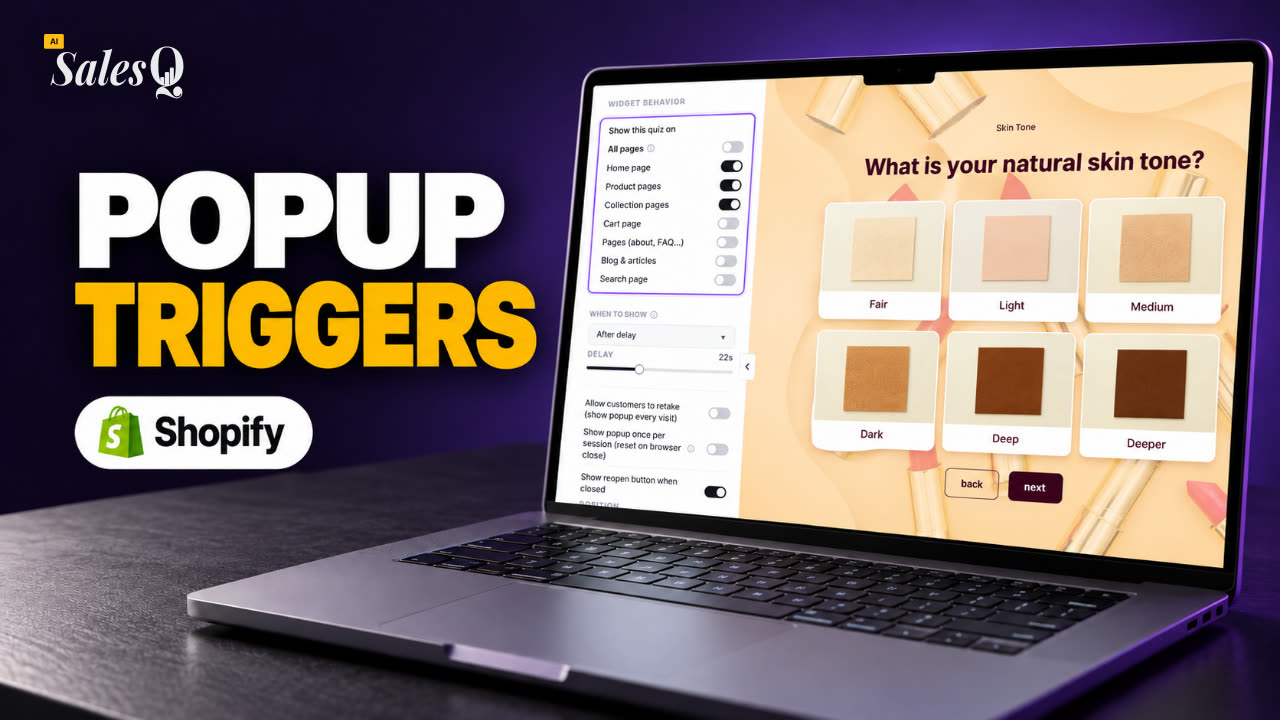 1:56Shopify Quiz Popup: Triggers, Timing & Page Targeting
- 06
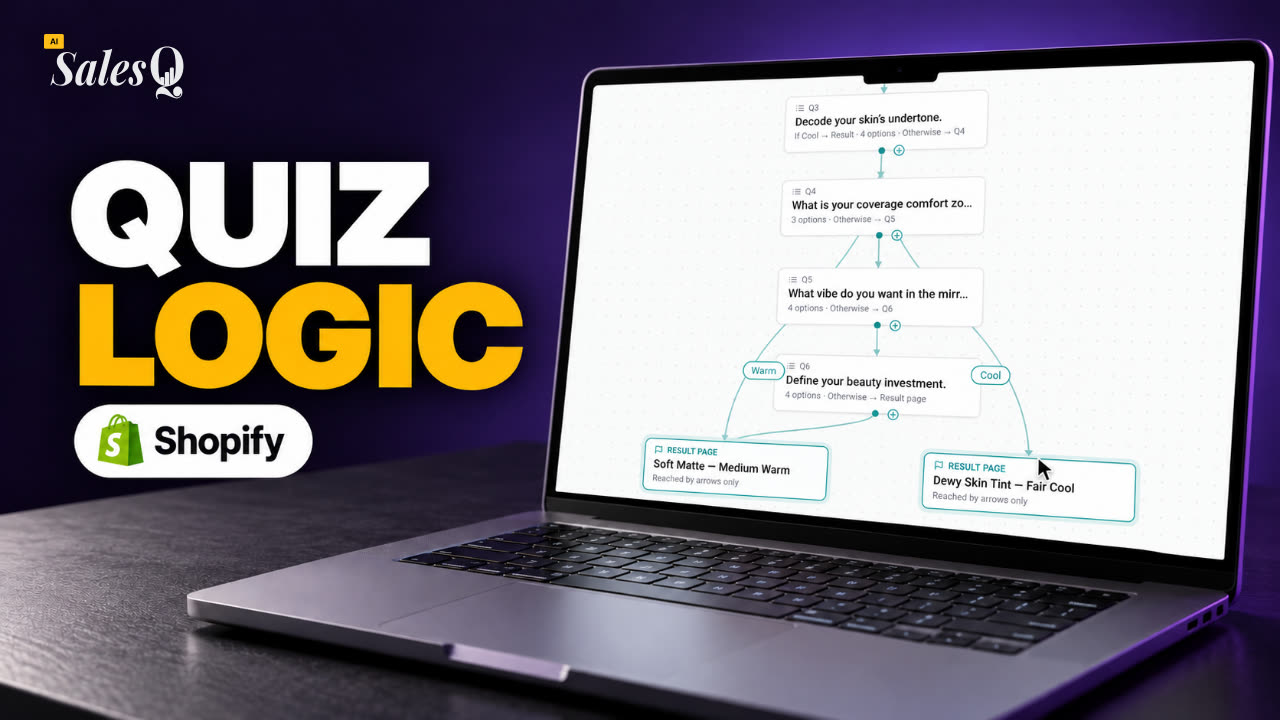 1:44Shopify Quiz Logic & Branching: Send Shoppers to the Right Product
- 07
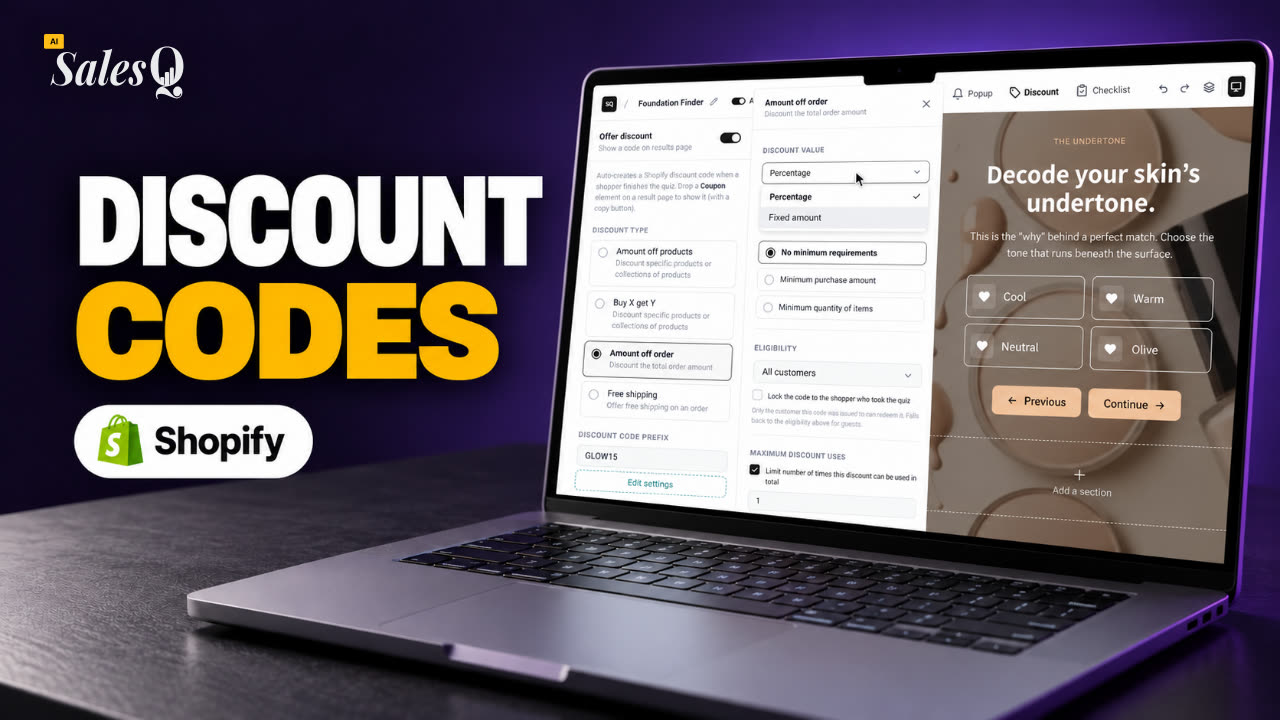 1:42Shopify Quiz Discount Codes: Unique Codes That Convert
- 08
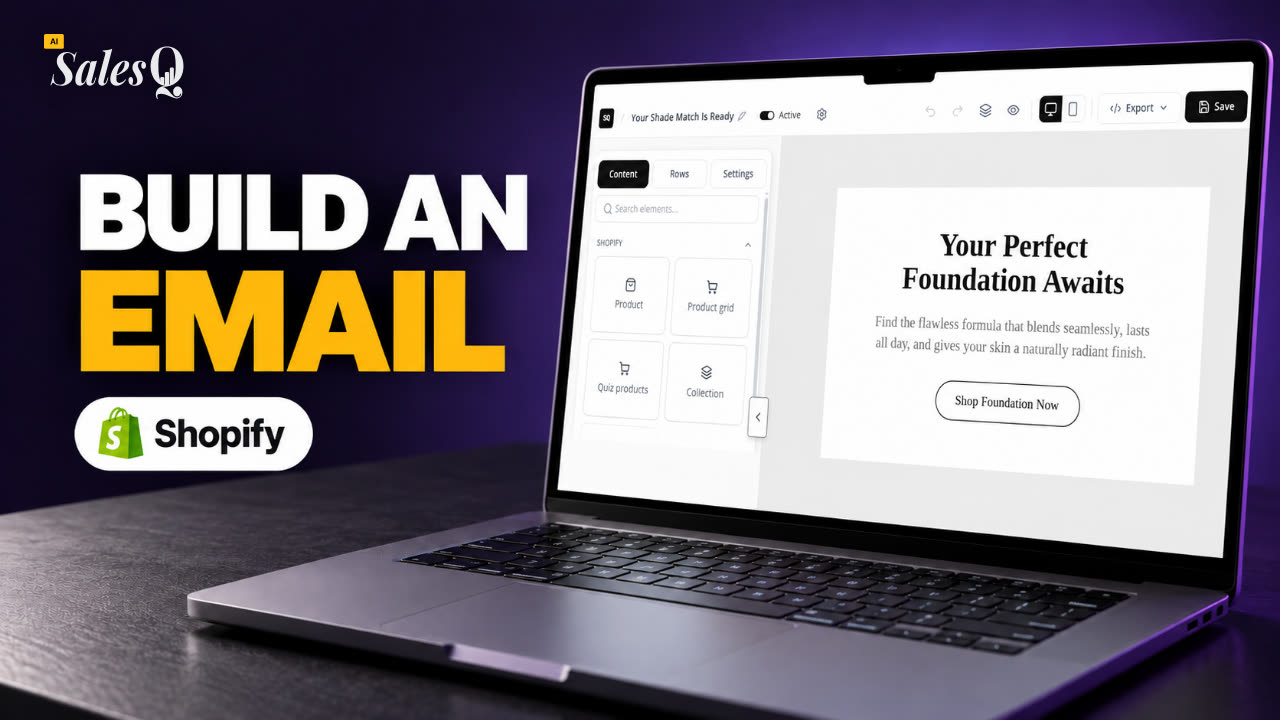 1:44Shopify Email Marketing: Create a Quiz Follow-Up Email
- 09
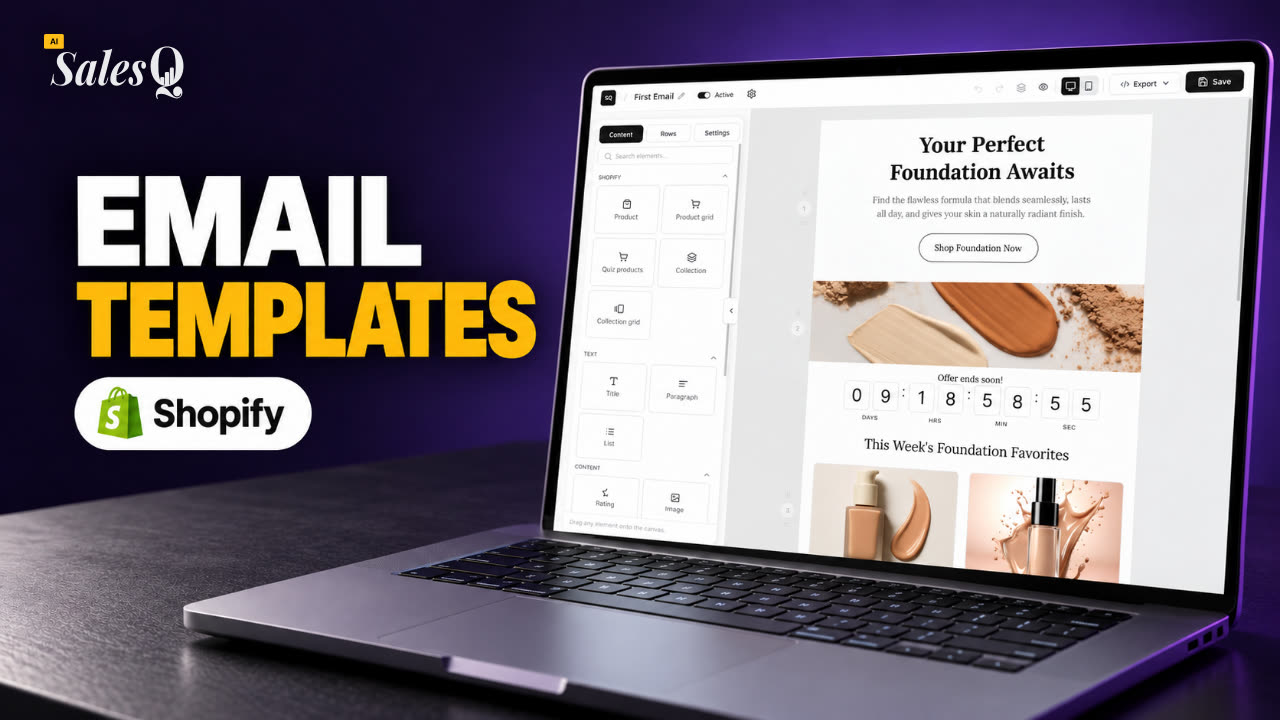 1:36Shopify Email Templates for Quiz Follow-Ups (Ready to Use)
- 10
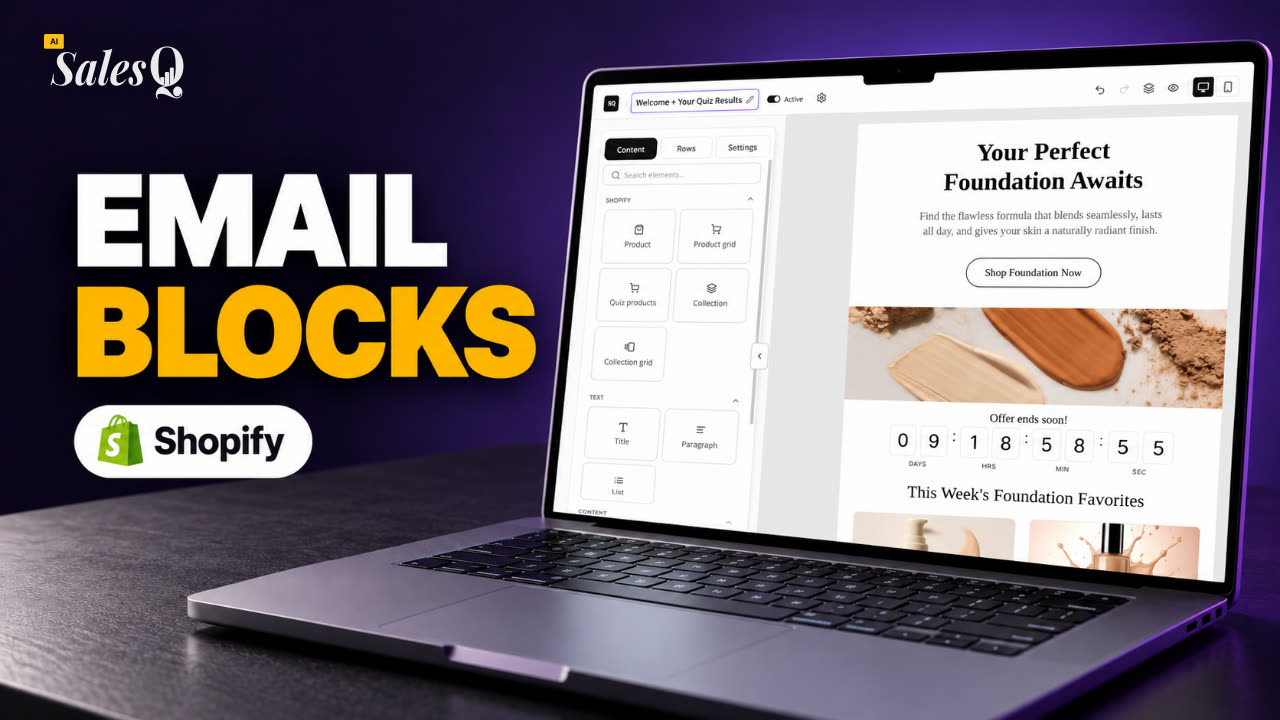 1:51Shopify Email Builder Tutorial: Drag-and-Drop Blocks
- 11
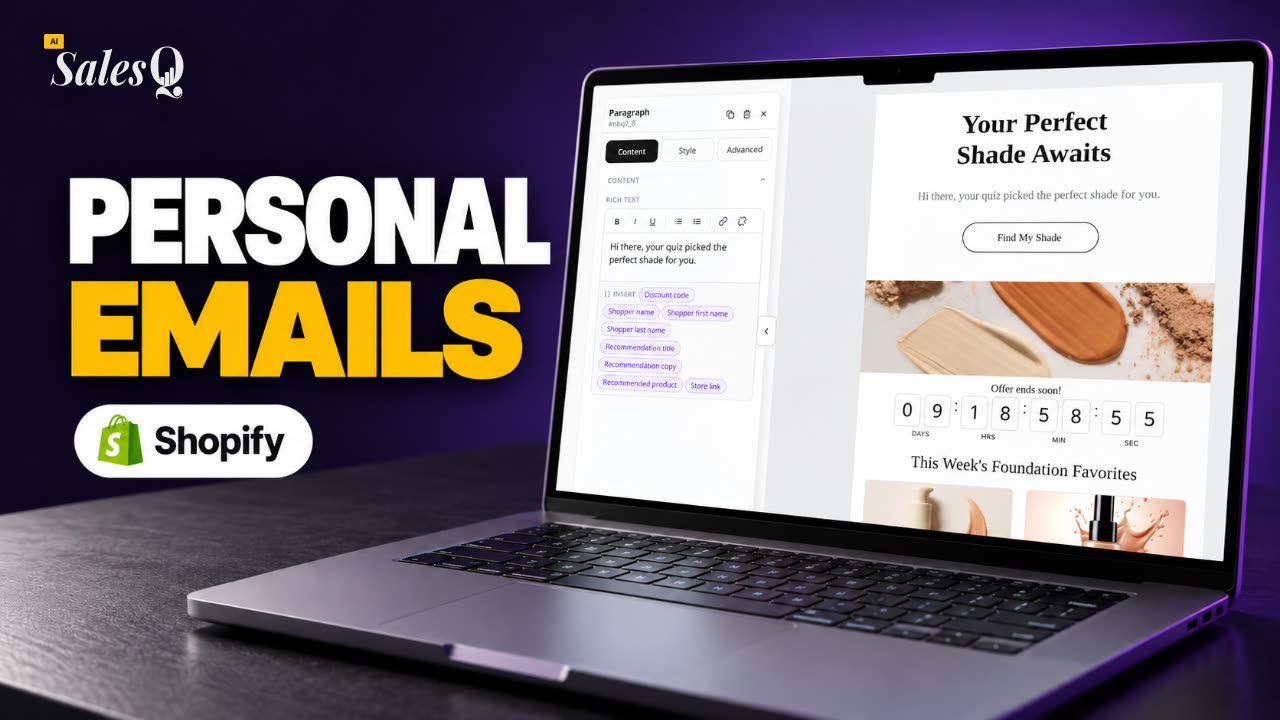 1:49Personalize Shopify Emails With Quiz Answers (Merge Tags)
- 12
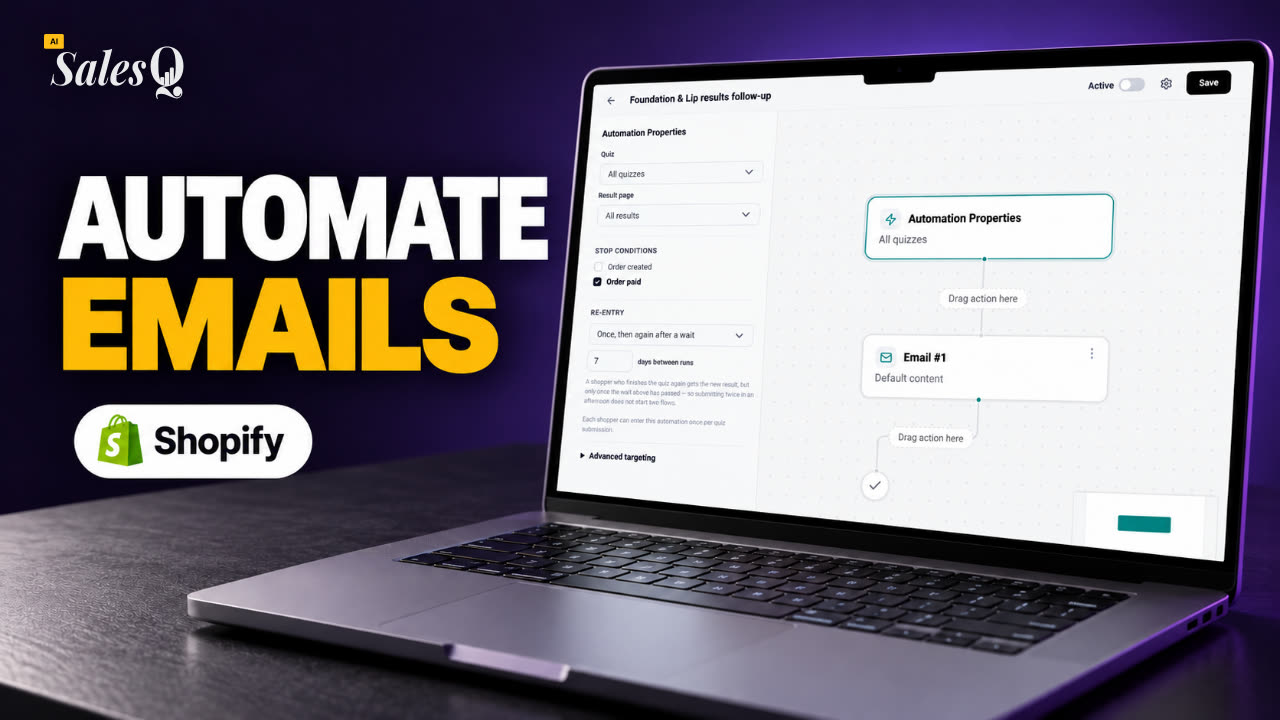 1:32Shopify Email Automation: Quiz Follow-Up Flow Step by Step
- 13
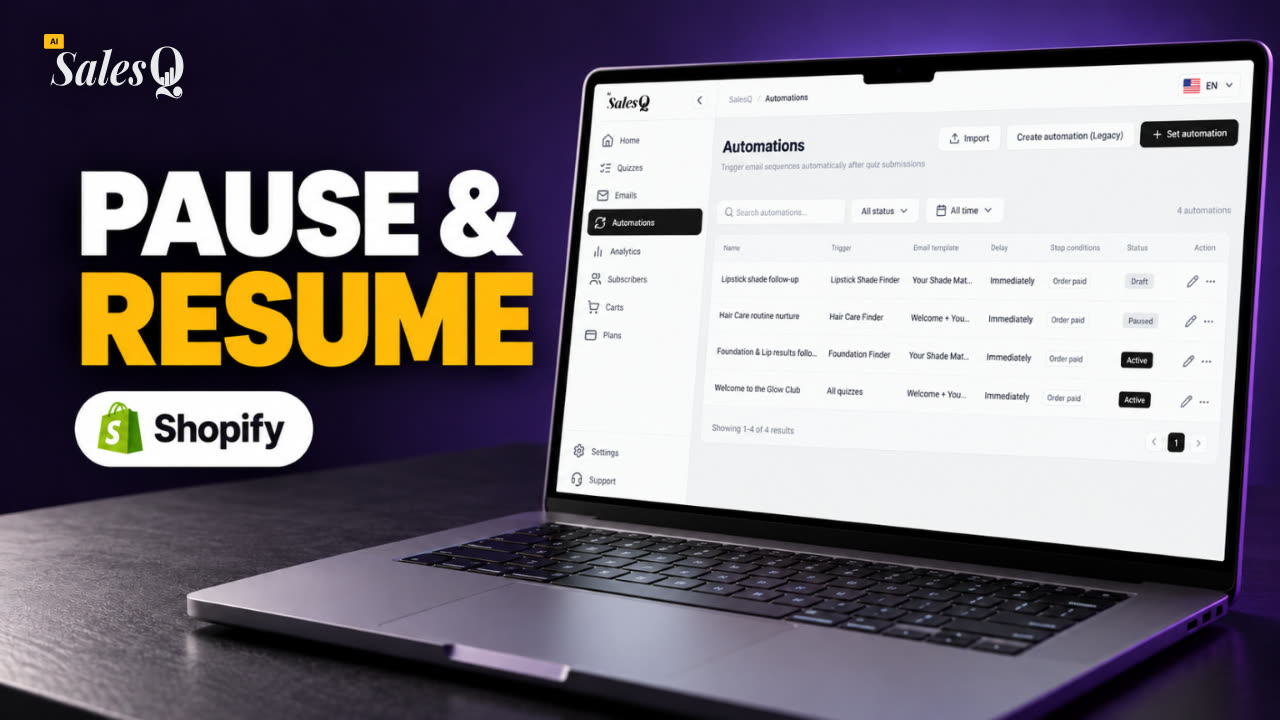 1:29Manage Shopify Email Automations: Pause, Resume & Edit Flows
- 14
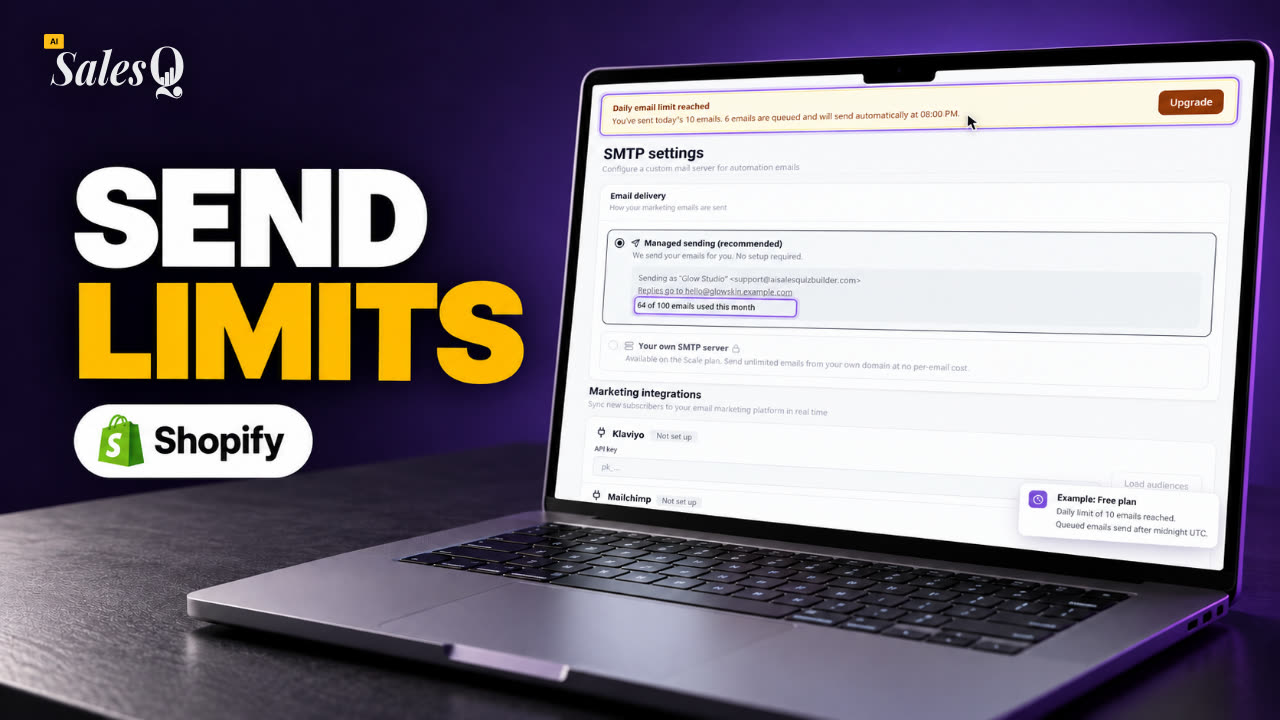 1:41Shopify Email Sending Limits Explained (Quiz Emails)
- 15
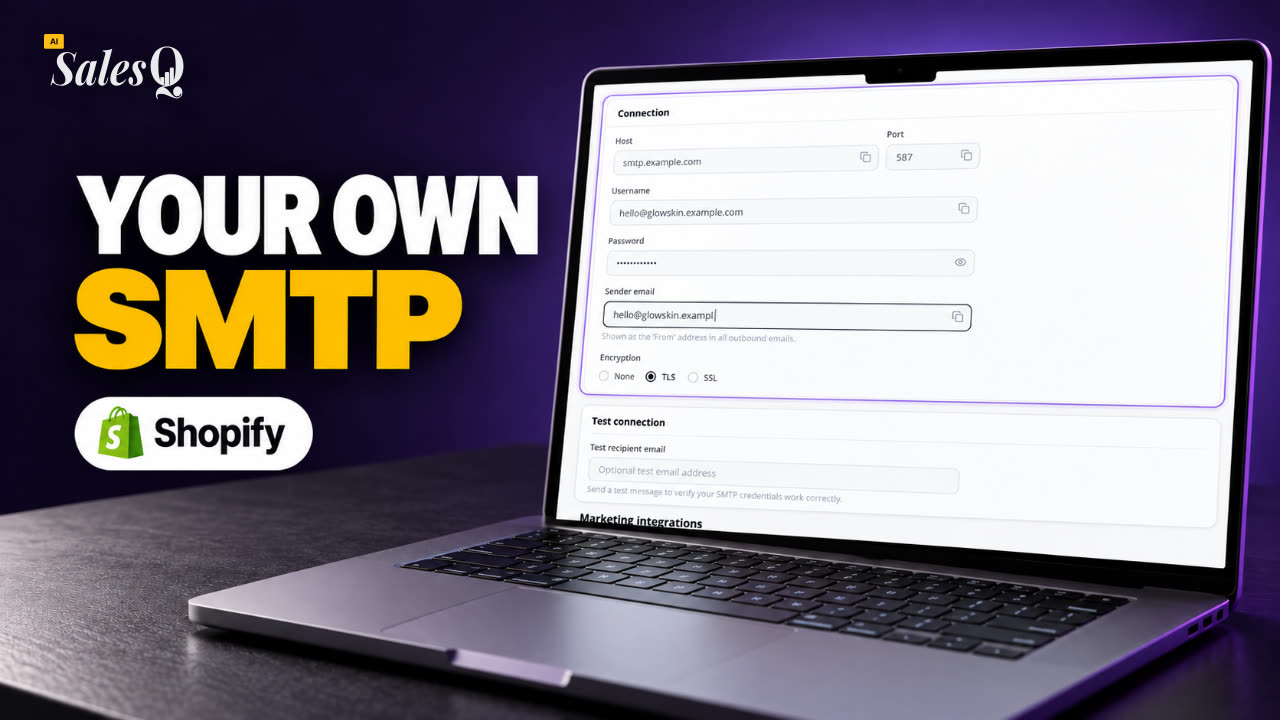 1:31Send Shopify Emails From Your Own SMTP ServerNow playing
- 16
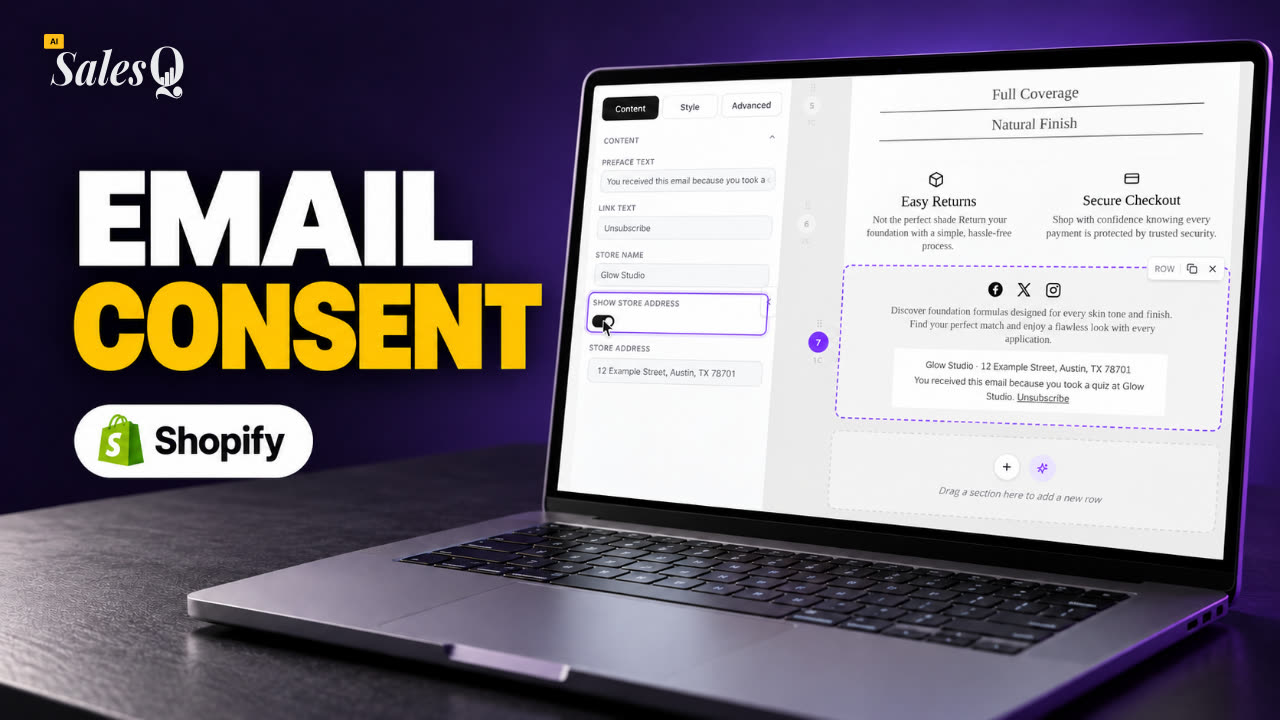 1:43Shopify Email Consent & Unsubscribe Link Explained
- 17
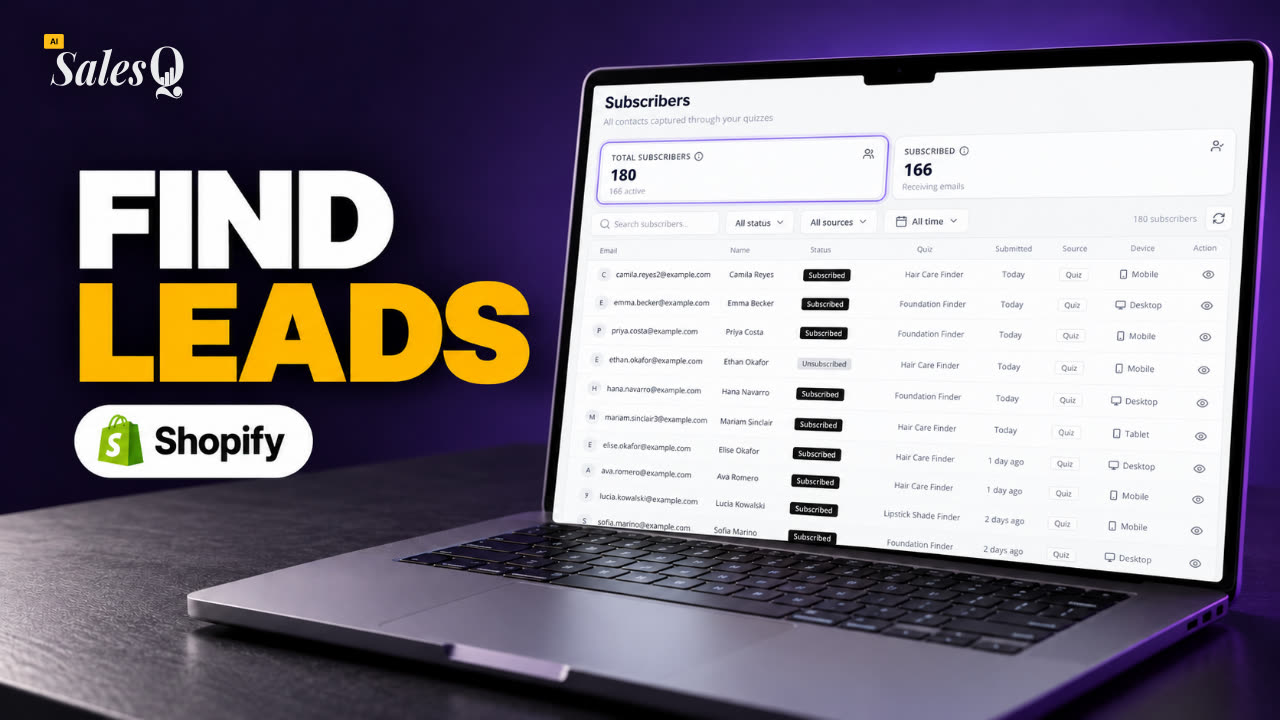 1:46Shopify Quiz Subscribers: Search, Filter & View Profiles
- 18
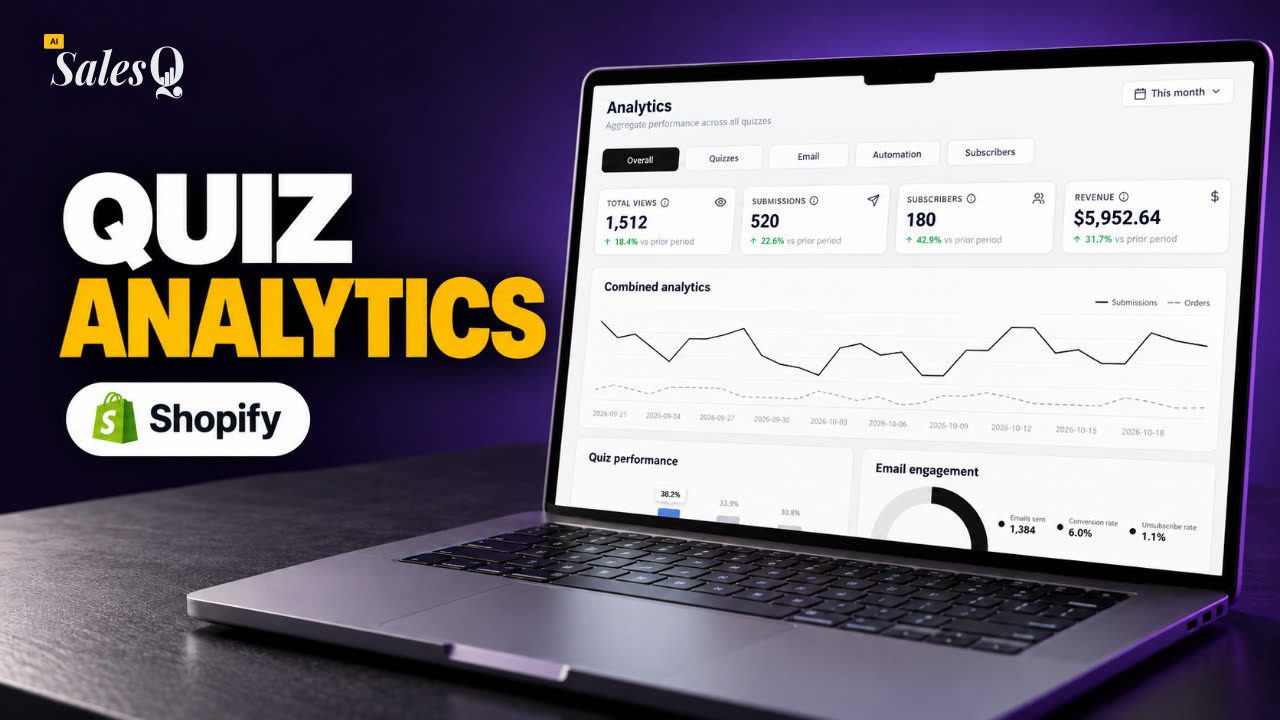 1:45Shopify Quiz Analytics: Track Revenue, Conversions & Emails
- 19
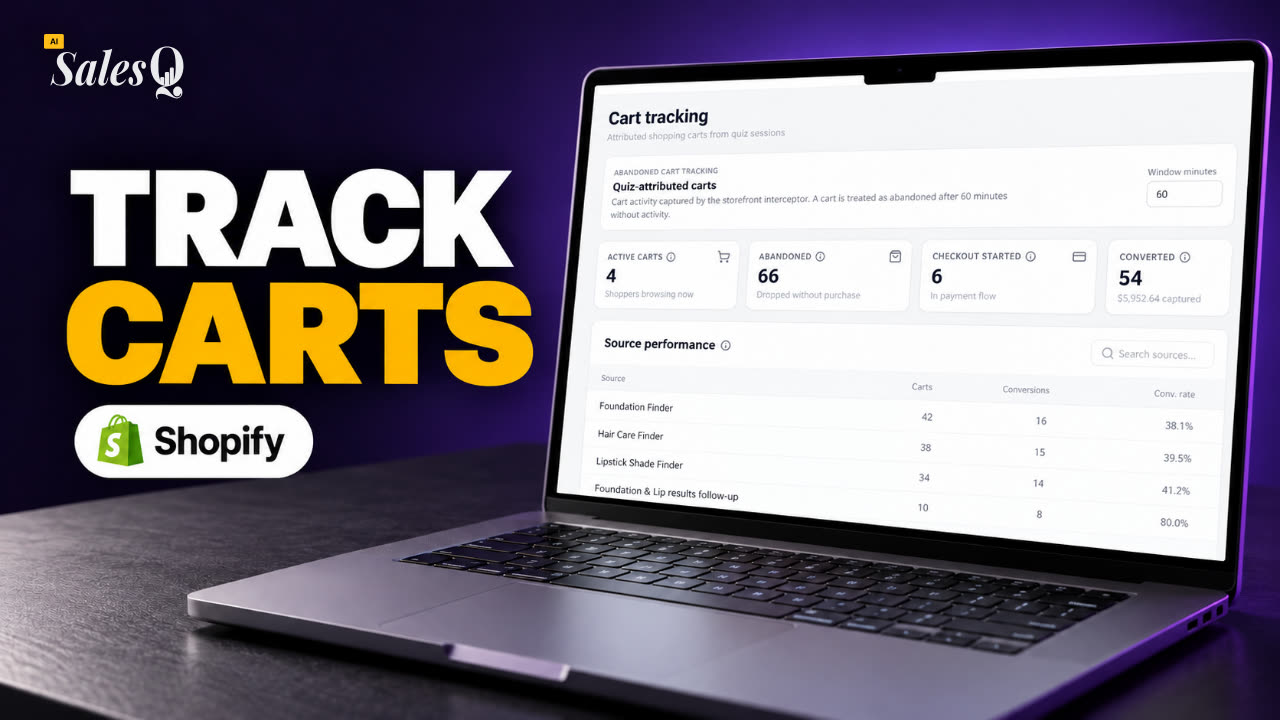 1:44Shopify Abandoned Cart Tracking for Quiz Shoppers
- 20
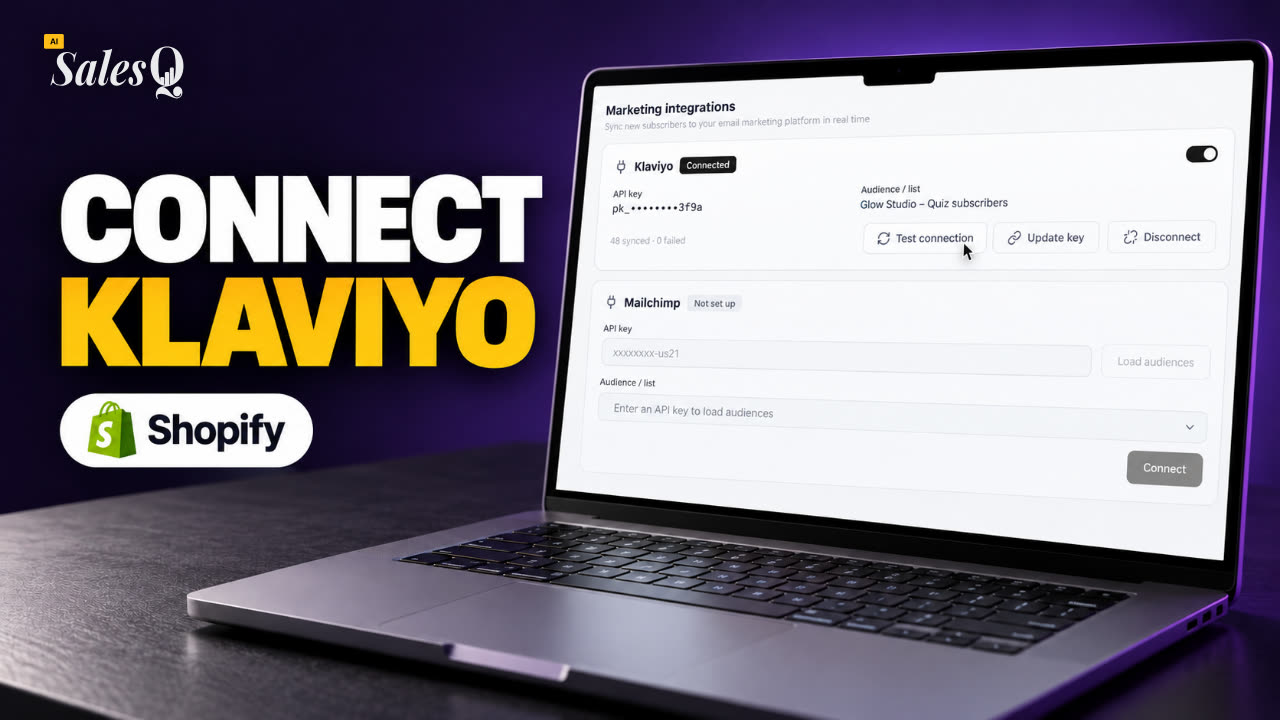 1:42Klaviyo Shopify Integration: Send Quiz Subscribers to Klaviyo
- 21
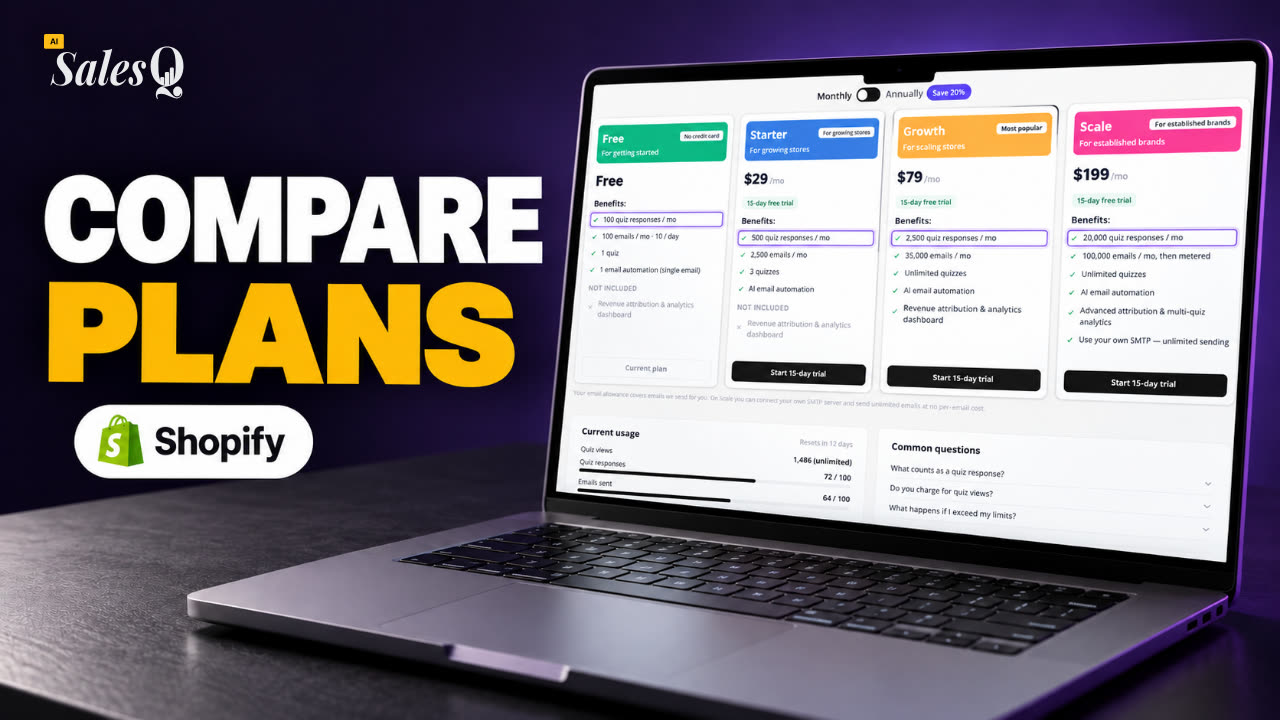 1:43Best Shopify Quiz App Pricing: AI Sales Quiz Builder Plans Compared
Learn more
Related articles
- Sending and limitsHow AISalesQ delivers your automation emails, how many you can send on each plan, and what happens when you reach a limit.→
- Create an automationSend emails automatically after a shopper finishes a quiz: choose the quiz, add emails and waits, and stop the sequence when the shopper buys.→
- Unsubscribe and consentWho receives your automation emails, how shoppers unsubscribe, and what happens to their emails after they do.→
Was this page helpful?
Still need help?
Can't find what you need? Talk to the people who build the app.